# Vaporwave Pattern Design: Retro-Futurist Aesthetics
Vaporwave pattern design is what happens when 1980s mall culture, early personal computers, and classical sculpture get fed through a glitching VHS deck. The result is a neon-soaked, dreamy, ironic look that has become one of the most recognizable visual languages of the last decade. If you want to wrap a hoodie, a phone case, or a roll of wallpaper in hot magenta grids and floating Roman busts, this guide walks through the style and shows how to build a seamless version in Pattern Weaver.
What is vaporwave pattern design
Vaporwave pattern design takes the broad vaporwave aesthetic and locks it into a repeating tile so it can cover a surface without visible seams. Where a single vaporwave illustration might show one statue against a gridded sunset, a pattern arranges those elements into an all-over composition that repeats cleanly across fabric, paper, or packaging. The mood stays the same: nostalgic, slightly melancholic, and knowingly artificial, like a memory of a future that never arrived.
The style leans on contrast. Glowing neon sits against near-black backgrounds. Crisp wireframe geometry collides with soft pastel gradients. Pristine marble busts share space with deliberately corrupted, glitched graphics. That tension between clean and broken, sincere and ironic, is the heart of vaporwave pattern design.
Origins
The aesthetic grew out of a music micro-genre in the early 2010s, built from slowed-down 1980s smooth jazz, corporate muzak, and shopping-mall ambiance. The cover art that came with that music defined the visual side: pink and teal gradients, Japanese katakana, Windows 95 windows, dolphins, palm trees, and Greco-Roman statuary. The references were intentionally commercial and dated, a nostalgic critique of consumer culture wearing the very colors of the era it questioned.
From album art the look spread to fashion, gaming interfaces, event posters, and surface design. By the time it reached textiles, vaporwave pattern design had absorbed neighbors like synthwave, outrun, and Y2K, giving designers a deep well of motifs to remix.
Visual hallmarks
A few elements signal vaporwave instantly:
- Neon gradients: pink-to-purple skies, magenta-to-cyan washes, and sunset bands.
- Perspective grids: glowing wireframe floors receding toward a horizon, borrowed from early 3D and arcade graphics.
- Classical statuary: marble busts and torsos, often duplicated or tinted neon.
- Glitch artifacts: scan lines, RGB channel splits, pixel sorting, and VHS tracking errors.
- Retro tech: old computer windows, cassette tapes, CRT monitors, and dial-up iconography.
- Nature fragments: palm trees, dolphins, and clouds rendered like clip art.
A strong vaporwave pattern design rarely uses all of these at once. The best repeats pick two or three motifs and let the neon palette tie them together.
How to generate it in Pattern Weaver
Here is the workflow inside the studio. It matches the steps you can follow along with directly.
- 1Choose the vaporwave style. Open the studio and select the vaporwave or retro-futurist style as your base. This tells our AI engine to pull from neon, grid, and glitch motifs rather than, say, botanical or geometric ones.
- 2Set scale and density. Push motif scale up for a bold statement grid, or pull it down for a fine all-over texture that reads as fabric from a distance. Density controls how busy the tile feels, so a lower setting gives the neon more room to glow.
- 3Lock your neon palette. Pick your magenta, cyan, and a pink-to-purple gradient, then lock the hues. Locking keeps every tile color-consistent so the repeat does not drift across a large print run.
- 4Generate and refine. Generate the seamless tile and check the four-side edge match. If a motif lands awkwardly at a seam, regenerate or nudge the elements until the composition flows.
- 5Export for your product. Export at the size your product needs, up to 8K (8192x8192), choosing PNG or WEBP for screen mockups and TIFF or PDF for print production.
That whole loop takes minutes, and Pattern Weaver handles the seamless repeat math so you never tile by hand. If you are new to repeats, the walkthrough on how to create seamless patterns covers the fundamentals.
Color palette ideas
Color is most of the work in any vaporwave pattern design. A few reliable directions:
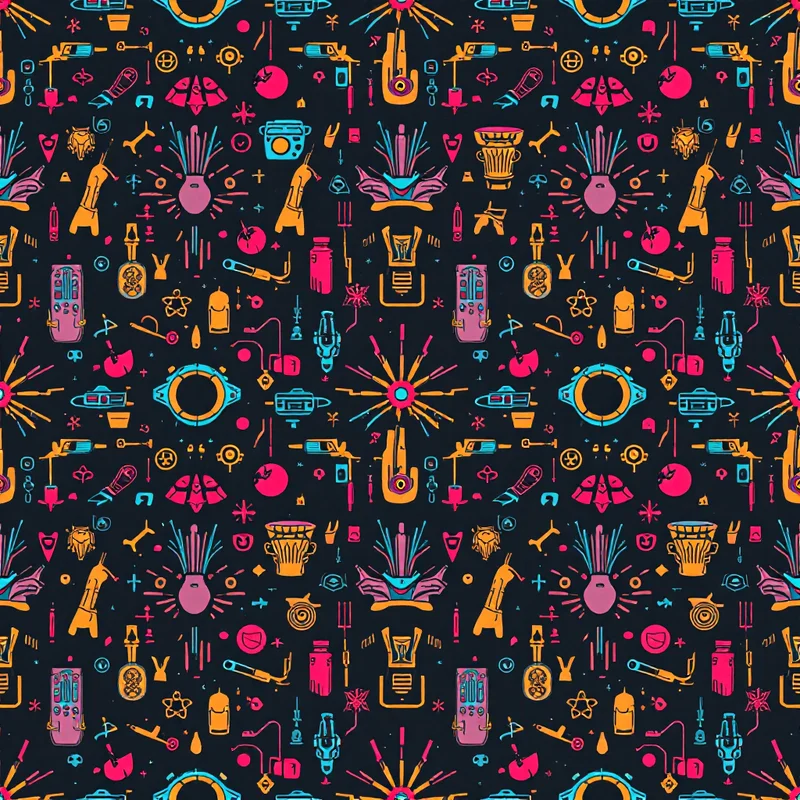
- Classic neon: hot magenta and cyan over deep indigo, with a thin white grid for structure.
- Sunset gradient: peach to coral to violet, fading into a dark horizon, evoking outrun skies.
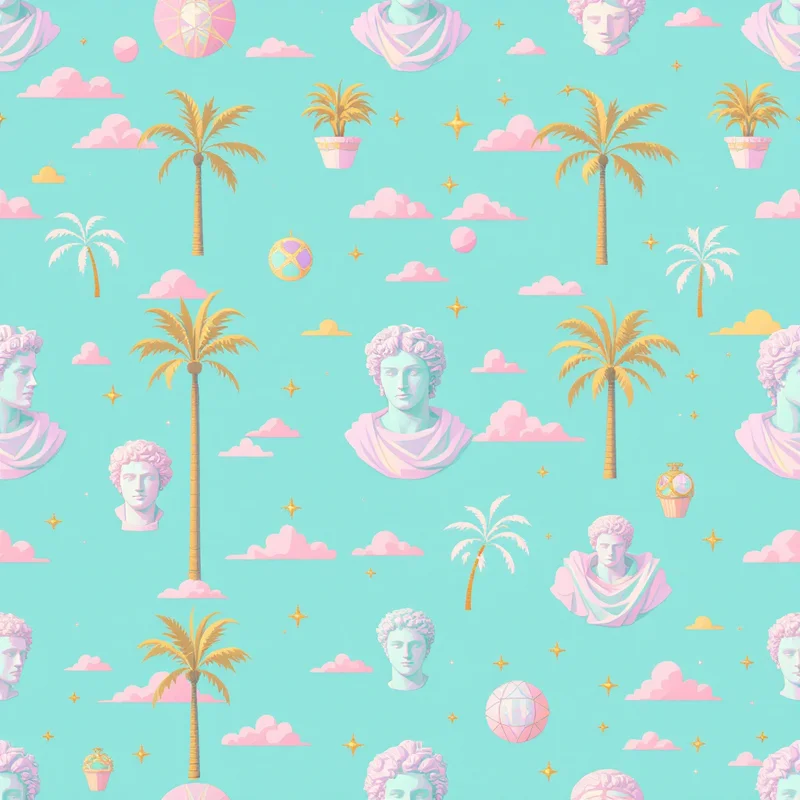
- Pastel dream: soft lavender, mint, and baby pink for a gentler, dreamcore-adjacent feel.
- Glitch contrast: black background with split red and cyan channels for the corrupted look.
Keep one anchor dark tone so the neon has something to glow against. Without that contrast the whole tile reads flat and washed out.
Best use cases
Vaporwave pattern design carries a product line because it is so recognizable. It works well on:
- Streetwear: hoodies, tees, and bucket hats where bold contrast reads from across a room.
- Phone cases and stickers: small surfaces where the neon palette survives downscaling.
- Music and event branding: covers, posters, and merch for electronic and lo-fi acts.
- Gaming and tech accessories: mouse pads, deck skins, and desktop wallpapers.
The look survives compression and tiny thumbnails better than subtle styles, which makes it a strong pick for print-on-demand. The guide on pattern design for print-on-demand goes deeper on prepping files for those platforms.
Pro tips
- Limit your motifs. Two or three elements plus a strong palette beat a cluttered tile.
- Mind the seam. Generate, then inspect the edges; busy motifs that cross a seam can break the repeat illusion.
- Vary scale across a collection. Pair one bold grid pattern with a finer all-over texture so products in a set feel related but not identical.
- Test on the actual surface. A tile that sings on screen can muddy on dark fabric, so mock it up before a full run.
- Lean into imperfection. Slight glitch and grain are on-style; over-polishing kills the nostalgic feel.
If you want to compare AI workflows, the overview on how to make a pattern with AI puts vaporwave in context with other styles.
Ready to build your own
Vaporwave pattern design rewards a clear palette, a couple of strong motifs, and a clean seamless repeat, and that is exactly what the studio is built to deliver. Browse style starting points on the create page, then jump into the studio to generate your first neon grid. When you are ready to scale up to a full product line, check the pricing page to find the plan with the credits and export resolution you need.


