


Print-Ready Pattern Export

Export seamless patterns at up to 8K in PNG, TIFF, and PDF with bleed margins and CMYK support. Production files ready for your printer, supplier, or POD platform.

5 free credits — no credit card required

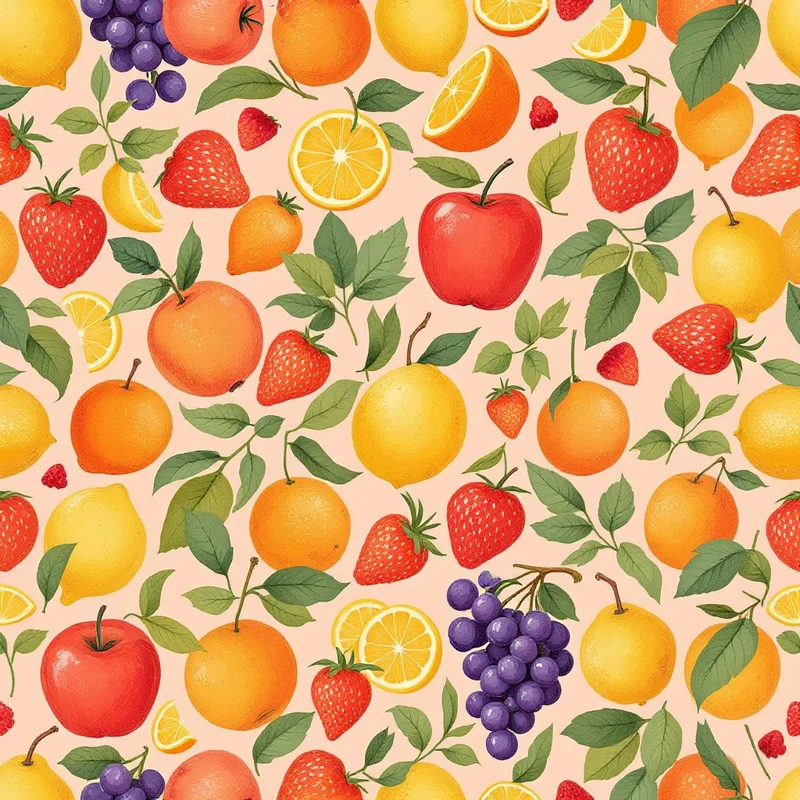
Seamless geometric chevron blue pattern tileSeamless geometric hexagons red pattern tileSeamless botanical rose pink pattern tileSeamless botanical monstera green pattern tileSeamless abstract colorfield pink pattern tileSeamless abstract splatter red pattern tileSeamless cultural arabic terracotta pattern tileSeamless cultural japanese indigo pattern tileSeamless animal tiger orange pattern tileSeamless vintage artdeco gold pattern tileSeamless nautical waves blue pattern tileSeamless watercolor rose blush pattern tileSeamless crochet granny square multi pattern tileSeamless kids dinosaur green pattern tileSeamless food fruit colorful pattern tileSeamless tech circuit green pattern tileSeamless geometric chevron blue pattern tileSeamless geometric hexagons red pattern tileSeamless botanical rose pink pattern tileSeamless botanical monstera green pattern tileSeamless abstract colorfield pink pattern tileSeamless abstract splatter red pattern tileSeamless cultural arabic terracotta pattern tileSeamless cultural japanese indigo pattern tileSeamless animal tiger orange pattern tileSeamless vintage artdeco gold pattern tileSeamless nautical waves blue pattern tileSeamless watercolor rose blush pattern tileSeamless crochet granny square multi pattern tileSeamless kids dinosaur green pattern tileSeamless food fruit colorful pattern tileSeamless tech circuit green pattern tile

How print-ready export works

01

Create your pattern

Generate a seamless tile in the studio, or bring your own. Fix seams and upscale as needed.

02

Choose format and resolution

Select PNG, JPG, WEBP, TIFF, or PDF. Set resolution up to 8K and add optional bleed margins.

03

Export production file

Download your print-ready file with the exact specifications your printer or supplier needs.

Export formats and features

PNG, JPG, WEBP

Standard raster formats for web, digital products, and general-purpose use. Full quality at any resolution.

TIFF export

Industry-standard format for professional printing. Supports CMYK color mode for accurate color reproduction in press.

PDF output

Vector-wrapped raster for print workflows. Compatible with prepress software and RIP systems.

Up to 8K resolution

8192 × 8192 pixels at 300 DPI — over 27 inches per side. Large enough for wide-format and oversized printing.

Bleed margins

Add print bleed margins for trimming tolerance. Essential for textile printing, wallpaper, and packaging production.

CMYK-safe colors

Color palette includes CMYK safety indicators so your on-screen design translates accurately to print.

From screen to production

The gap between a beautiful on-screen pattern and a production-ready file is often where designs stall. Professional printing requires specific file formats, color modes, resolutions, and trim specifications. Pattern Weaver handles this entire pipeline — from AI-generated tile to press-ready export — in a single tool.

For textile printing, the standard is a TIFF file in CMYK color at 300 DPI with bleed margins. For wallpaper production, suppliers typically need high-resolution TIFF or PDF files with exact repeat dimensions. For print-on-demand platforms like Printful or Redbubble, high-quality PNG at maximum resolution is usually sufficient.

Pattern Weaver supports all of these workflows. Export at up to 8K resolution (8192 × 8192 pixels) — over 27 inches per side at 300 DPI. Add bleed margins for clean trimming. Choose TIFF with CMYK for professional print, PDF for prepress compatibility, or high-resolution PNG and WEBP for digital use.

The complete production workflow: generate a pattern tile, use the seamless fixer to ensure perfect tiling, upscale to print resolution, choose your repeat layout, preview on product mockups, and export. The entire process takes minutes.

Frequently asked questions

What file formats does Pattern Weaver support?

Export as PNG, JPG, WEBP, TIFF, or PDF. PNG and WEBP support transparency. TIFF supports CMYK color for professional printing. PDF wraps the raster in a print-ready container compatible with prepress workflows.

What is the maximum resolution?

Up to 8K (8192 × 8192 pixels). At 300 DPI, this gives you roughly 27 × 27 inches of print area — large enough for wallpaper panels, wide-format fabric printing, and oversized posters.

What are bleed margins?

Bleed margins are extra space added around the edges of your tile. When fabric or paper is trimmed during manufacturing, the bleed ensures the pattern extends to the very edge with no white gaps. Pattern Weaver adds bleed marks automatically when you enable them.

Do I need TIFF for printing?

TIFF is the industry standard for professional print production because it supports CMYK color mode and lossless compression. If your printer or fabric supplier requests a TIFF file, Pattern Weaver can export directly in that format. For print-on-demand services, high-quality PNG is usually sufficient.

What DPI should I use?

300 DPI is the standard for high-quality printing. Pattern Weaver exports at 300 DPI by default. For web and digital use, 72 DPI is sufficient. The actual pixel dimensions matter most — an 8K tile at 300 DPI gives you over 27 inches of print area.

Does export cost credits?

No. Exporting, resizing, format conversion, and adding bleed margins are all free. Credits are only used for AI operations — generating patterns, fixing seams, and enhancing resolution.

Export production-ready patterns today

5 free credits. Full studio access. No credit card needed.

This site uses cookies to ensure you get the best experience. Learn more