
Pattern Mockup Generator

See your patterns on real products — instantly. Preview on t-shirts, tote bags, pillows, mugs, and more. No Photoshop needed.

5 free credits — no credit card required

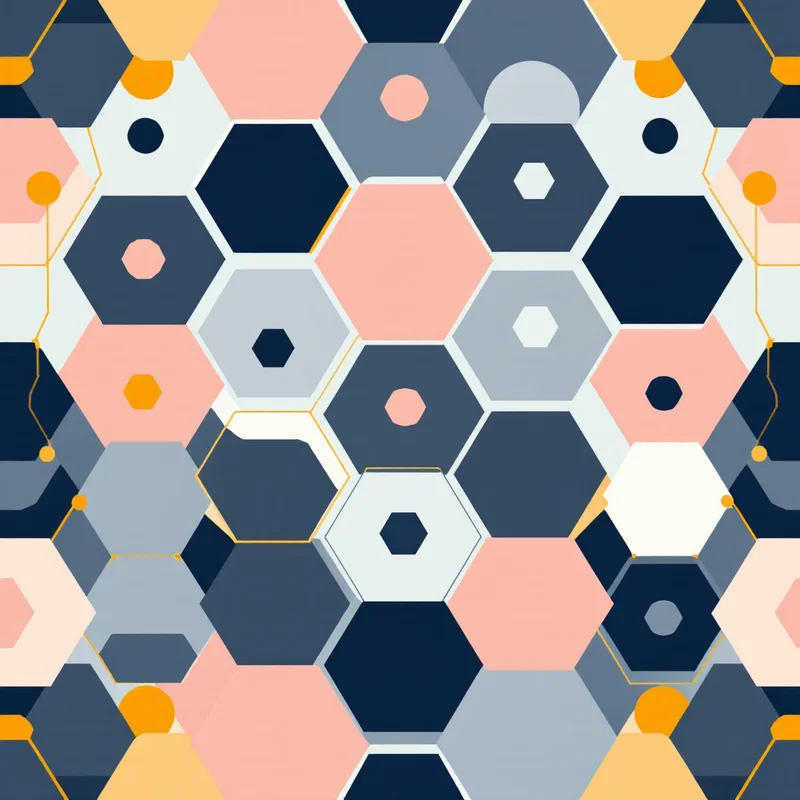
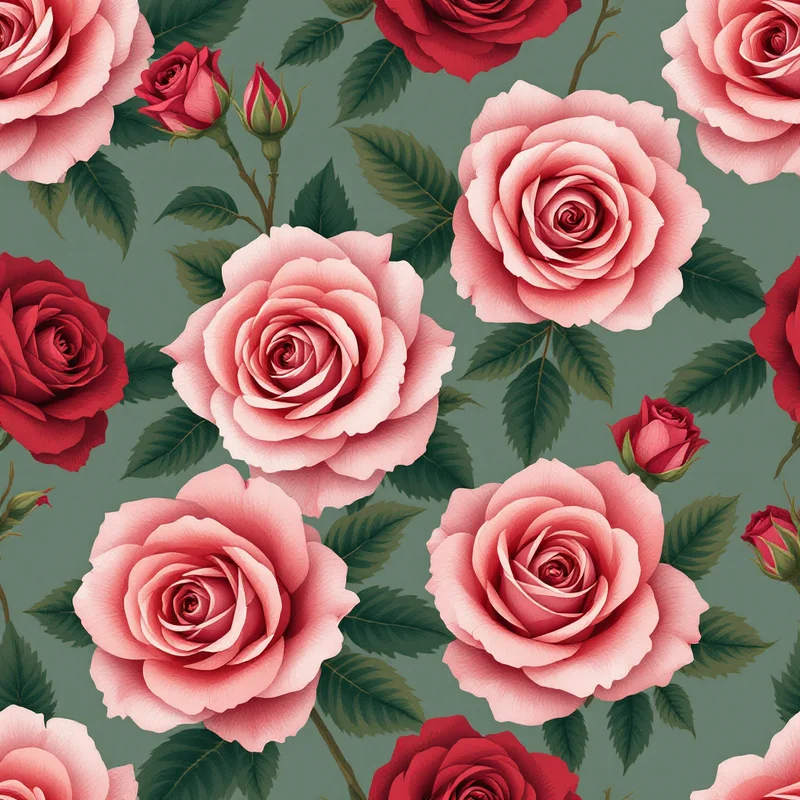
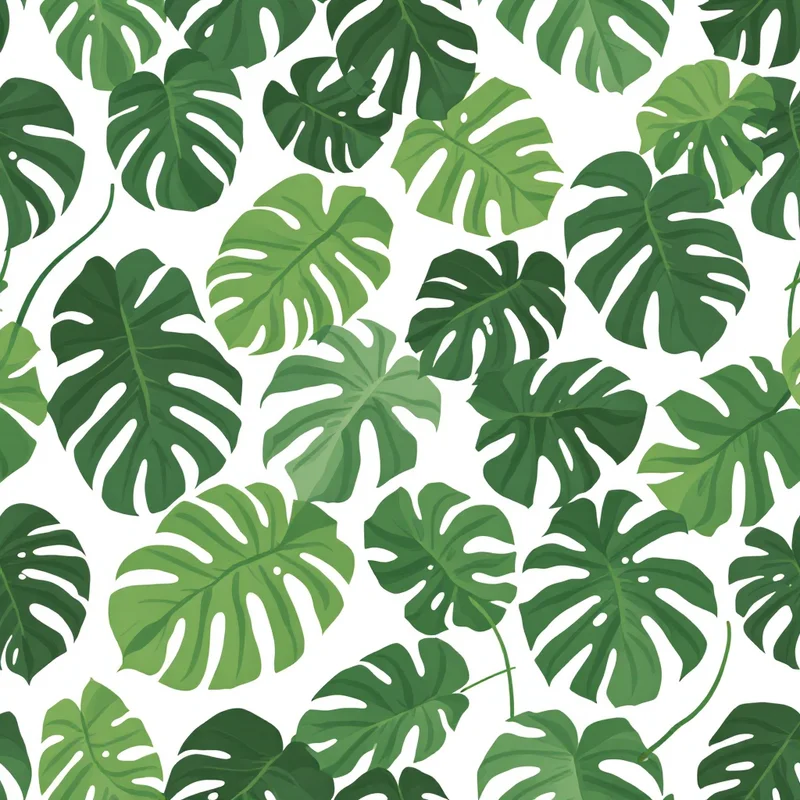
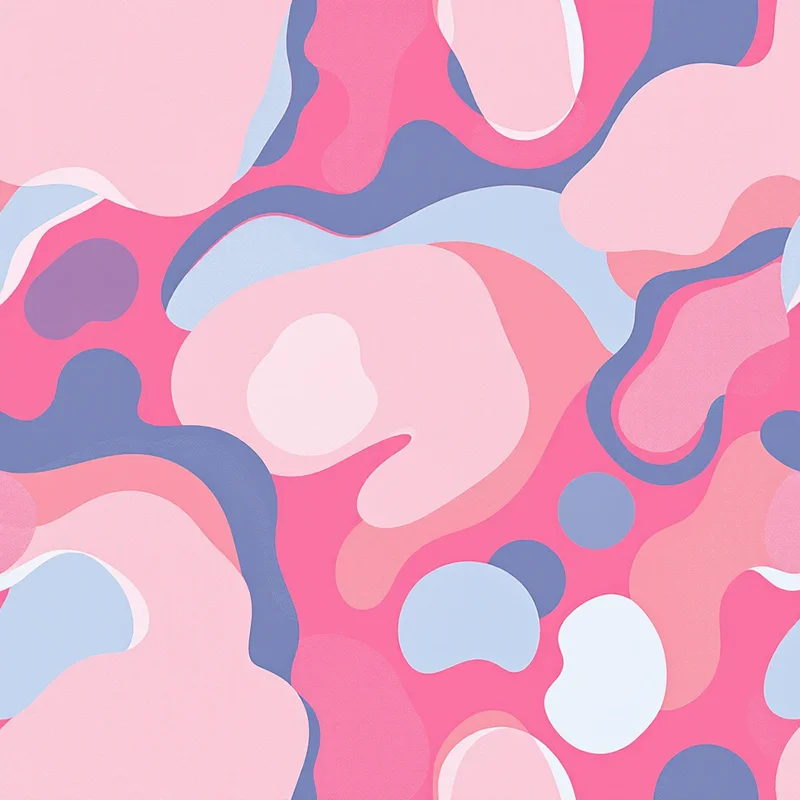
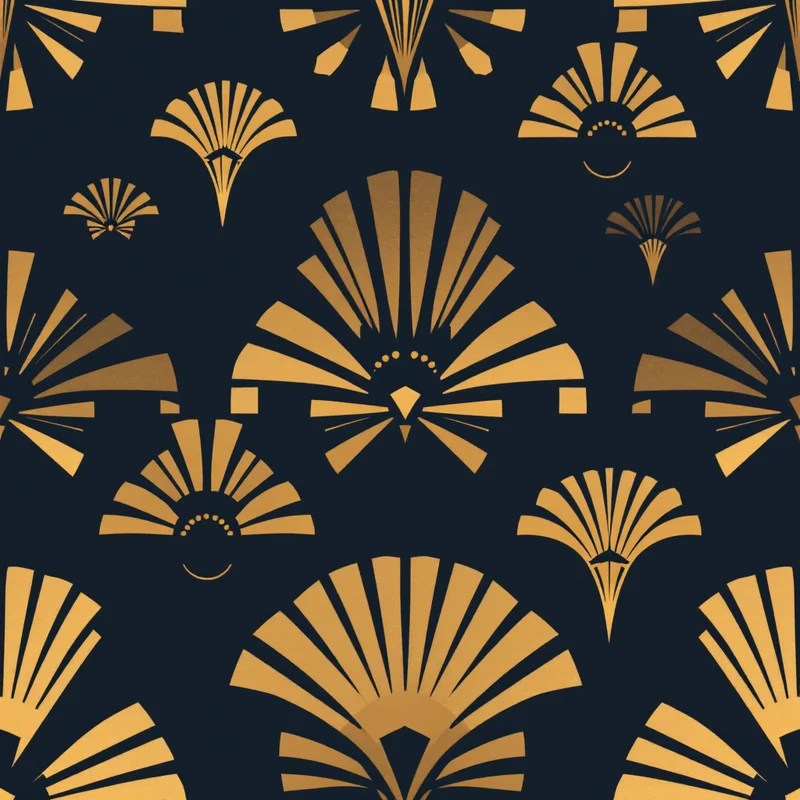
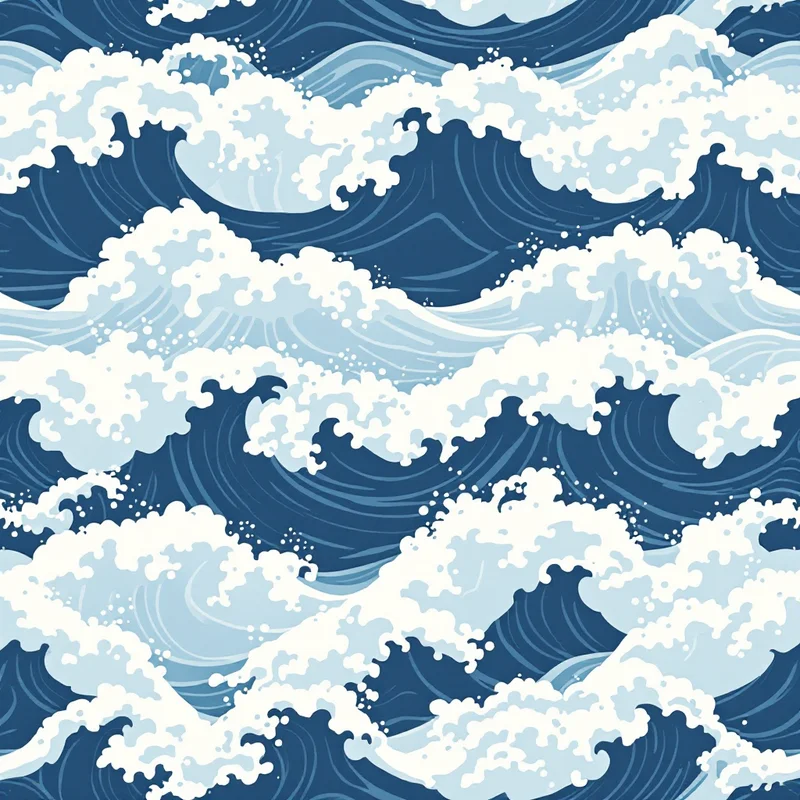
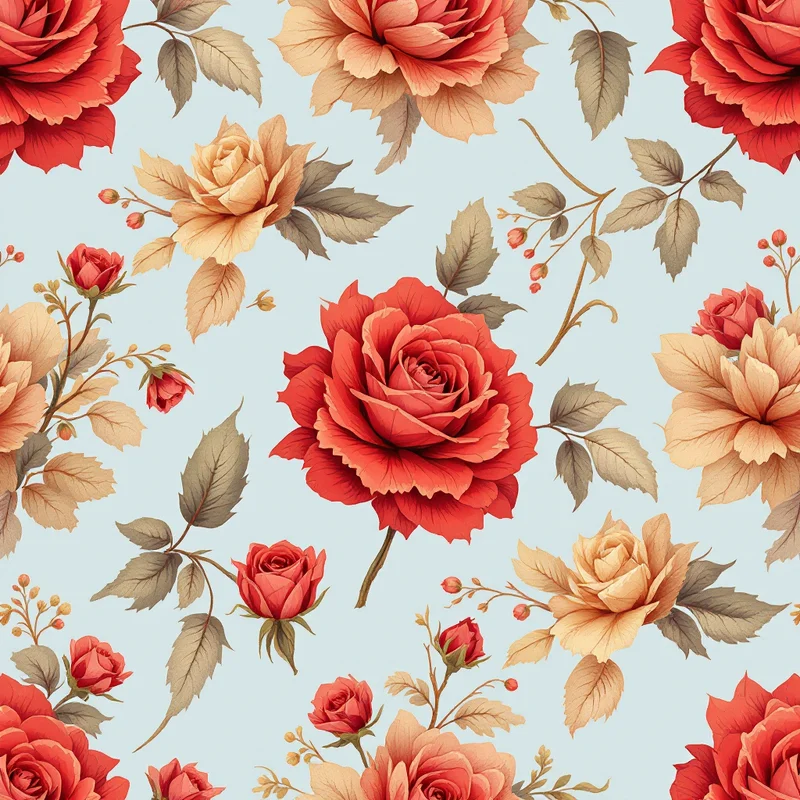
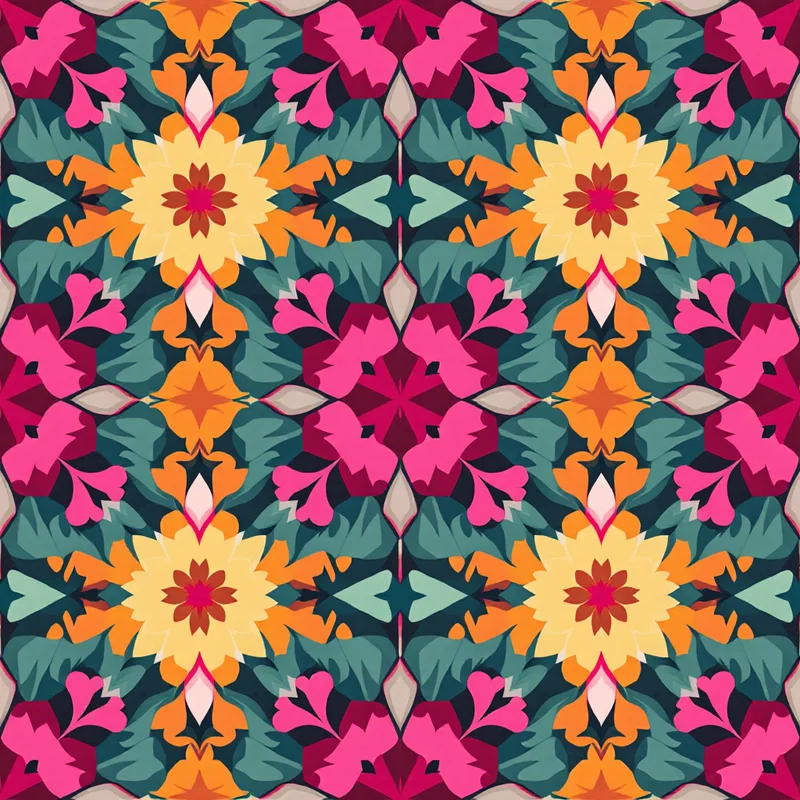
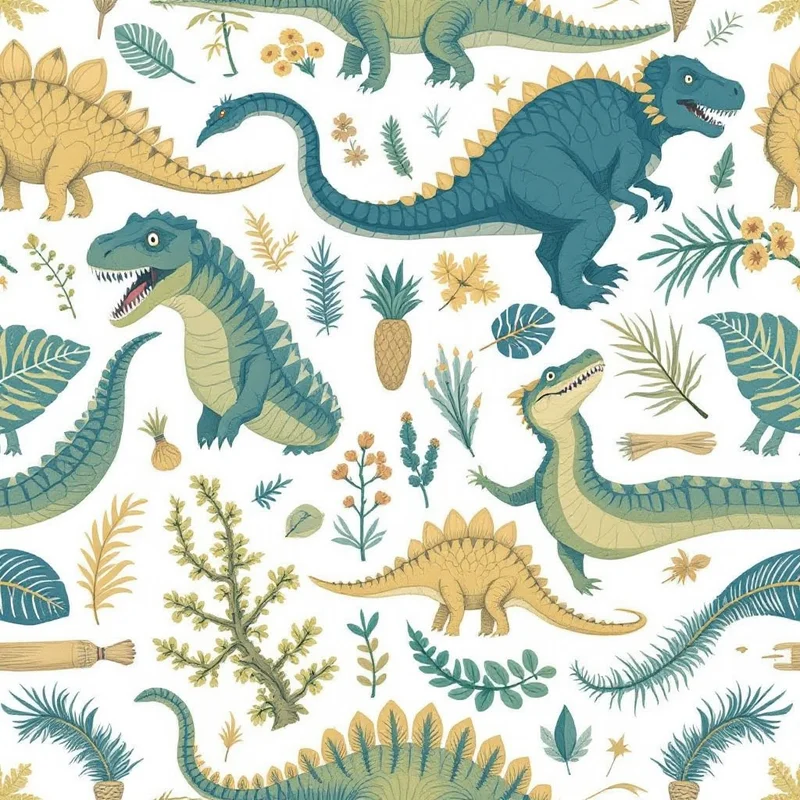
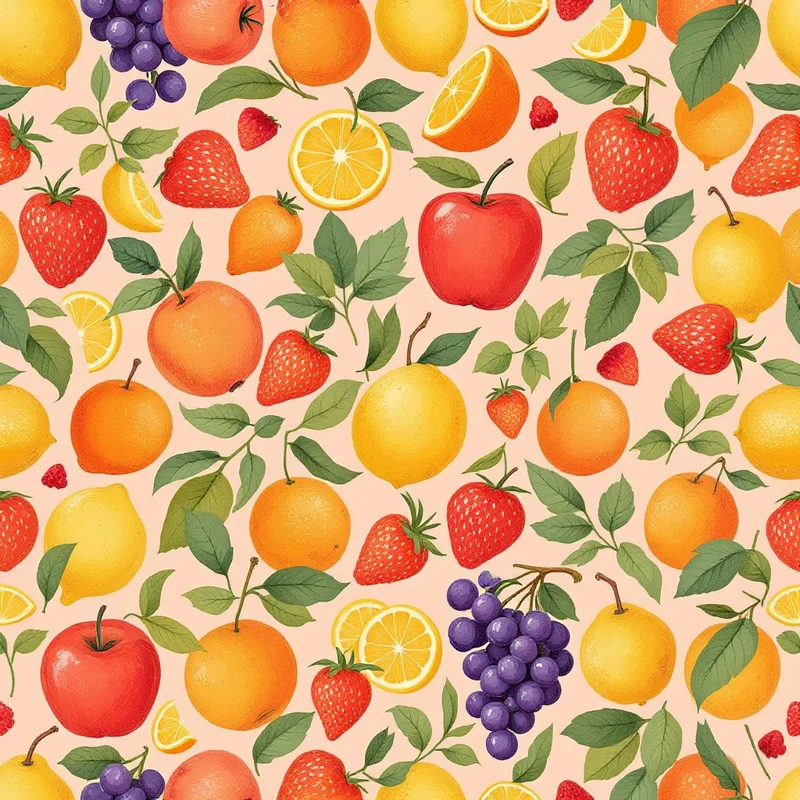
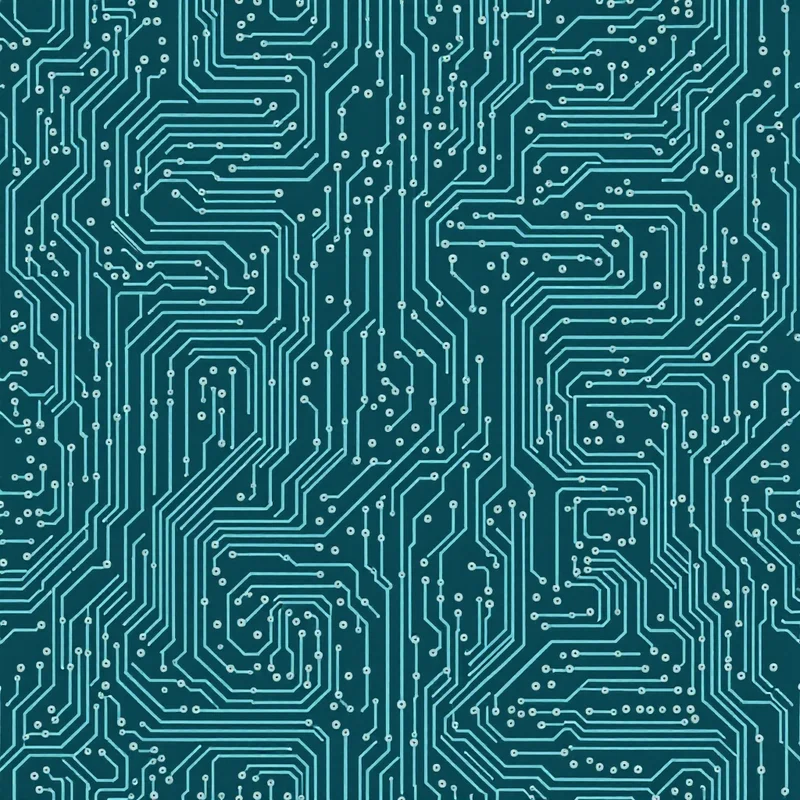
Seamless geometric chevron blue pattern tileSeamless geometric hexagons red pattern tileSeamless botanical rose pink pattern tileSeamless botanical monstera green pattern tileSeamless abstract colorfield pink pattern tileSeamless abstract splatter red pattern tileSeamless cultural arabic terracotta pattern tileSeamless cultural japanese indigo pattern tileSeamless animal tiger orange pattern tileSeamless vintage artdeco gold pattern tileSeamless nautical waves blue pattern tileSeamless watercolor rose blush pattern tileSeamless crochet granny square multi pattern tileSeamless kids dinosaur green pattern tileSeamless food fruit colorful pattern tileSeamless tech circuit green pattern tileSeamless geometric chevron blue pattern tileSeamless geometric hexagons red pattern tileSeamless botanical rose pink pattern tileSeamless botanical monstera green pattern tileSeamless abstract colorfield pink pattern tileSeamless abstract splatter red pattern tileSeamless cultural arabic terracotta pattern tileSeamless cultural japanese indigo pattern tileSeamless animal tiger orange pattern tileSeamless vintage artdeco gold pattern tileSeamless nautical waves blue pattern tileSeamless watercolor rose blush pattern tileSeamless crochet granny square multi pattern tileSeamless kids dinosaur green pattern tileSeamless food fruit colorful pattern tileSeamless tech circuit green pattern tile

How pattern mockups work

01

Generate a pattern

Create a seamless pattern in the studio — or bring any tile you already have.

02

Pick a product

Choose from t-shirts, tote bags, throw pillows, mugs, phone cases, and more.

03

Preview and share

See your pattern applied realistically on the product. Download the mockup or share it.

Product mockup options

Apparel mockups

Preview patterns on t-shirts, hoodies, and other garments. See how your design wraps and scales on fabric.

Tote bags and accessories

Visualize patterns on tote bags, scarves, and everyday accessories before sending to production.

Home decor

Preview patterns on throw pillows, cushions, and upholstery to show clients interior design concepts.

Product goods

See patterns on mugs, coasters, and product packaging. Perfect for print-on-demand and merch stores.

Digital products

Preview patterns as phone cases, tablet covers, and laptop skins for digital product mockups.

Instant preview

No Photoshop needed. The mockup updates in real time as you change patterns, colors, or repeat layouts.

Why product mockups matter for pattern designers

A flat pattern tile tells part of the story. The full picture emerges when you see how the design looks wrapped around a t-shirt, stretched across a tote bag, or printed on a throw pillow. Product mockups bridge the gap between abstract tile design and commercial reality — they help you evaluate scale, color impact, and overall appeal before committing to production.

For print-on-demand sellers, mockups are essential for product listings. Customers need to see the finished product, not a flat tile. Pattern Weaver generates mockup previews instantly in the browser — no Photoshop layers, no smart objects, no time spent on manual placement. Generate a pattern, click a product, and the mockup is ready to download.

The mockup tool works seamlessly with the rest of the studio. Create a botanical floral, fix the seams with the seamless fixer, preview it on a tote bag, then export a print-ready TIFF for your supplier — all in one session.

For fashion designers and interior designers, mockups serve as quick concept presentations. Instead of describing how a pattern will look on a garment or cushion, you can show it. This speeds up client approvals and reduces the number of physical samples needed.

Frequently asked questions

What products can I preview patterns on?

The mockup generator currently supports t-shirts, tote bags, throw pillows, mugs, phone cases, and more. We regularly add new product templates. Each mockup shows your pattern applied realistically with proper scaling, perspective, and fabric texture.

Do I need Photoshop to create mockups?

No. Pattern Weaver generates mockups instantly in the browser. Select a product, and your pattern is applied automatically. No layers, no smart objects, no PSD files — just instant visual previews.

Can I download the mockup images?

Yes. You can download mockup previews to share with clients, post on social media, or use in your print-on-demand listings. The mockups give a realistic preview of how your pattern will look on finished products.

Do mockups cost credits?

No. Previewing patterns on product mockups is free and unlimited. Credits are only used for generating patterns, fixing seams, and enhancing resolution.

Can I use mockups for my Etsy or Shopify store?

Yes. The mockup previews are designed for exactly this. Generate a pattern, preview it on products, and use those images in your listings. Combined with the full commercial license on all patterns, you can use both the patterns and mockups for your store.

Do mockups show how the pattern will actually print?

Mockups give a realistic approximation of how the pattern will look on products. For exact print results, we recommend ordering a sample from your print provider. The mockups are most useful for visualizing scale, color, and overall look before committing to production.

See your patterns on real products

5 free credits. Full studio access. No credit card needed.