
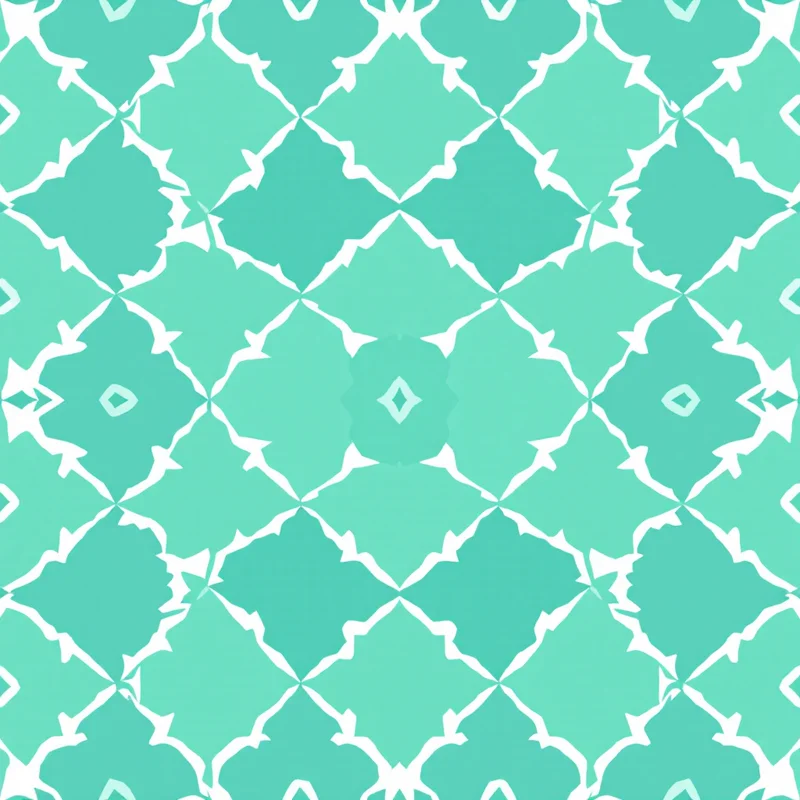
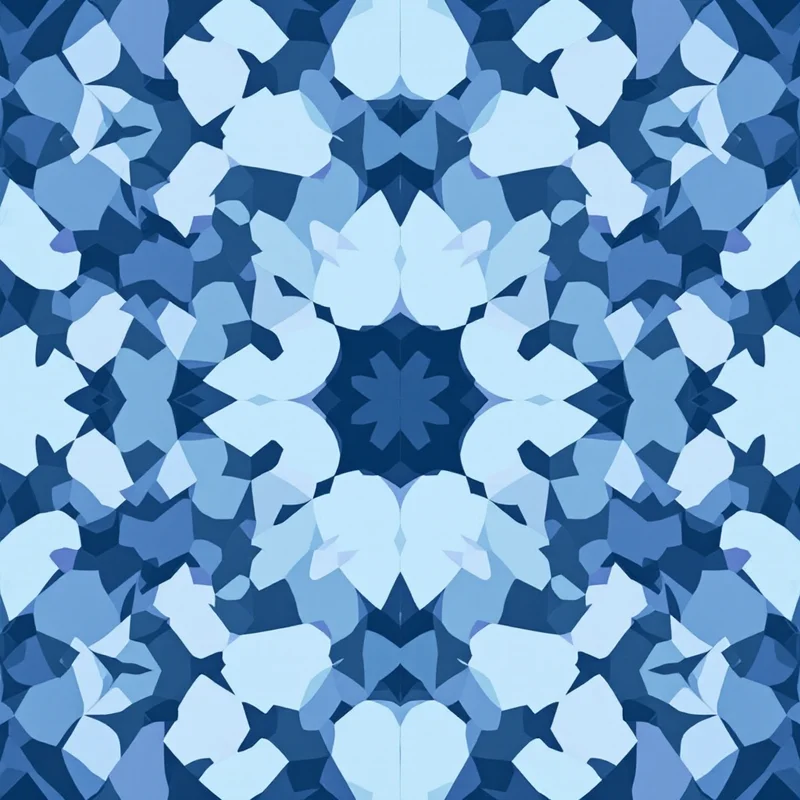
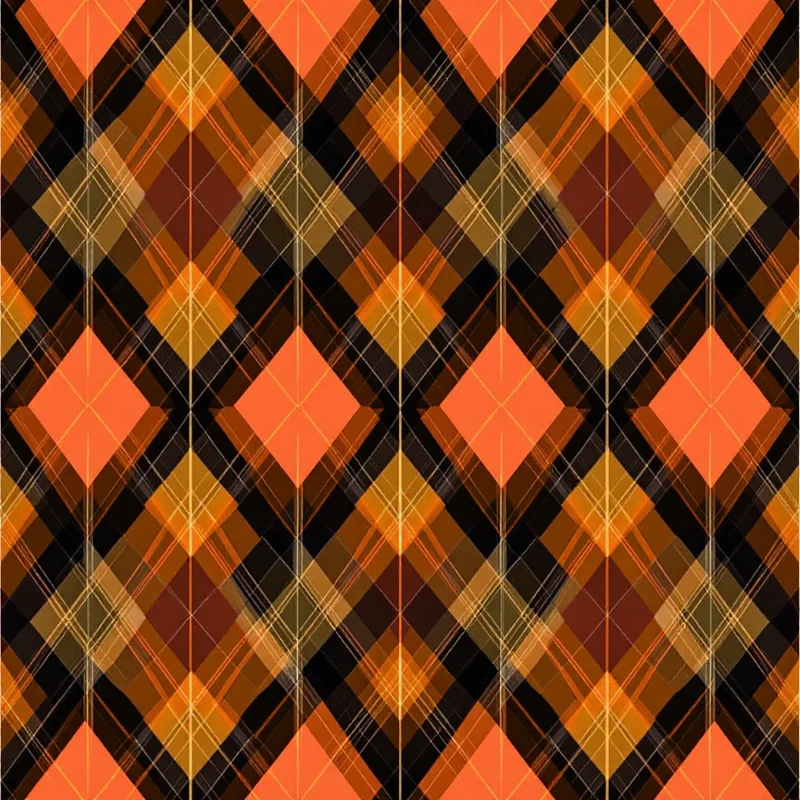
Custom patterns for your Shopify store are one of the fastest ways to turn a generic shop into a recognizable brand. A repeating motif behind your hero section, wrapped across your packaging, and printed on your products signals that you thought about the details — and shoppers notice. The catch is that most store owners either skip patterns entirely or paste in a stretched stock image that breaks the moment it tiles. This guide walks through how to design, prepare, and apply custom patterns for your Shopify store the right way, so they look sharp on screen and survive being printed on a physical product.
Why custom patterns matter for a Shopify store
A pattern does work that a single logo cannot. It fills empty space, ties product photos together, and gives every touchpoint — site, packaging, ads — a shared visual language. For small and mid-size stores, a custom pattern is also one of the cheapest branding investments available: design it once and reuse it everywhere.
The difference between a pattern that elevates a store and one that cheapens it usually comes down to three technical details: whether it tiles seamlessly, whether it is the right resolution, and whether the colors hold up across screen and print. Get those right and a simple motif can carry your whole brand.
What makes a pattern "Shopify-ready"
Before you generate anything, know what you are aiming for:
- Seamless tiling. The edges must line up so the pattern repeats in any direction with no visible seam. This is what lets one small file fill a banner, a phone screen, or a sheet of wrapping paper.
- Right-sized files. On-screen patterns should be small and compressed; print patterns should be high-resolution. Using a print-size file as a web background will wreck your load speed.
- Color control. Your pattern should be built around your brand palette from the start, and export cleanly to CMYK when it is headed to print.
- Flexible formats. Different surfaces want different files — PNG and WEBP for the web, TIFF or PDF for packaging, high-resolution PNG for products.
A purpose-built pattern studio handles all of this. General AI image tools tend to produce a single picture with hard edges that will not repeat, and traditional vector editors can do it but demand real software skill. Pattern Weaver is built specifically to generate true seamless tiles and export them at the resolution and format each surface needs.
How to add a custom pattern to your Shopify store
Here is the full walkthrough, from blank canvas to live store.
1. Generate a seamless pattern
Open the studio and choose a style, color direction, density, and scale that fit your brand. If you sell home goods you might reach for a clean geometric pattern; a botanical or apparel brand might prefer a soft floral pattern; a modern lifestyle label might want an abstract pattern. Set your colors up front so the motif is built around your brand hues rather than recolored after the fact, then generate a seamless tile. Because Pattern Weaver creates true repeats, the motif lines up no matter how large the area it covers.
2. Choose the right export for each surface
This is where most store owners go wrong. You do not export one file — you export the same tile at different sizes for different jobs:
- Website and theme: a small, compressed WEBP or JPG.
- Product mockups and on-product printing: a high-resolution PNG.
- Packaging, labels, and inserts: a print-ready PDF or TIFF, exported with the CMYK option so the colors you approved on screen stay close to what arrives physically.
Pattern Weaver exports PNG, JPG, WEBP, TIFF, PDF, and SVG, and supports resolutions up to 8K for the products that will actually be printed. Reserve those largest exports for print only — never ship an 8K tile as a web background.
3. Add the pattern to your theme
In the Shopify theme editor, upload your small on-screen tile as a section background, or set it as a repeating CSS background so a tiny seamless file fills the entire area. This is the payoff of seamless tiling: a 600-pixel tile can fill a full-width hero with no seam and no load-time penalty.
4. Apply it to products and mockups
Drop the high-resolution tile into your product mockups so customers can see the pattern in context, and send the print-ready file to your print-on-demand partner. Because the tile repeats cleanly, the pattern wraps around a tote bag, a phone case, or a notebook cover without an obvious break. If you are new to selling printed goods, our guide to pattern design for print on demand covers what suppliers expect.
5. Test on mobile and check load speed
Preview the store on a phone, confirm the tile lines up with no seam, and run a quick speed check. A compressed WEBP background should be nearly invisible to your load time. If a page slows down, your background file is too big — re-export it smaller.
Where to use custom patterns across your store
Once you have one strong seamless tile, spread it across every surface a shopper sees:
- Hero and section backgrounds to frame product photography.
- Packaging, tissue paper, and shipping inserts for an unboxing moment.
- Product surfaces themselves — apparel, accessories, home goods.
- Social ads and email headers so your marketing matches your store.
- Gift cards, thank-you cards, and loyalty inserts.
Using one recurring motif across all of these is what makes a store feel like a real brand instead of a catalog. If you want a more refined, decorative look for a premium line, explore surface pattern design styles built specifically for that polished feel.
Where Pattern Weaver fits
You have three honest options for custom patterns. iPad drawing apps and traditional vector editors give you total control but require design skill and time per pattern. Hiring a surface designer produces excellent work but adds a per-project bill that is hard to justify for a small catalog. General AI image tools are fast but rarely produce a true seamless repeat, so the pattern breaks the moment it tiles.
Pattern Weaver is built for the gap in the middle: you make a few simple choices, our AI engine generates a genuinely seamless, high-resolution pattern, and you export it in whatever format each surface needs. You keep full creative control without the learning curve or the per-pattern cost. To learn the craft side, start with how to create seamless patterns.
How to get started
You can begin for free. The Free plan lets you generate and try patterns; Starter, Pro, and Max add more generations, higher resolution, and the export options you need as your store grows. See the full breakdown on the pricing page, and browse style categories on the create hub to find a direction that fits your brand.
Custom patterns for your Shopify store are not a nice-to-have — they are a quick, repeatable way to look established. Generate one seamless tile, export it correctly for screen and print, and apply it everywhere. Your store will read as a brand, not a template.
Explore related pattern styles


