# Leopard Print Pattern Design: The Complete Guide
A great leopard print pattern is harder to fake than it looks. Most attempts fail in the same way — the spots turn into a tidy grid of identical marks, and the eye instantly reads "wallpaper," not "fur." Real leopard print is built from rosettes: broken, irregular rings that cluster, tilt, and vary in size across the surface. Get that organic rhythm right and a leopard print pattern feels alive on fabric, packaging, or a phone case. Get it wrong and it looks like clip art. This guide covers what defines the look, where it comes from, and how to generate a clean, seamless leopard print pattern of your own.
What is a leopard print pattern?
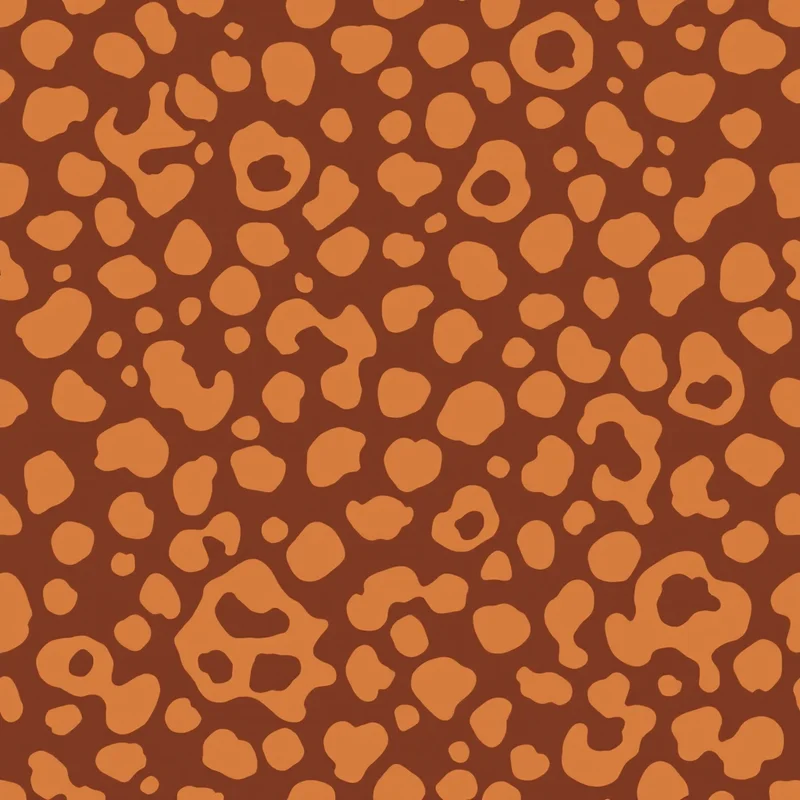
A leopard print pattern is a surface design that mimics the spotted coat of a leopard. The defining unit is the rosette — an open, broken ring of dark pigment surrounding a center that is warmer than the surrounding base coat. Unlike a simple polka dot, a leopard rosette has no solid center dot and no clean edge. The marks scatter at varying scales and angles, which is exactly what gives the pattern its restless, natural energy. As a repeating motif it has become one of the most recognizable textures in fashion and interiors worldwide.
Origins
Spotted animal coats have decorated human clothing for thousands of years, originally as actual pelts signaling status and power. The printed leopard print pattern as we know it took off in the twentieth century, moving from couture houses in the 1940s and 50s into mainstream fashion. By the 1980s it was a staple of bold, expressive dressing, and it has resurfaced in every decade since — sometimes loud and maximalist, sometimes muted and neutral. Its staying power comes from a rare combination: it is instantly recognizable, endlessly recolorable, and works at almost any scale.
Visual hallmarks
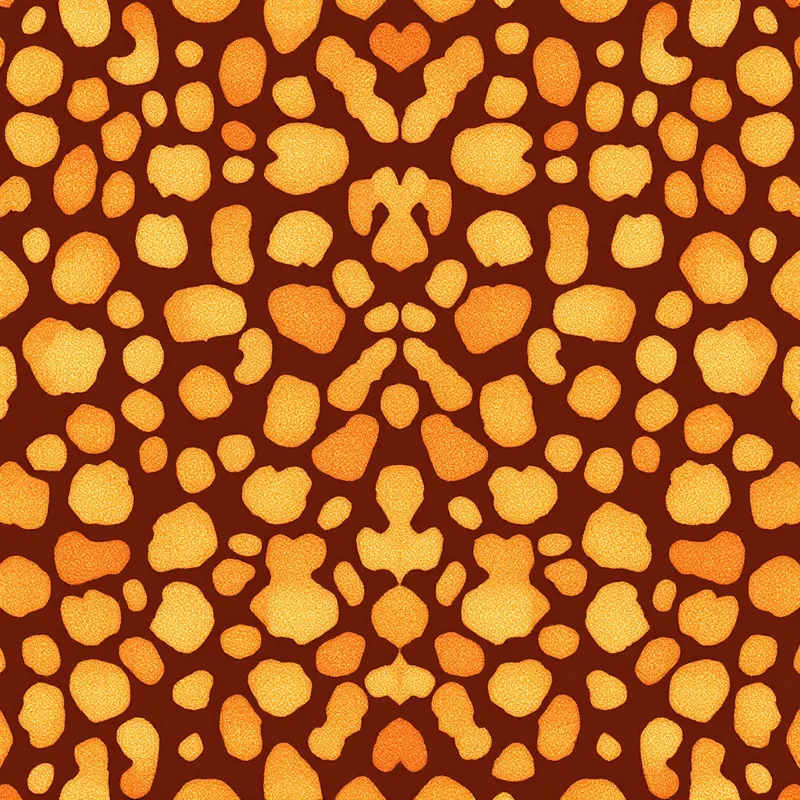
A convincing leopard print pattern shares a few traits. The rosettes are open rings, not filled dots. They vary in size, with no two quite alike. They cluster and overlap rather than sitting on an even grid. There are usually three tonal layers — a light base coat, a warmer fill inside each rosette, and a dark broken outline. Small solid speckles often sit between the larger rosettes, filling negative space. And critically for design work, the marks must flow across the tile edge so the pattern repeats seamlessly with no visible seam.
How to generate a leopard print pattern in Pattern Weaver
You can build a seamless leopard print pattern in the studio in five steps.
- 1Choose the leopard style. Set the style to Animal Print, then pick leopard as the substyle. This tells our AI engine to build rosettes rather than the solid round spots of cheetah print.
- 2Set your colors. Choose a three-tone palette — a light base, a warm fill, and a dark rosette outline. Start with a classic tan-and-brown scheme or experiment with a modern color twist.
- 3Dial in scale and density. Use the scale slider to size the rosettes for your end product, and the density slider to control how tightly they cluster across the surface.
- 4Generate and review the tile. Generate the pattern, then check the seamless tile preview to confirm rosettes flow across the repeat with no hard seam line.
- 5Export for your project. Pick the format and resolution you need — up to 8K — and export the finished leopard print pattern. Pattern Weaver compiles all of these choices into a detailed brief automatically, so you describe the look in plain terms instead of writing technical instructions.
For a deeper look at the seamless tiling step, see our guide on how to create seamless patterns.
Color palette ideas
The classic leopard print pattern runs on a tan or golden base, an amber fill, and dark brown or near-black rosettes — warm, earthy, and timeless. For something fresher, keep the dark rosettes but swap the base: blush pink reads romantic, sage green feels grounded and current, icy blue turns it cool and unexpected. Push the contrast all the way to crisp black-and-white and you get a snow-leopard effect. Monochrome charcoal-on-grey gives a subtle, almost textural version that works for menswear and home goods. The rule that holds across every variation is the three-tone structure: light base, warm fill, dark outline.
Best use cases
Leopard print pattern designs sell across a wide range of products. In apparel it appears on scarves, dresses, swimwear, and linings. In accessories it covers bags, shoes, phone cases, and stationery. In interiors it shows up on cushions, throws, wallpaper, and upholstery. It is also a reliable performer for print-on-demand sellers, since a single strong leopard print pattern can be applied across dozens of product types. If you sell on demand, our guide to pattern design for print on demand walks through resolution and listing tips.
Pro tips
Judge scale at real-world print size, not on screen — screen zoom flatters everything. Generate three or four versions and compare them at the actual dimensions of your product. Break up any visible repeat by nudging the density slider so rosettes do not line up in obvious rows. Add fine speckles between the larger rosettes to fill dead space and read more like real fur. Keep your dark outline genuinely dark for contrast; muddy mid-browns make the whole pattern look flat. And always export from the seamless tile preview rather than a single cropped frame, so the repeat stays intact.
Start designing
A strong leopard print pattern is within reach whether you are dressing a fashion line or filling a print-on-demand catalog. Browse styles on the create page to see what is possible, then open Pattern Weaver and generate your first leopard print pattern in minutes. If you are new to AI pattern work, start with how to make a pattern with AI, and when you are ready to scale up your output, check the pricing page for the plan that fits — Free, Starter, Pro, or Max.


