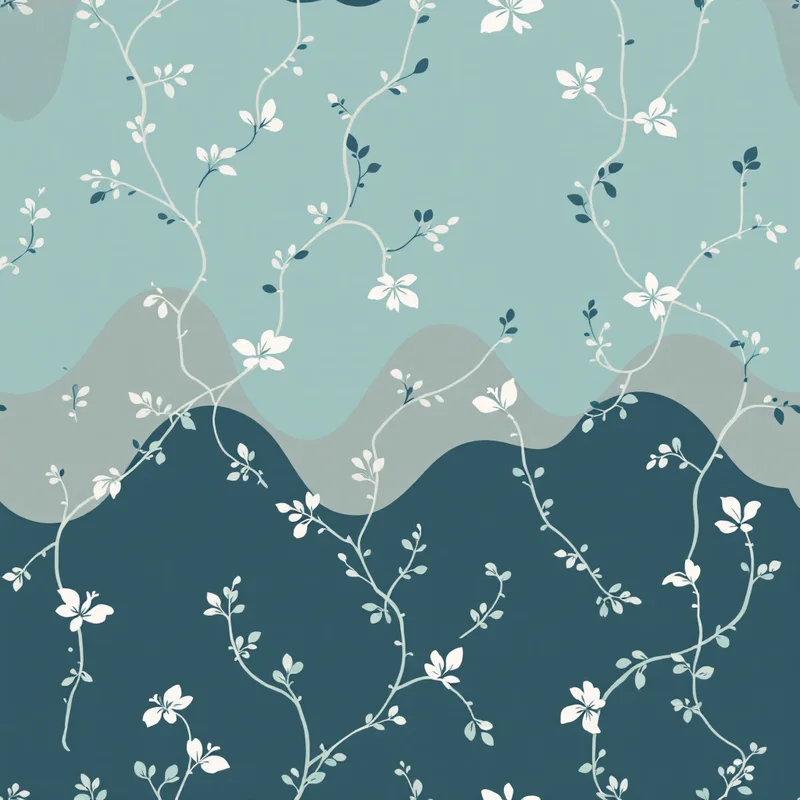
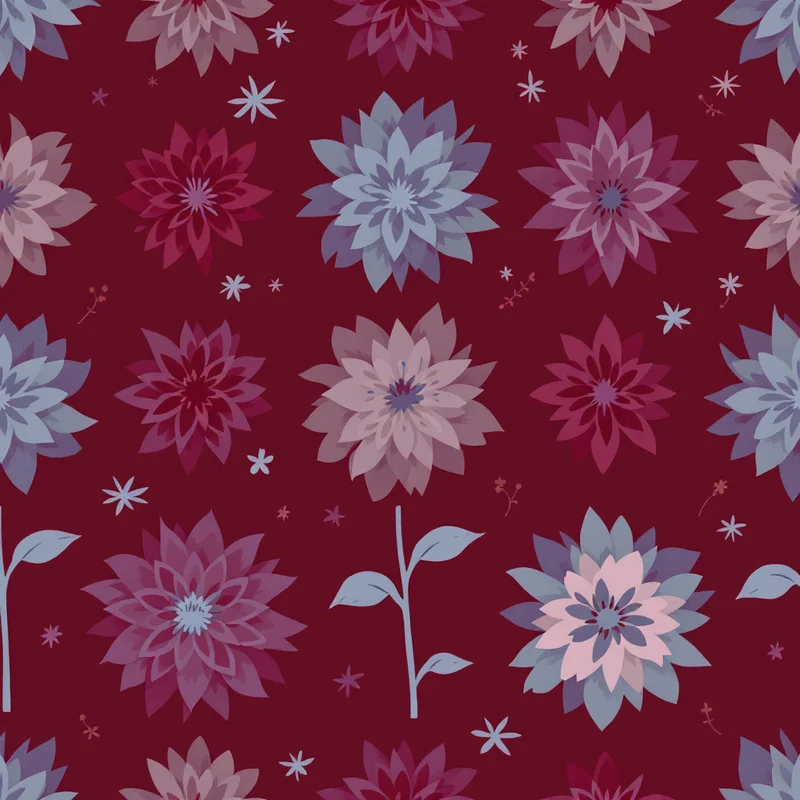
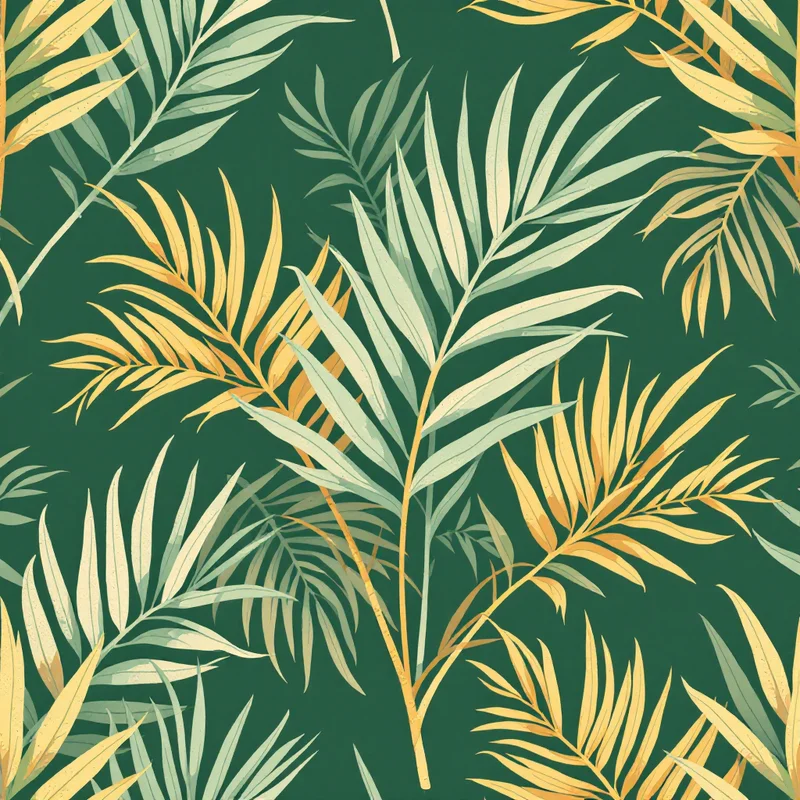
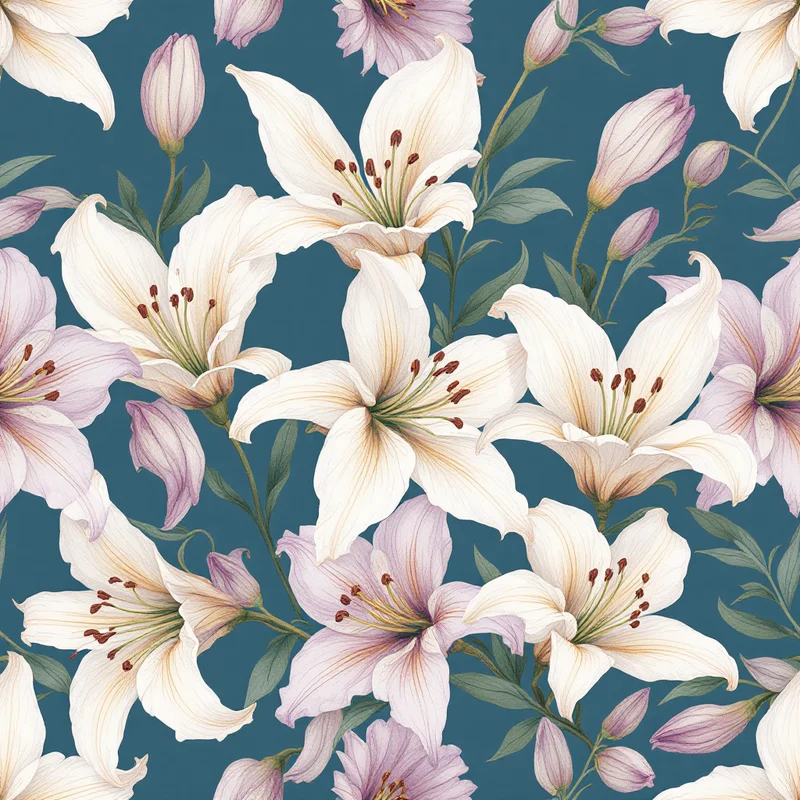
If you want to make a seamless pattern for free in 2026, you no longer need expensive software or hours of fiddling with edges. A seamless pattern is a single tile that repeats across a surface with no visible line where the copies meet, and historically that edge-matching trick was the hard part. This guide shows you the fastest free route: building a production-ready seamless pattern from menu choices, checking that it tiles cleanly, and exporting it for fabric, wallpaper, or product mockups. No drawing skill required, no watermark on the result, and full commercial rights on the free tier.
TL;DR: Sign up for the Free plan, pick a style, palette, density, and scale, generate, confirm the repeat in the tile preview, and export. You can make a seamless pattern start to finish in a few minutes.
Why "Seamless" Is the Whole Challenge
Before the walkthrough, it helps to know what makes a seamless pattern different from any other image. The tile has to match itself: whatever exits the right edge must re-enter the left at the exact same height, and the top must line up with the bottom. Get it wrong by even a sliver and your eye catches the grid the moment the tile repeats.
Traditional methods all solve this by hand. In vector editors you offset and align elements against precise guides. In iPad drawing apps you shift the canvas so the edges meet, then paint over the seam. General AI image tools often skip tiling entirely, leaving you to patch the seams afterward. Each is a real path, but each asks you to manage the edge problem yourself.
The free approach in this guide removes that step. Edge matching happens while the seamless pattern is generated, so the tile is ready to repeat the instant it appears.
What You Need to Make a Seamless Pattern for Free
Almost nothing. You need a browser, a free account, and an idea of the look you want. That is it.
Pattern Weaver's Free plan includes 3 credits. Each credit turns into one finished seamless pattern, and every export carries full commercial rights with no watermark. Three generations a month is enough to experiment seriously and produce several usable tiles. If you later need volume, the paid plans add more credits, but you can do real work without spending anything. You can review what each tier includes on the pricing page.
Step-by-Step: Make a Seamless Pattern for Free
Here is the full walkthrough. The whole sequence takes minutes, and every step happens in one place.
Step 1: Open the studio and claim your free credits
Create a free account to unlock your 3 credits, then open the studio. This is where you will make the seamless pattern. Each credit produces one complete tile, so you have several attempts to dial in the look you want.
Step 2: Choose a style and substyle
Start broad, then narrow. Pick a category that fits your project, then refine it with a substyle. Browsing the create gallery is a quick way to see what is possible before you commit. If you want a worked starting point, the floral patterns category is forgiving for first-timers, while geometric patterns reward clean, deliberate choices. For something looser and more contemporary, abstract patterns give you room to play.
Your style choice sets the personality of the seamless pattern before you touch color or density. The closer the substyle is to your intended use, the fewer attempts you will need.
Step 3: Set colors, density, and scale
These three controls do most of the work in shaping a seamless pattern:
- Color palette sets the mood and decides where the eye lands. Limited palettes read as calm and premium; broad palettes feel lively.
- Density controls how packed the motifs are. Sparse layouts feel airy; dense layouts feel rich. For fabric that will be cut and sewn, moderate density usually reads best because no single area dominates.
- Scale sets how large the motifs appear. Smaller motifs suit accessories; larger motifs make a statement on wallpaper or upholstery.
Adjust all three with your final use in mind. A wallpaper repeat and a phone-case print want very different density and scale, even from the same style.
Step 4: Generate and check the tile preview
Generate the seamless pattern, then open the tile preview. The studio lays your design out in a repeating grid so you can see it as it will appear across a surface. Look along the seams where copies meet and zoom into the corners, where misalignment shows first. Because edge matching is built into generation, a Pattern Weaver tile passes this check by default, but the preview still helps you confirm the rhythm and density read well at repeat.
If the look is close but not quite right, adjust your inputs and generate again. This is where your extra free credits earn their keep: small changes to palette, density, or scale often turn a good seamless pattern into the right one.
Step 5: Export in your chosen format
When you are happy, export. You can download the seamless pattern as PNG, JPG, WEBP, TIFF, PDF, or SVG. Match the format to the destination:
- PNG or TIFF for fabric and wallpaper printing, where crisp detail matters most.
- JPG or WEBP for web mockups, product listings, and social posts.
- PDF for handing off to a print shop.
- SVG when you want a scalable version of the design.
For physical printing, export at the highest resolution your plan offers, up to 8K, so detail stays sharp when the tile is scaled across a real surface. You can always size down later, but you cannot add detail back.
Where Pattern Weaver Fits Against Other Free Routes
There are other ways to make a seamless pattern without paying, and it is worth being honest about the trade-offs.
Traditional vector editors give you total control over every point and path, and they output infinitely scalable artwork. The catch is the learning curve and the manual repeat construction. Free trials exist, but production-quality tiling takes genuine practice and time.
iPad drawing apps produce gorgeous hand-drawn textures with a warmth that automated tools rarely match. They are inexpensive rather than free, and you build and test the repeat by hand using the offset method, which takes patience and an Apple Pencil.
General AI image tools can produce pattern-style imagery on free quotas, but most do not guarantee seamless edges. You typically end up fixing seams afterward in another program, which reintroduces the exact problem you wanted to avoid.
Pattern Weaver's free seamless pattern route is the most direct of these for one goal: getting a production-ready, edge-matched tile quickly, without drawing skill or seam-fixing. Where it gives ground is fine, element-by-element control, which the hand-drawn and vector paths still own. Many makers use both, generating a strong starting point here and refining it elsewhere when a project demands it. For a fuller comparison, the guide to the best pattern design software lays out the options side by side.
Tips for a Stronger Free Seamless Pattern
A few habits get more out of your 3 credits:
- Decide the end use first. Leggings, a gift-wrap sheet, and a wallpaper drop want different scale and density. Knowing the destination saves regenerations.
- Start with a tighter palette. Fewer colors are easier to read and look more intentional. You can expand later.
- Generate a small set, then choose. Compare two or three variations in the tile preview rather than committing to the first result.
- Export larger than you think you need. Resolution headroom protects you when a project scales up.
For a deeper look at building clean repeats across any method, the walkthrough on how to create seamless patterns is a useful companion to this free-focused guide.
Start Making Seamless Patterns Today
Making a seamless pattern for free in 2026 comes down to a short, repeatable loop: choose a style, set your colors and density, generate, confirm the repeat, and export. The hardest historical part of pattern design, matching every edge, is handled for you, so your attention goes to the look rather than the mechanics.
Open the studio, spend your first credit, and watch your idea become a tile that repeats cleanly across any surface. With commercial rights on the Free plan and exports up to 8K, the seamless pattern you make in the next few minutes is ready for real products, not just practice.
Explore related pattern styles


