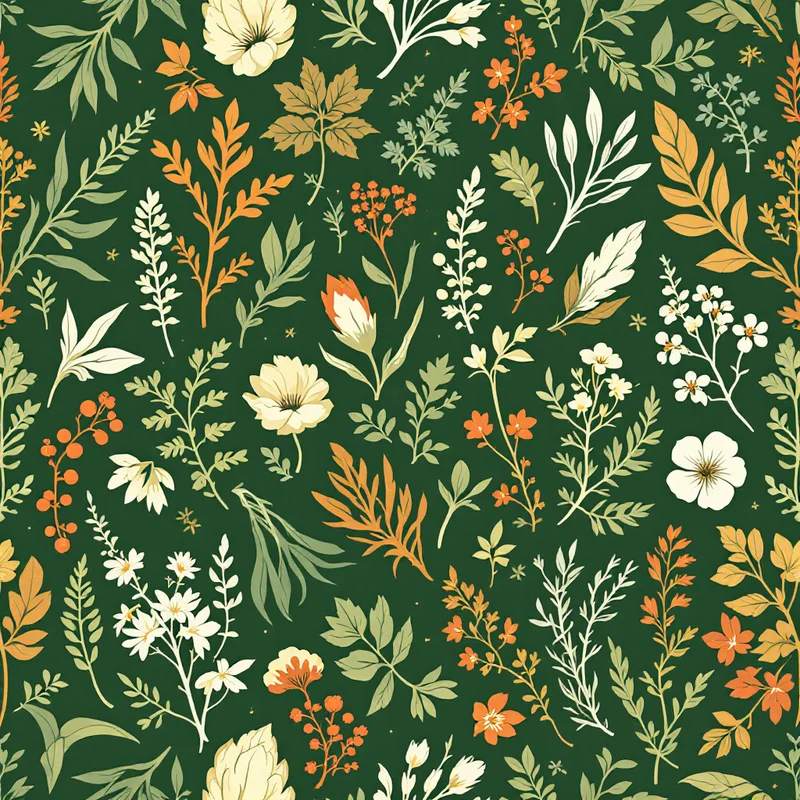

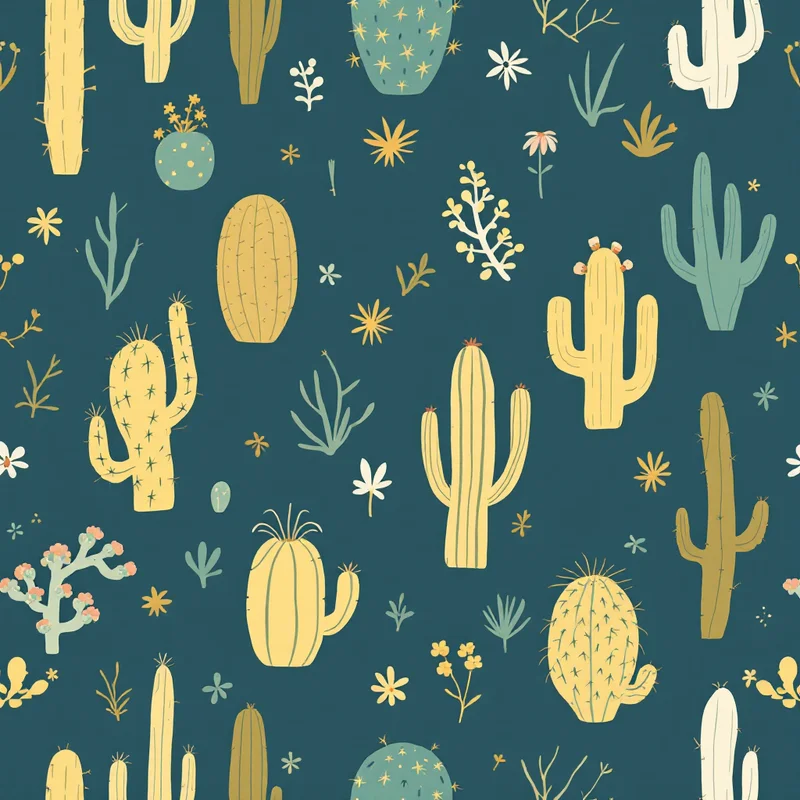
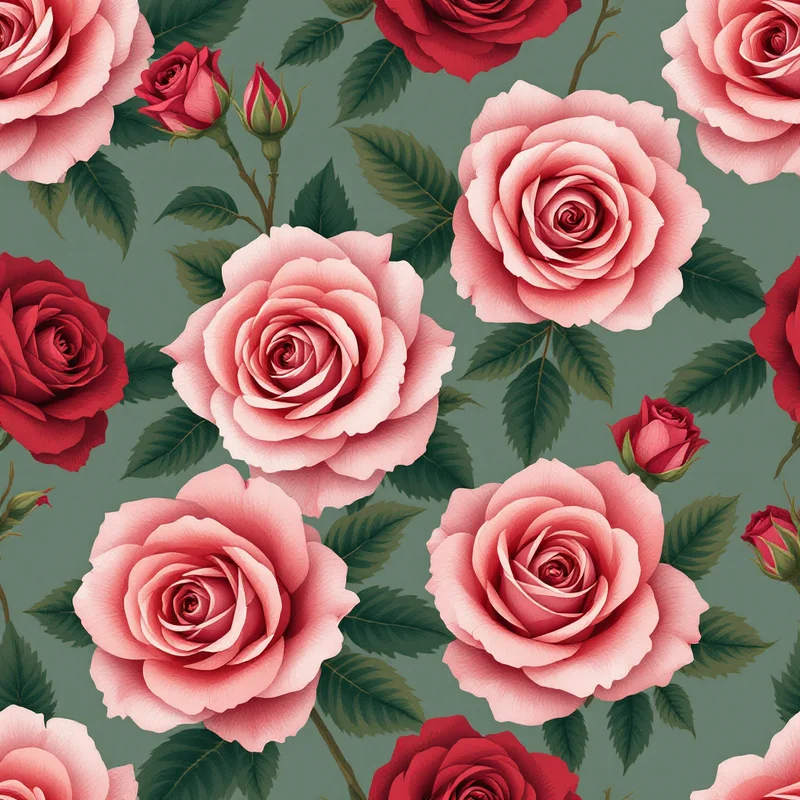
If you have ever searched how to make a seamless pattern in Photoshop, you already know the promise and the pain. Photoshop can absolutely produce a flawless tileable repeat, but the offset-and-patch workflow is finicky, and one stray motif near an edge can break the whole tile. This 2026 guide walks through the classic Photoshop method step by step, then shows a faster path with Pattern Weaver for when you want a clean repeat in minutes instead of hours.
What is a seamless pattern?
A seamless pattern is a single tile designed so that its edges connect perfectly to copies of itself in every direction. When you fill a large surface with it, you should not be able to tell where one tile ends and the next begins. There are no visible lines, no abrupt motif cutoffs, and no gaps. This is the backbone of textile design, wallpaper, packaging, and print-on-demand products, where the same artwork repeats across yards of fabric or sheets of gift wrap.
The challenge is the edge math. Every element that touches one side of the tile must reappear on the opposite side in the exact same position. Learning how to make a seamless pattern in Photoshop is really about mastering that edge logic.
Origins of the seamless repeat
The seamless repeat predates software by centuries. Block-printed textiles, woven brocades, and hand-carved wallpaper rolls all relied on a repeating unit that lined up edge to edge. Craftspeople carved a single block, then stamped it across the cloth, so the unit had to tile cleanly by design. When digital tools arrived, Photoshop became the standard for translating that craft into pixels, and the Offset filter became the modern equivalent of aligning a printing block. The principle never changed, only the medium.
Visual hallmarks of a strong seamless pattern
A good seamless pattern shares a few traits regardless of style:
- Even visual rhythm, with no obvious clusters or empty dead zones
- Edges that connect invisibly when the tile repeats
- Balanced negative space so the eye can rest
- Consistent lighting and color across the whole tile
- Motifs scaled to suit the final product, fine for scarves, bolder for upholstery
When any of these slip, the repeat reads as a grid instead of a continuous surface. That grid effect is the number one giveaway of a beginner tile.
How to generate it in Pattern Weaver
The Photoshop method below is worth knowing, but the offset workflow is slow and unforgiving. Here is the faster path with Pattern Weaver, which builds the repeat so the edges already align.
- 1Describe your pattern. Head to the studio and type a short description of the look you want, then choose a style and substyle to lock in the direction.
- 2Set color, density, and scale. Pick a palette and adjust density and motif scale so the repeat feels balanced rather than crowded or sparse.
- 3Generate the seamless tile. Run the generation and let our AI engine build a tileable repeat where the edges connect cleanly, no offset filter required.
- 4Refine and export. Tweak the result, smooth any seams with the seamless tool if needed, then export as PNG, TIFF, or PDF.
- 5Finish in Photoshop (optional). Open the exported tile in Photoshop to recolor, add texture, or run Edit > Define Pattern so you can fill mockups with it.
For comparison, here is the full manual route. Create a new square canvas at 300 DPI. Place your motifs toward the center, keeping them away from the borders at first. Run Filter > Other > Offset, set the horizontal and vertical values to exactly half your canvas dimensions, and choose Wrap Around. Your edges now meet in the middle of the canvas, where any seam is easy to see. Fill those gaps with more motifs, flatten the layers, and use Edit > Define Pattern to save the tile. Finally, fill a large test layer with the pattern to confirm it repeats without seams. That is the heart of how to make a seamless pattern in Photoshop, and it is exactly the part Pattern Weaver automates.
Color palette ideas
Color carries half the mood of any seamless pattern. A few directions that tile well:
- Earthy neutrals for organic, botanical repeats, think clay, sage, and oat
- High-contrast monochrome for crisp geometric tiles that read from a distance
- Soft pastels for nursery, stationery, and gentle apparel prints
- Jewel tones for rich, decorative motifs like paisley or damask
- Muted retro palettes for that warm, lived-in 70s revival look
Keep your palette to three to five colors. Too many hues fight each other across the repeat and make seams harder to hide.
Best use cases
Seamless patterns earn their keep across a surprising range of products. Fashion and apparel lead the way, from leggings to lining fabric. Home goods follow close behind, with wallpaper, bedding, cushions, and curtains. Stationery, gift wrap, and packaging rely on them for that finished, intentional feel. And print-on-demand sellers depend on tileable art to fill catalogs quickly. If you sell on those channels, our guide to pattern design for print on demand covers how to prep files for each marketplace.
Pro tips
A few habits separate clean tiles from broken ones:
- Always test at scale. Fill a layer ten times larger than your tile before you commit.
- Hide seams along natural breaks in the motif, not through the middle of a shape.
- Match lighting direction across every element so nothing looks pasted in.
- Work at the highest resolution you can. Scaling up a small tile softens detail, so start big. Pattern Weaver can generate up to 8K (8192x8192) for large-format printing.
- Keep an unflattened version. You will want to recolor later, and merged layers make that painful.
If you are weighing the manual route against generation, our breakdown of how to create seamless patterns and how to make a pattern with AI compares both approaches in depth.
Ready to skip the offset filter?
Now you know how to make a seamless pattern in Photoshop the manual way, and you have a faster alternative for when deadlines are tight. Pattern Weaver builds the repeat for you, so the tedious edge work disappears and you spend your time on the creative decisions that actually matter. Browse ready-made starting points on the create page, check plans on the pricing page, and open the studio to generate your first seamless tile today.


