Windows puts your desktop icons in the top-left corner. macOS lines them up down the right side. That one detail decides where a Christmas wallpaper should be calm, and it is more useful than any list of motifs.
Know where the clutter sits
A desktop background lives behind things: icons, windows, a taskbar or dock, and sometimes widgets. Plan for them.
- Icon edge: the left side on Windows by default, the right on macOS. Keep that strip low-contrast so white icon labels stay legible.
- Taskbar or dock: usually along the bottom. A base that darkens slightly helps.
- Center: where windows tend to be open, so it matters least. A busy center is fine; it will be covered most of the time.
The practical rule is to keep contrast low and detail small. A wallpaper made of tiny motifs in two or three close tones behaves like a texture, while one built around a big central image fights with icons.
Pick the right size
Screens vary a lot, so design at the largest size you need and let it scale down.
| Screen type | Common resolution | Aspect ratio |
|---|---|---|
| Standard HD | 1920 x 1080 | 16:9 |
| QHD | 2560 x 1440 | 16:9 |
| 4K | 3840 x 2160 | 16:9 |
| Laptop 16:10 | 2560 x 1600 | 16:10 |
| Ultrawide | 3440 x 1440 | about 21:9 |
Single illustrations have to be cropped, stretched or letterboxed when your monitor does not match. That is the argument for patterns.
Why seamless tiles scale
A seamless tile repeats in every direction with no visible join, so it can cover any width and height. You are not locked to an aspect ratio: on a 16:9 screen, an ultrawide or a pair of monitors, the same tile just repeats more times.
- Windows has a Tile fit in its background settings, which repeats a small image across the desktop.
- For other systems, or if you want to control scale, generate a larger image by laying the tile out to the exact resolution, and export it as a regular wallpaper file.
- If a seam shows once you scale a tile up, the Tiling Fixer repairs the edges. The tile pattern generator and background pattern generator styles are built around this kind of repeating background.
Dual monitors
Two monitors double the problem. Options:
- 1One continuous tile. Because tiles repeat without a join, a spanned background looks uninterrupted, and the pattern flows across the bezel gap.
- 2Two matching but separate backgrounds. The same tile at the same scale on each display, which keeps motif size consistent even if the monitors are different sizes.
- 3Complementary pair. A busy pattern on the secondary screen, and a calmer version of it on the main one where you actually work.
Mismatched resolutions can make a single big image look blurry on one screen. A tile defined at a physical scale avoids this.
Ideas that work behind icons
- Snowfall. Small flakes at irregular spacing on a deep blue or charcoal ground. Looks calm, works behind anything.
- Pine forest silhouettes. A repeating treeline across the bottom edge, empty sky above.
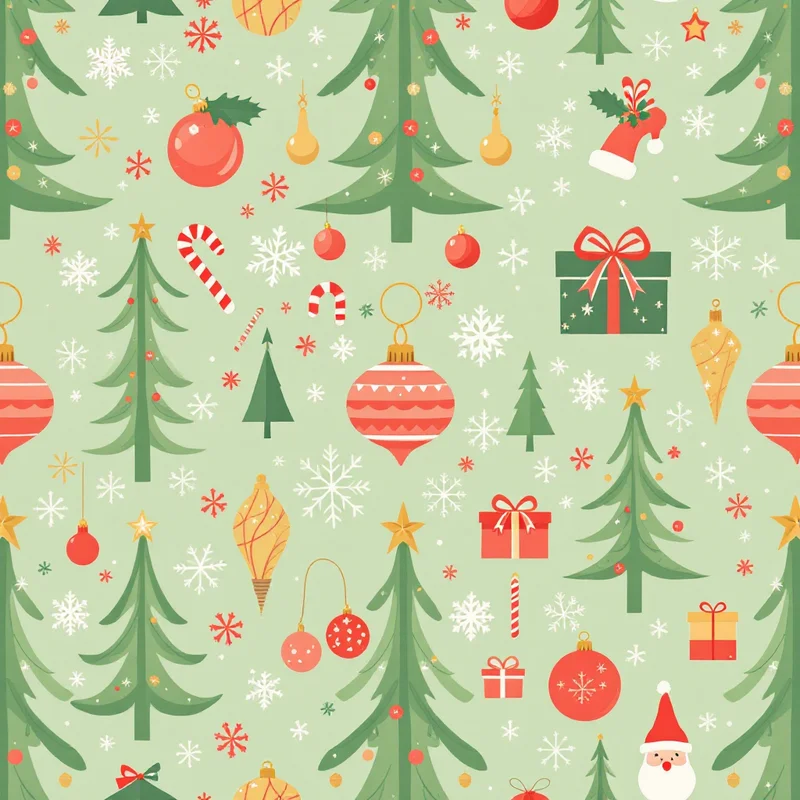
- Tiny ornaments. Baubles in one palette, scattered and slightly rotated. Try gold, red and cream on dark green.
- Plaid. Subtle plaid in cranberry or navy is the classic Christmas texture that goes with everything. See Christmas plaid and tartan patterns.
- Minimal line art. Thin outline stars, trees and sprigs in a single color on a flat ground.
- Warm lights. Out-of-focus golden dots on a dark ground, like a bokeh photo.
Dark backgrounds suit evening use, while light, creamy ones feel fresher in daylight. For phones, see aesthetic Christmas wallpaper ideas, and for sweeter looks, cute Christmas wallpaper ideas.
Make it your own
Christmas wallpaper in Browse Styles gives you a starting point from 5,700+ styles across 44 categories, and Describe It lets you write something specific, such as quiet snowfall on midnight blue, in your own words. Each pattern is a seamless tile in about 20 seconds, which makes it quick to try three or four moods and see which one lets your icons breathe.
Explore related pattern styles