
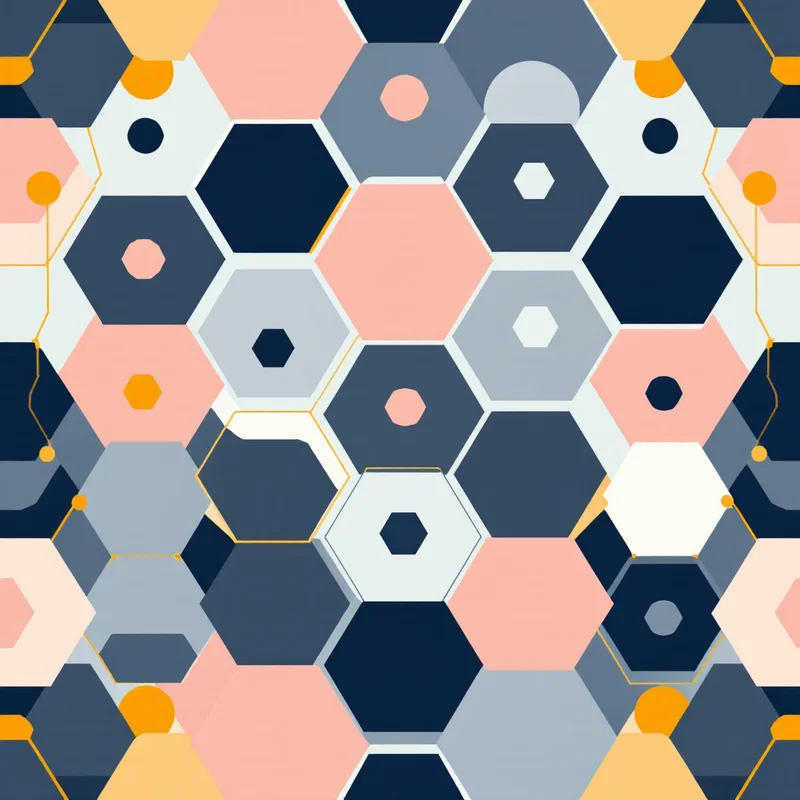
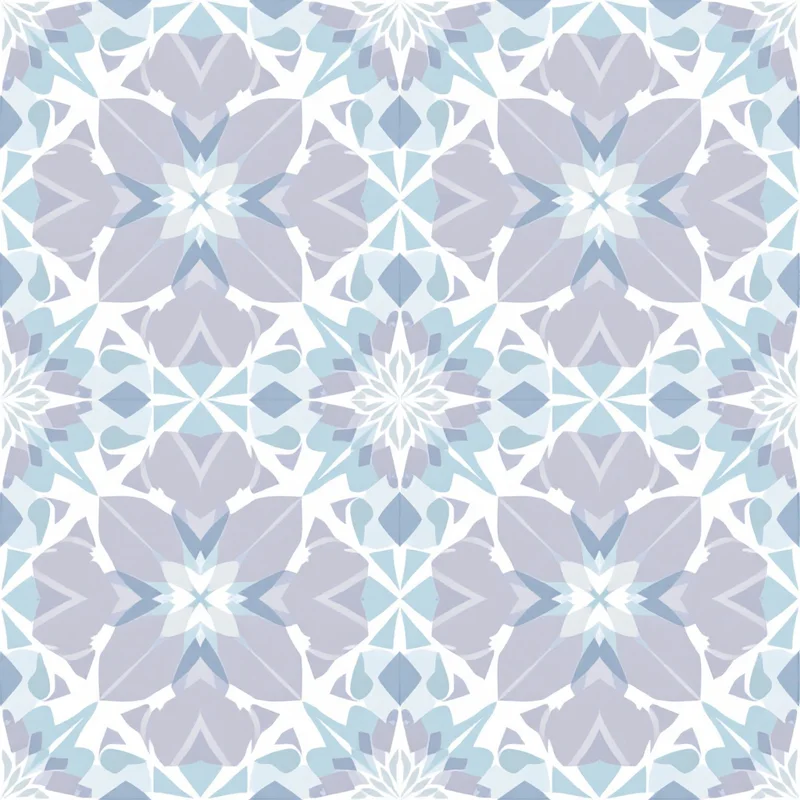
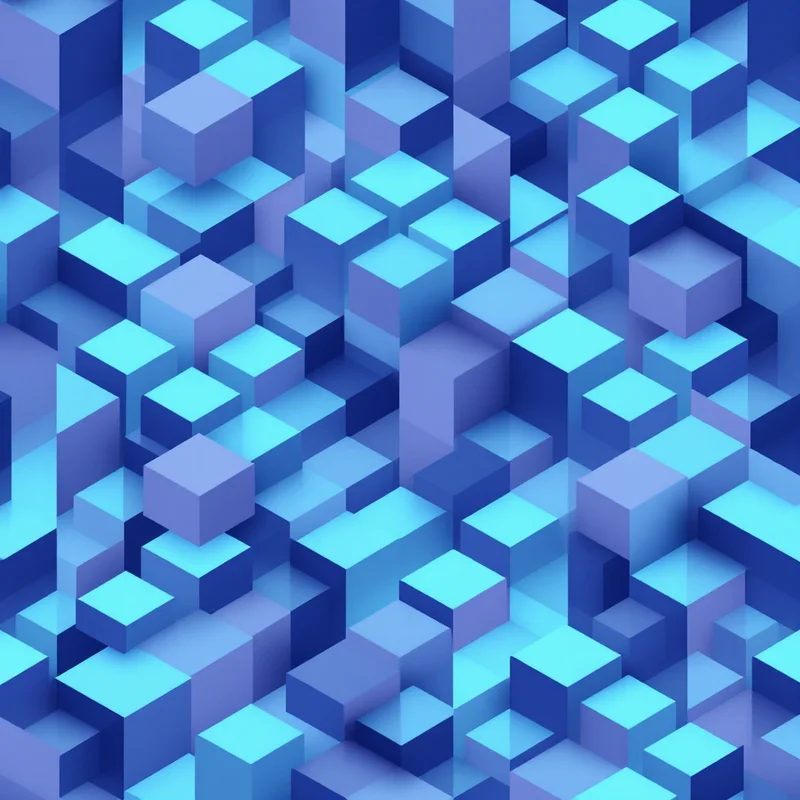
If you are searching for the best pattern generators for fabric printing in 2026, you are really asking two questions at once: which tool makes patterns that look good, and which one makes patterns that actually print on cloth without falling apart at the seams. Those are not the same thing. A stunning image that does not tile is useless on a bolt of fabric. This guide walks through what separates a real fabric pattern generator from a pretty picture maker, compares the main categories of tools honestly, and shows where Pattern Weaver fits.
What makes a pattern generator good for fabric printing
Before comparing tools, it helps to fix the criteria. Fabric printing is unforgiving in ways that on-screen design is not. The strongest pattern generators for fabric share four traits.
True seamless repeats. The single most important feature. The tile has to wrap so its right edge matches its left and its top matches its bottom. When a printer steps the tile across a roll, no seams, lines, or gaps should appear. Many tools skip this entirely.
Print resolution. Fabric is printed large and viewed up close. You need enough pixels to hold detail when a small tile is scaled across upholstery or a dress. Output that tops out at screen resolution turns mushy on cloth.
Color you can trust. Fabric color rarely matches your monitor by default. A good tool helps you manage color so the printed result is predictable rather than a surprise.
The right file formats. Your printer will ask for a specific format. If your tool only exports one type, you are stuck converting elsewhere and risking quality loss.
The main categories of pattern generators
Traditional vector editors
The long-standing professional route. Vector editors give precise control and infinite scaling, and serious surface designers have built careers in them. The trade-off is the learning curve. Building a seamless repeat by hand means careful offset work, manual alignment, and a lot of zooming in to check seams. They are powerful, but slow, and they assume you already know surface design. For a beginner trying to get fabric printed this month, the ramp is steep.
iPad drawing apps
Popular with illustrators who like to draw motifs by hand. The art can be gorgeous and personal. But most of these apps treat the canvas as a single illustration, not a repeating system. Turning a hand-drawn motif into a true seamless tile usually means exporting it and doing the repeat work in another program. Great for original artwork, weaker as a complete fabric pattern generator on their own.
General AI image tools
The newest and most tempting category, because the output looks impressive instantly. The catch is fundamental: general AI image tools generate one picture. They do not understand repeats, tiling, or fabric output. Ask one for a "seamless floral" and you will often get a beautiful square that has obvious mismatched edges the moment you tile it. You also have little control over scale, density, or print color, and the resolution is frequently too low for large fabric.
Purpose-built fabric pattern generators
This is the category built for the actual problem. A purpose-built generator produces patterns as seamless tiles from the start, gives you control over the variables that matter for fabric, and exports at print resolution in the formats printers accept. The trade-off is less freeform "draw anything" freedom than a blank illustration canvas, in exchange for far less manual tiling and color cleanup. Pattern Weaver sits in this category.
Where Pattern Weaver fits
Pattern Weaver was built specifically for textile and surface design, which is exactly why it lands well against the criteria above. Instead of generating a single illustration, the studio compiles your choices, style, substyle, colors, density, and scale, into a true seamless tile. The edges are designed to match from the start, and built-in seam-fixing cleans up any joins so the pattern repeats cleanly across a roll of fabric.
On resolution, the studio exports up to 8K, which gives you enough detail to scale a single tile across apparel, upholstery, or home textiles without the design turning soft. On formats, it exports PNG, JPG, WEBP, TIFF, PDF, and SVG, so whatever your fabric printer asks for, you can hand it over directly. And because color matters as much as the artwork on cloth, the studio helps you keep your palette controlled rather than leaving it to chance.
That focus is the honest difference. A general AI image tool can produce a striking square; Pattern Weaver is built so the square actually tiles, prints, and holds up at fabric scale. If your work is mostly hand illustration, a drawing app or vector editor may still suit your style better, and that is a fair call. For getting a seamless, print-ready pattern onto fabric quickly, a purpose-built generator removes the steps that usually trip people up.
You can explore styles directly: start with a clean seamless pattern, build out a full surface pattern design, or browse classic looks like floral, geometric, and damask collections.
How to get started
Here is the short version of producing a fabric-ready pattern in the studio.
- 1Choose your style and motif. Open the studio and pick a style, substyle, and motif, such as floral, geometric, or damask, that fits your fabric project.
- 2Set colors, density, and scale. Dial in your palette, how dense the elements are, and how large each element prints, so the repeat suits your fabric and product.
- 3Generate the seamless tile. Let the studio compile your choices into a true seamless tile and review how the edges meet when the pattern repeats.
- 4Refine and fix seams. Adjust your settings, regenerate if needed, and use seam-fixing to remove any visible joins.
- 5Export print-ready files. Export up to 8K in PNG, JPG, WEBP, TIFF, PDF, or SVG and send the file your fabric printer requests.
You can try this on the Free plan and move up to Starter, Pro, or Max as your output grows. Browse more entry points on the create page when you want a starting style.
Choosing the right pattern generator for you
The best of the pattern generators for fabric printing in 2026 is the one that matches how you work. If you love drawing every motif by hand and have time to learn manual repeats, a vector editor or iPad app rewards that effort. If you want impressive standalone images and do not care about tiling, a general AI tool is fine. But if your goal is a seamless, color-controlled, print-ready fabric pattern with the least manual cleanup, a purpose-built generator like Pattern Weaver is the most direct path.
Whatever you choose, judge it against the four fabric criteria: true seamless repeats, print resolution, trustworthy color, and the right export formats. A tool can be beautiful and still fail on fabric. Pick the one that gets your design onto cloth cleanly.
For deeper reading, see our guides on the best pattern design software and how to create seamless patterns, or learn the print-on-demand workflow in our pattern design for print on demand guide.
Explore related pattern styles


