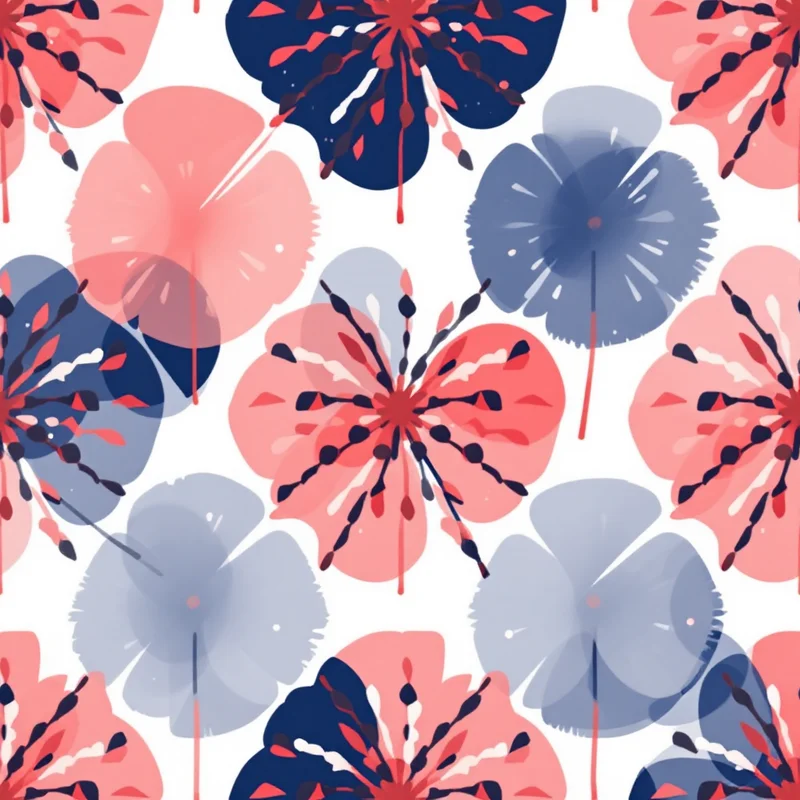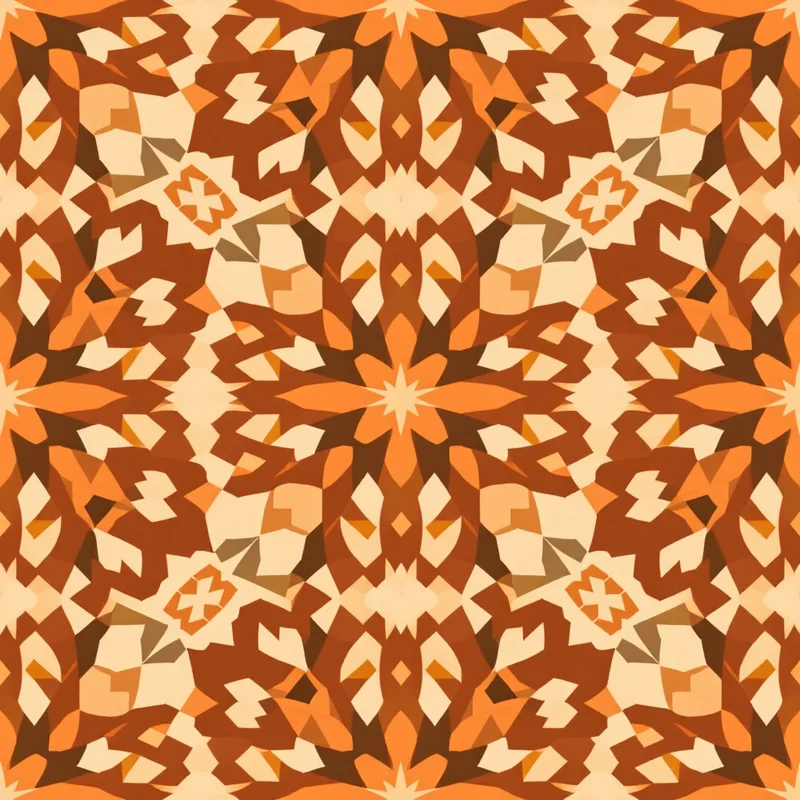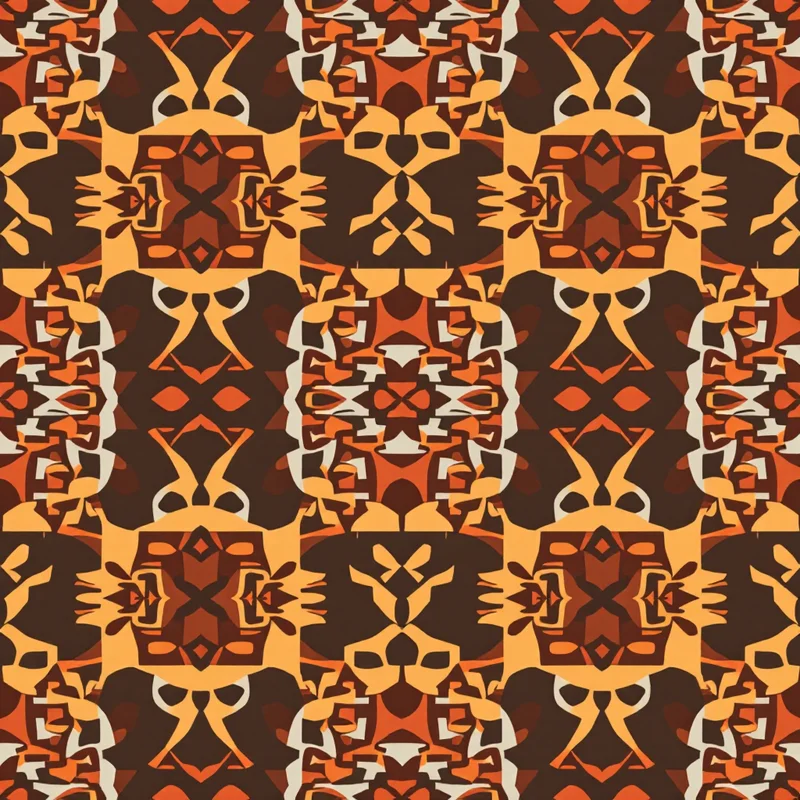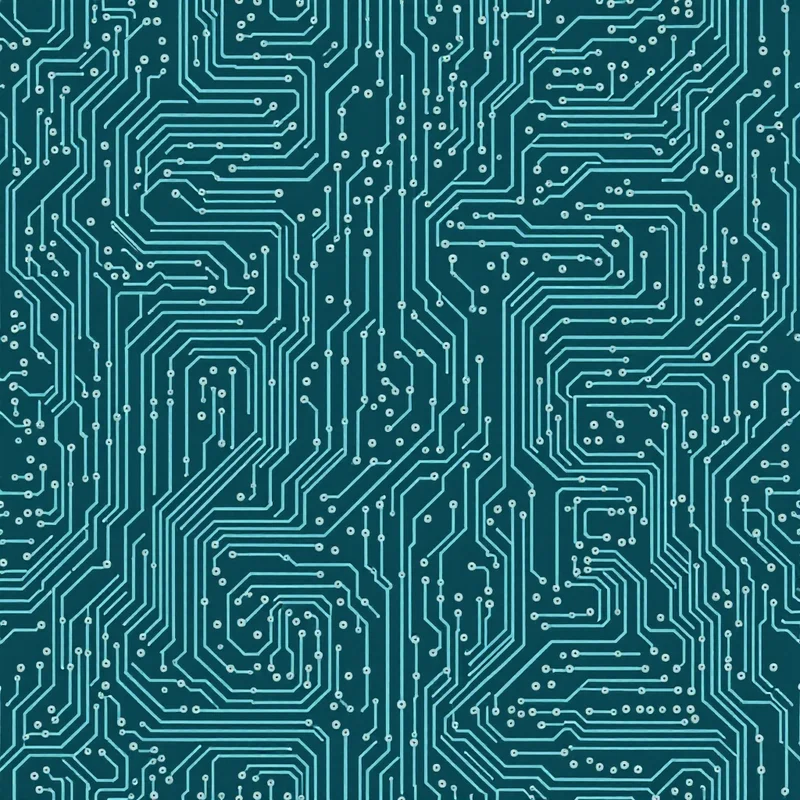
Midjourney is the most popular general-purpose AI image generator in the world. Pattern Weaver is a specialized tool built specifically for seamless surface pattern design. Both can produce beautiful pattern imagery, but they solve different problems and serve different workflows. This comparison walks through the key differences honestly so you can choose the right tool — or understand how they fit together.
Key takeaway: Midjourney is best for creative exploration and one-off artwork. Pattern Weaver is built for producible seamless patterns with tight control over style, color, density, and scale, plus production-ready export. Many designers use both, for different stages of their workflow.
What Each Tool Actually Does
Midjourney generates high-quality images from text prompts. It runs primarily through Discord (with web access expanding) and produces images through open-ended prompting. The output is consistently beautiful but the control surface is text-based — you describe what you want, and the model interprets.
Pattern Weaver compiles pattern specifications (style, substyle, palette, density, motif scale) into optimized prompts through a specialized Pattern DNA compiler, then generates images through a tuned generation pipeline. The output is a seamless repeat tile with production-ready export options.
Seamless Tiling
This is the single most important functional difference for pattern designers.
Midjourney can generate pattern-like imagery when prompted, and its `--tile` parameter produces tileable output. However, the seams are often visible, motif distribution across the tile edge can be unbalanced, and the tile quality varies significantly between generations. You often need to fix seams in Photoshop or dedicated seamless-tile software before production use.
Pattern Weaver generates truly seamless tiles by default. Every pattern tiles perfectly — the edges are engineered to match, motif distribution is balanced across the tile boundary, and no post-processing is needed for seam correction. If you need a seamless repeat tile for fabric printing, wallpaper production, or digital pattern use, this difference alone is decisive.
For more on why seamless tiling matters, see the what is a seamless repeat pattern guide.
Control Over Output
Midjourney gives you control through prompt engineering. Better prompts produce better results, but every specification is text. Want a muted palette? Describe it. Want medium density? Describe it. The learning curve is steep and results are probabilistic.
Pattern Weaver gives you structured control through a UI. Pick from 40+ style families, 600+ substyles, specific render methods, color palettes (preset or custom hex), density sliders, motif scale sliders. Each control maps to a specific pattern variable and produces predictable shifts in the output. The learning curve is measured in minutes.
Style Consistency Across a Collection
Designing a coordinating collection — multiple patterns in a shared palette and aesthetic — is one of pattern design's highest-value skills.
Midjourney can produce consistent-looking sets through careful prompt reuse and style references (`--sref`), but color palette consistency across multiple generations requires extensive prompt engineering and often manual color correction.
Pattern Weaver locks palette across generations by default. Build a 5-color palette once, then generate dozens of coordinating patterns in different styles, all sharing the exact same colors. For commercial collection building, this is a significant productivity advantage.
Production-Ready Export
Midjourney outputs high-resolution images (up to roughly 4K) in PNG or JPG. No CMYK support, no TIFF export, no print bleed margins, no built-in mockup preview. Post-processing happens in other software.
Pattern Weaver exports up to 8K resolution in PNG, JPG, WEBP, TIFF (including CMYK for offset printing), and PDF with print bleed margins. Product mockup previews (t-shirt, tote, pillow, mug) are built in. Designed end-to-end for production workflows.
See the pattern export formats guide for more on production formats.
Pricing and Access
Midjourney requires a subscription starting at $10/month for basic access. Higher tiers unlock faster generation and more private generation slots. No free tier — you pay from the first generation.
Pattern Weaver offers 5 free credits to start, with no credit card required. Paid plans begin with Essential ($19/mo, 200 credits), with Plus and Max tiers for higher-volume and advanced features. See the pricing page for current plans.
Commercial License
Both tools grant commercial usage rights on paid plans, but the specifics differ. Midjourney's terms have evolved over time — check their current policy. Pattern Weaver grants clear commercial use on all paid plans, covering print-on-demand, textile production, licensing, and direct sales.
For more on this, see the commercial license for AI patterns guide.
Learning Curve
Midjourney rewards prompt-engineering skill. Experienced users can produce extraordinary work; beginners often feel lost. The Discord-based interface, while improved, adds friction.
Pattern Weaver is designed for non-technical users. If you can use any modern web app, you can use it. Advanced users can still get deep — the compiler accepts freeform prompts, batch generation, and advanced parameter tuning — but the entry point is gentle.
When Midjourney Is Better
- One-off artwork, illustrations, or non-repeating imagery
- Creative exploration where seamlessness isn't required
- Non-pattern design work
- When you already have a Midjourney workflow and don't need seamless tiles
When Pattern Weaver Is Better
- Any project that requires seamless repeat tiles
- Commercial pattern design for fabric, wallpaper, or products
- Coordinating pattern collections with consistent palette
- Production workflows requiring CMYK, TIFF, or print bleed exports
- When you want structured control over pattern variables
- When you value a gentle learning curve
Using Both Together
Many designers actually use both tools. A common workflow:
- 1Use Midjourney for initial creative exploration and mood-board generation.
- 2Identify the direction that feels right.
- 3Switch to Pattern Weaver to build the actual production-ready seamless collection in that direction.
This plays to each tool's strengths. Midjourney opens creative doors; Pattern Weaver closes the production loop.
Try Pattern Weaver Free
If you're ready to try seamless pattern design with a tool built specifically for the job, Pattern Weaver offers 5 free credits with no credit card required. Open the pattern studio to start generating, or see the free AI pattern generator page for a quick overview.
For more tool comparisons, see the best AI pattern generators of 2026 and the best free pattern makers guide.
Explore related pattern styles
Patterns for