Pattern design tools range from free browser apps to professional suites costing hundreds of dollars a year. If you are just starting out, testing an idea, or working with a tight budget, you do not need to pay for expensive software to create usable patterns. Several tools offer genuinely capable free tiers — some AI-powered, some manual, all worth knowing about.
TL;DR: If you need production-ready seamless tiles without manual seam-fixing, a dedicated pattern generator is the strongest approach. For concept exploration and brainstorming, general-purpose AI tools produce inspiring imagery you can refine later.
This roundup covers seven pattern makers you can use for free in 2026, with honest assessments of what each one does well and where it falls short.
1. Dedicated AI Pattern Generator ([Try Free](/app/studio))
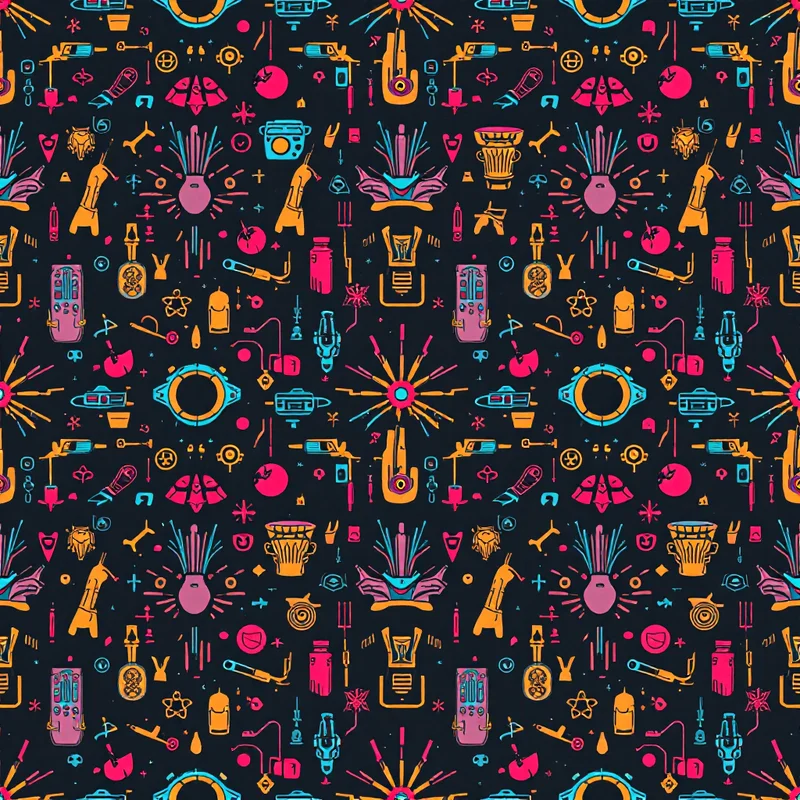
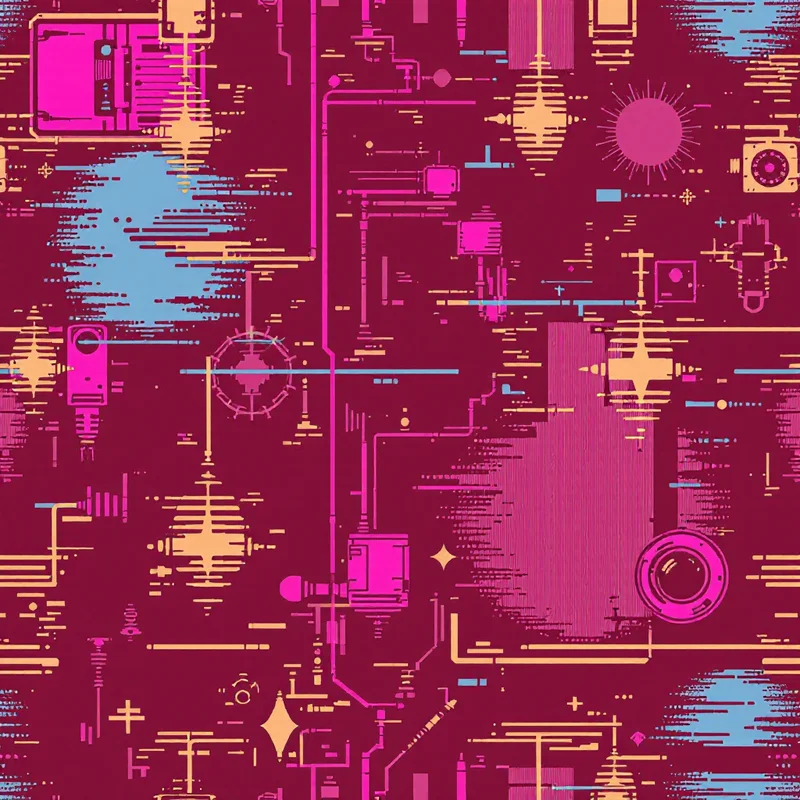
What it is: An AI-powered seamless pattern generator purpose-built for surface design. You select a style (geometric, botanical, Art Deco, etc.), substyle, colors, density, and scale, and the AI generates a production-ready seamless tile.
Free tier: 5 credits to start. Each credit generates one pattern. You also get seamless correction, enhancement, and export tools.
Strengths: Purpose-built for repeating patterns, not general-purpose image generation. The output tiles seamlessly by default, which eliminates the most tedious step of pattern creation. The style taxonomy is deep — over 60 styles and hundreds of substyles covering everything from Scandinavian folk to Art Deco to Japanese wave patterns. You can control density, scale, and color palette before generation, which means less trial-and-error than general-purpose AI tools. Export options include tiled previews, multiple aspect ratios, and high-resolution downloads. Commercial use is included on all plans.
Limitations: 5 generations per month on the free tier is enough for experimentation but not for production volume. The tool generates raster images, not vector — if you need editable vector paths, you will need to trace the output in Illustrator or Inkscape. You cannot upload your own motifs to remix; the AI generates from parameters rather than reference images.
Best for: Designers who want production-ready seamless tiles without manual repeat construction, and anyone exploring surface pattern styles they have not worked in before.
2. Repper
What it is: A browser-based pattern maker that transforms photos and images into kaleidoscopic repeating patterns using mathematical symmetry operations.
Free tier: Free trial with limited exports. The tool itself is subscription-based, but the trial lets you explore the interface and generate preview-quality patterns.
Strengths: Repper takes a fundamentally different approach — you upload a source image (a photo, a texture, a painting) and it applies symmetry groups (p4m, p6m, etc.) to create repeating tiles. The results have a handcrafted quality that pure AI generation rarely achieves because they are derived from real imagery. The symmetry options are extensive and mathematically precise. You can get unexpected, beautiful results from mundane source photos.
Limitations: The free tier is a trial, not a permanent free plan. The tool creates symmetry-based patterns only — you cannot create narrative or illustrative repeats. The output aesthetic skews heavily toward kaleidoscopic and abstract. Source image quality directly determines output quality.
Best for: Abstract and kaleidoscopic pattern design, textile designers who want to derive patterns from their own photographs or artwork.
3. Adobe Firefly
What it is: Adobe's AI image generation tool, available through the web and integrated into Creative Cloud apps. Not pattern-specific, but capable of generating pattern-like imagery.
Free tier: Adobe offers a limited number of free Firefly generations per month (tied to your Adobe account). The exact quota varies by plan.
Strengths: Adobe trains Firefly on licensed and public domain content, which gives it the cleanest intellectual property position of any AI generator. The output quality is high, and the style control has improved significantly. Integration with Photoshop and Illustrator means you can generate in Firefly and refine in professional tools within the same ecosystem. Commercial use is covered.
Limitations: Firefly is a general-purpose image generator, not a pattern tool. It does not generate seamless tiles by default — you will need to use Photoshop's pattern tools or manual offset techniques to make the output repeat. The free generation quota is low. Getting consistent, pattern-appropriate output requires careful prompting.
Best for: Designers already in the Adobe ecosystem who want AI generation with strong IP provenance and plan to do repeat construction manually in Photoshop.
4. DALL-E (via ChatGPT)
What it is: OpenAI's image generation model, accessible through ChatGPT. Capable of generating pattern-like imagery from natural language descriptions.
Free tier: ChatGPT's free tier includes limited DALL-E generations. Paid tiers offer more.
Strengths: Natural language prompting is intuitive — you can describe a pattern in plain English and get a reasonable interpretation. The model handles a wide range of styles and can produce detailed, visually rich output. Commercial use is granted on all tiers. The conversational interface lets you iterate by describing changes ("make it denser," "change the flowers to dahlias").
Limitations: DALL-E is not designed for seamless patterns. Getting output that actually tiles requires specific prompting techniques, and even then, the seams are rarely perfect without post-processing. Color control is imprecise — you can request "navy and gold" but the exact shades are up to the model. Resolution is limited compared to dedicated pattern tools. Consistency across multiple generations is difficult to maintain.
Best for: Brainstorming and early-stage concept exploration, especially for designers comfortable with natural language and willing to fix repeats manually.
5. Midjourney (Free Trial)
What it is: An AI image generator known for its distinctive aesthetic quality. Accessible through Discord or the web interface.
Free tier: Midjourney has offered limited free trials periodically. Availability varies — check their current offerings.
Strengths: Midjourney produces arguably the most visually polished AI-generated imagery available. Pattern-style outputs tend to be rich, detailed, and aesthetically cohesive. The community is large and active, with extensive prompt-sharing resources. The model handles complex style descriptions well. Commercial use is included with paid plans.
Limitations: Free access is intermittent and limited when available. Like DALL-E, Midjourney is not a pattern tool — seamless tiling requires manual post-processing. The Discord-based workflow is unconventional and has a learning curve. You have less control over exact output specifications (precise color hex values, density levels, tile dimensions) than with purpose-built pattern tools. The famously "Midjourney look" can make your patterns resemble everyone else's.
Best for: Designers who prioritize aesthetic quality and are willing to handle repeat construction separately. Best suited for concept art and inspiration rather than production-ready tiles.
Comparison Summary
| Tool | Seamless Output | Color Control | Style Depth | Commercial Use (Free) | Best For |
|---|---|---|---|---|---|
| AI Pattern Generator | Yes | Palette picker | 60+ styles | Yes | Production-ready tiles |
| Repper | Yes | Source-dependent | Symmetry-based | Trial only | Abstract/kaleidoscope |
| Adobe Firefly | No | Prompt-based | General | Yes | Adobe ecosystem |
| DALL-E | No | Prompt-based | General | Yes | Concept exploration |
| Midjourney | No | Prompt-based | General | Trial varies | Visual quality |
Which One Should You Use?
It depends on what you are making and how much post-processing you want to do.
If you need a seamless pattern tile and do not want to fix seams manually, A dedicated pattern generator and Repper are the strongest options — they handle the repeat math for you. If you want maximum creative control and own Adobe tools, Firefly plus Photoshop is a powerful combination. If you are exploring ideas and do not mind the tile not being production-ready, DALL-E and Midjourney produce inspiring imagery you can refine later.
Most working pattern designers end up using multiple tools. You might brainstorm in Midjourney, generate production tiles in the studio, and refine in Photoshop. The tools are complementary, not exclusive, and the best workflow is the one that matches how you think and what you are making.
Explore related pattern styles
Patterns for