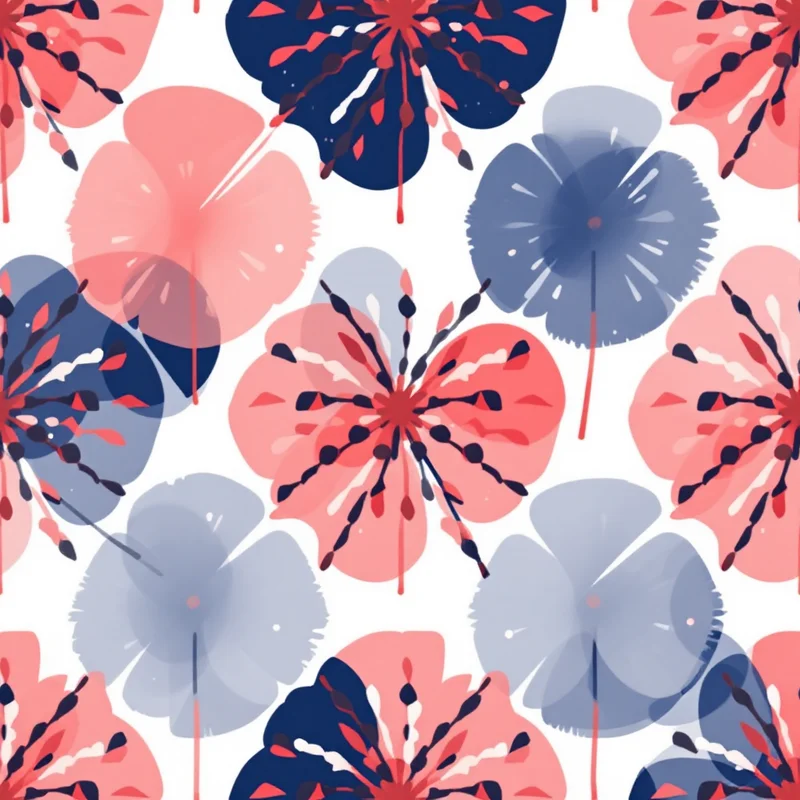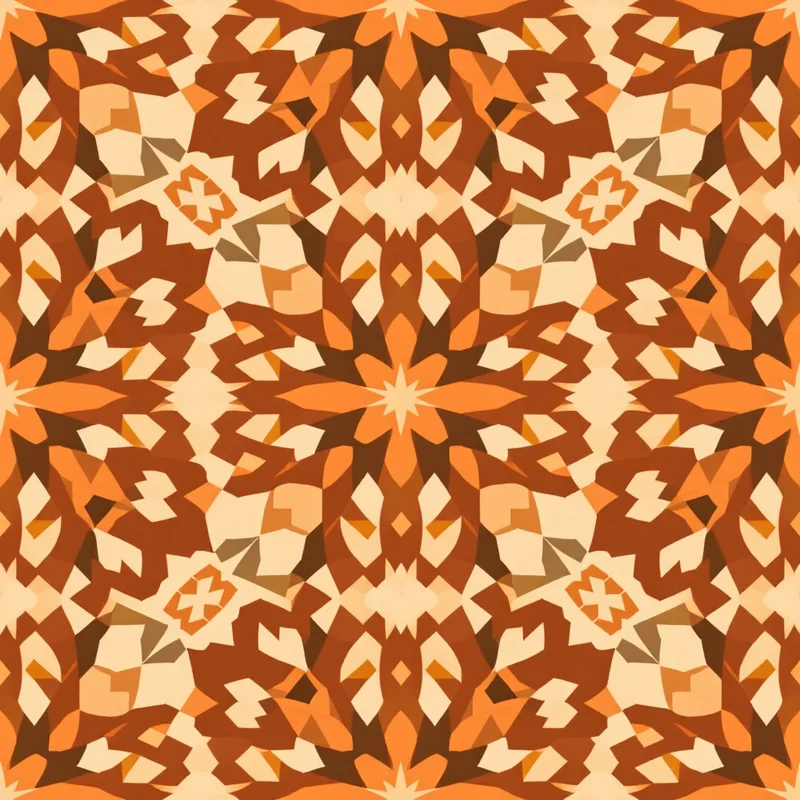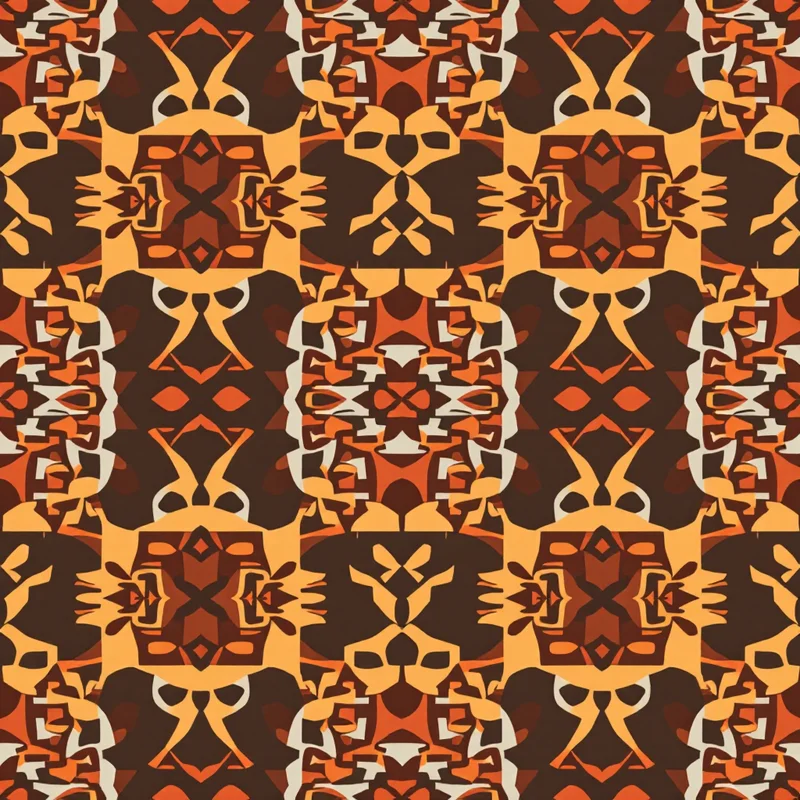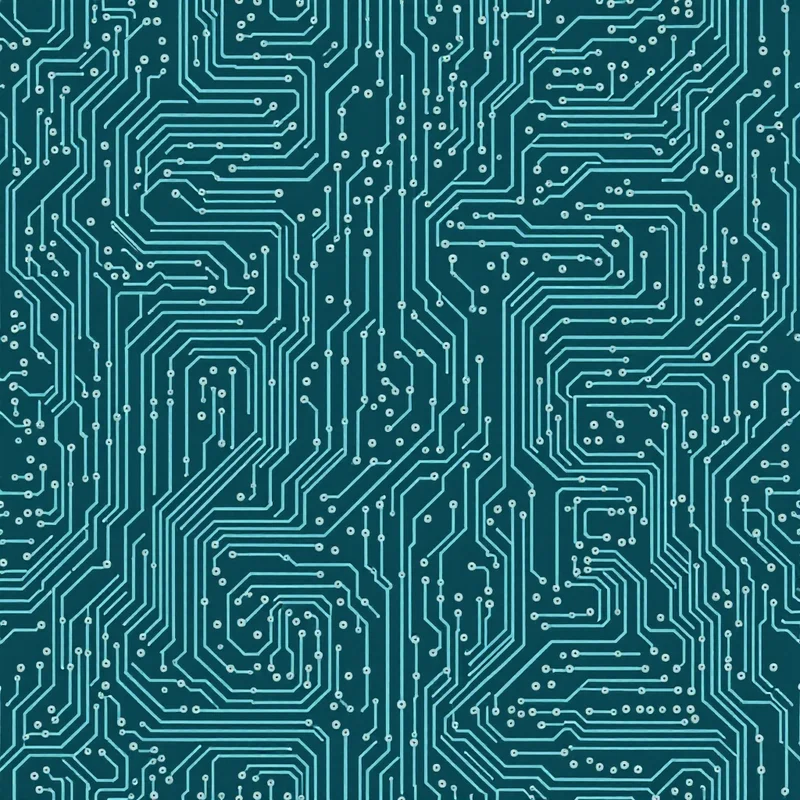
Adobe Illustrator has been the industry standard for seamless pattern design for two decades. The Pattern Tool, Object > Pattern > Make command, and manual swatch construction have produced most of the patterns you've seen on professional textile, wallpaper, and surface design work. AI pattern generators — Pattern Weaver, Vizcom, Midjourney with tiling, and others — represent a fundamental shift in the workflow. This comparison walks through what each tool actually does well, when to use which, and how the two can work together.
Key takeaway: Adobe Illustrator is still better for mathematical precision, client-specific brand colorway variations, and vector-based production pipelines. AI pattern generators are vastly faster for exploration, aesthetic-driven design, and raster-based production. Most successful 2026 pattern designers use both.
What Illustrator Does Well
Mathematical precision. When a pattern requires exact geometric relationships — specific repeat dimensions, exact color specifications (Pantone to hex mapping), or reproducible brand elements — Illustrator's vector environment is unmatched.
Vector output. Some production workflows require SVG or vector PDF output (embroidery digitization, vinyl cutting, laser engraving, large-format signage). Illustrator outputs cleanly to these formats in ways AI generators currently cannot match.
Precise editing. Once a pattern is built in Illustrator, every element is addressable. You can change one color across the entire pattern, rescale a single motif, or redistribute elements systematically. AI-generated raster patterns require post-processing to make these kinds of targeted edits.
Industry pipeline compatibility. Textile mills, wallpaper printers, and packaging manufacturers often have Illustrator-based workflows. Delivering Illustrator-native files can eliminate intermediary conversion steps.
Typography as pattern. When text is a pattern element, Illustrator's type tools remain superior to any AI-generated approach.
What Illustrator Does Poorly
Speed to first draft. Building even a simple seamless pattern in Illustrator takes 30+ minutes. A complex pattern can take hours or days. Most of that time is spent on setup, motif placement, and seam correction.
Aesthetic exploration. Testing "what if this were more boho?" or "what if the palette shifted warm?" means starting over or painstakingly revising. Illustrator's iteration loop is slow.
Rendering styles. Producing a watercolor look, a linocut look, or a hand-painted aesthetic in Illustrator requires either external raster assets or painful manual workflows in Photoshop.
Generating motifs. Illustrator assumes you have the motifs or can draw them yourself. For designers without strong illustration skills, this is the fundamental bottleneck.
What AI Pattern Generators Do Well
Speed. A complete seamless pattern in 30 seconds. An entire coordinating collection of 20 patterns in an afternoon. The iteration loop is measured in seconds, not hours.
Aesthetic range. Hundreds of rendering styles, thousands of motif families, instant palette and density adjustments. Exploring aesthetic directions that would take weeks in Illustrator happens in minutes.
Motif generation. AI generators produce motifs you couldn't easily illustrate yourself. Detailed botanical illustrations, intricate cultural patterns, realistic animal renderings, textured painterly elements — all generated from prompts.
Seamless tiling by default. Pattern Weaver and similar tools produce true seamless tiles without manual seam correction. Illustrator requires either the Object > Pattern > Make workflow (learning curve) or careful manual construction.
What AI Pattern Generators Do Poorly
Precise repeatable control. Generating the same exact motif again later, with minor variations, is harder in AI workflows than in Illustrator. Each generation is a fresh draw, with some variance.
Vector output. AI generators produce raster output. For vector production pipelines, this requires an additional vectorization step (autotrace) that loses some quality.
Brand color exactness. Matching a specific Pantone color exactly across multiple generations takes more work than setting a CMYK value once in Illustrator.
Targeted editing. Changing a single element in an AI-generated pattern usually requires regeneration rather than surgical edit.
Speed Comparison: A Real Example
Project: A coordinating five-pattern collection in a shared palette for a stationery brand.
Illustrator workflow:
- Concept and moodboard: 4 hours
- Building first hero pattern from scratch: 8 hours
- Four coordinating patterns at 4 hours each: 16 hours
- Color variations (three colorways of each pattern): 8 hours
- Production file preparation: 4 hours
- Total: ~40 hours
AI pattern generator workflow:
- Concept and moodboard: 2 hours
- Generate and refine five hero patterns: 4 hours
- Generate color variations using locked palette: 2 hours
- Production file export: 1 hour
- Total: ~9 hours
The speed difference (roughly 4x faster) compounds across projects. A designer using AI tools can produce four complete collections in the time an Illustrator-only workflow produces one.
Cost Comparison
Adobe Creative Cloud: $22.99/month for Illustrator single-app, $59.99/month for full Creative Cloud.
Pattern Weaver: Free tier with 5 credits, paid plans beginning at $19/month (Essential).
For many independent pattern designers, the combined cost of Adobe Creative Cloud plus an AI pattern generator adds up. The decision becomes: which subscription delivers more value for your actual workflow? For designers who rarely use Illustrator features beyond pattern work itself, AI tools alone may cover most needs.
Quality Comparison
This is where expectations need calibration. A decade ago, AI-generated patterns were obviously AI — artifacts, inconsistencies, and off-brand quality were common. In 2026, high-quality AI pattern generators produce output that is genuinely indistinguishable from professional Illustrator work in most production contexts.
Specific cases where Illustrator still produces visibly better results:
- Patterns requiring perfect geometric precision (Islamic zellige patterns, for example)
- Patterns with typography as a primary element
- Extremely large-format patterns (billboards, signage) where vector output scales infinitely
Cases where AI generators equal or exceed Illustrator output:
- Complex botanical patterns with natural variation
- Patterns with textural rendering (watercolor, linocut, pencil)
- Patterns requiring rapid aesthetic exploration
- Coordinating collections where palette consistency matters more than motif uniqueness
Hybrid Workflows
The strongest 2026 pattern designers use both tools. A common workflow:
- 1Concept and exploration in AI generator. Generate 20-30 variations of a concept quickly. Identify the strongest direction.
- 2Move the chosen direction into Illustrator for precise brand color matching, vector output, and integration with client production files.
- 3Alternatively, finish in AI generator if the final production is raster (fabric, digital products, print-on-demand).
Learning both tools gives you the most creative flexibility and the widest client compatibility.
Recommendation by Designer Type
Beginning pattern designers — start with AI tools. The learning curve is gentler, the results are good, and you can build a portfolio quickly. Add Illustrator when client work demands vector output.
Professional illustrators transitioning to pattern work — you already have motif-drawing skills. Use Illustrator for motif creation and composition, AI tools for aesthetic exploration and rapid variation generation.
Print-on-demand and Etsy sellers — AI tools alone likely meet all your needs. The platforms accept raster output, and the speed advantage lets you build catalogs 4-5x faster than Illustrator workflows.
Licensing-focused designers — learn both. Licensing clients vary in their technical requirements; flexibility matters.
Try the AI Workflow
If you've done all your pattern work in Illustrator and want to try the AI workflow, open Pattern Weaver's studio. Five free credits are enough to test whether the approach fits your working style. For broader tool comparisons, see the Midjourney vs Pattern Weaver comparison and the best AI pattern generators of 2026.
For pattern-making fundamentals that apply across every tool, see the how to create seamless patterns guide and the pattern repeat types guide.
Explore related pattern styles
Patterns for