Digital Textile Printing: Designs, File Specs, and Production Guide
A working guide to designing for digital textile printing — repeat sizing, DPI, color profiles, and file specs that match what mills actually print on Kornit, MS, Mimaki, and Epson dye-sub equipment.
3 free credits — no credit card required
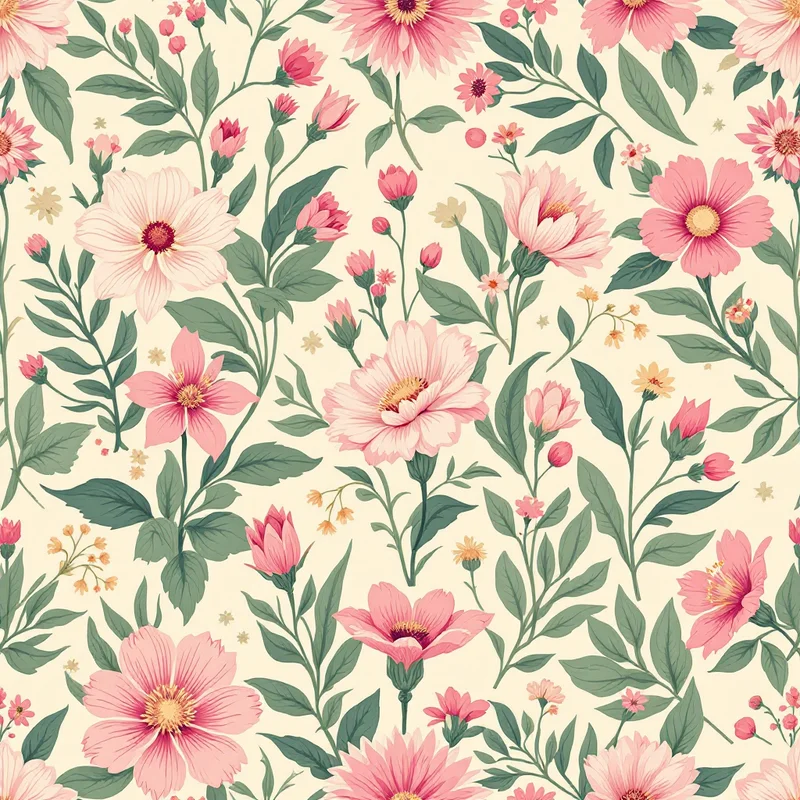
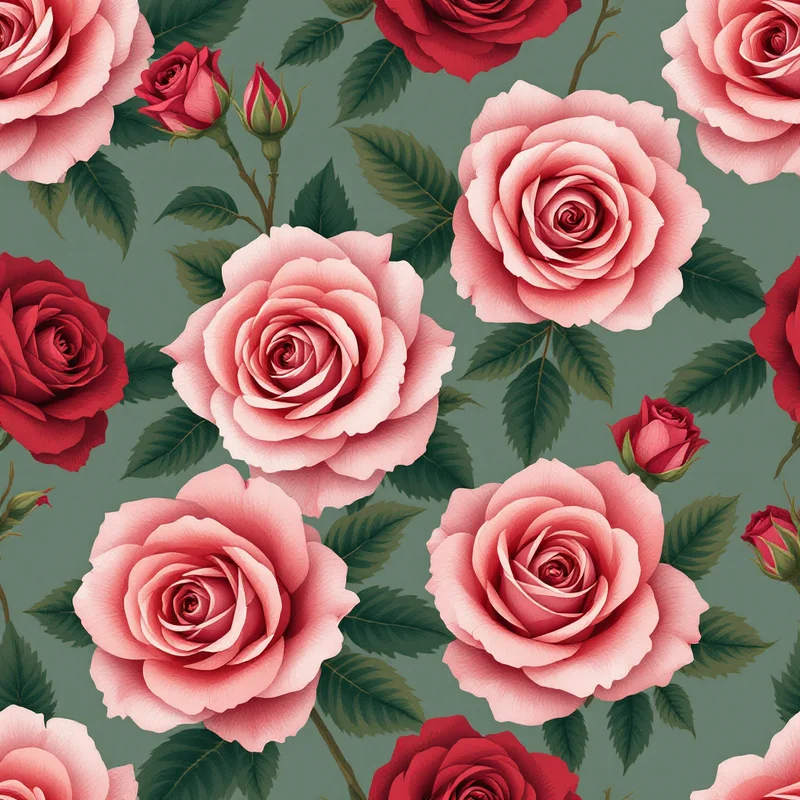
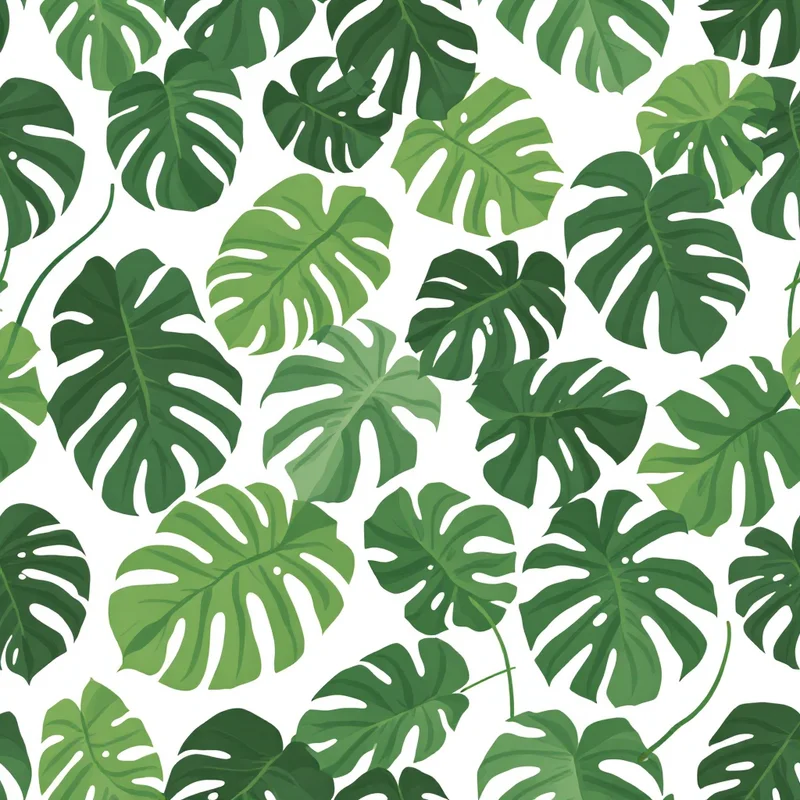
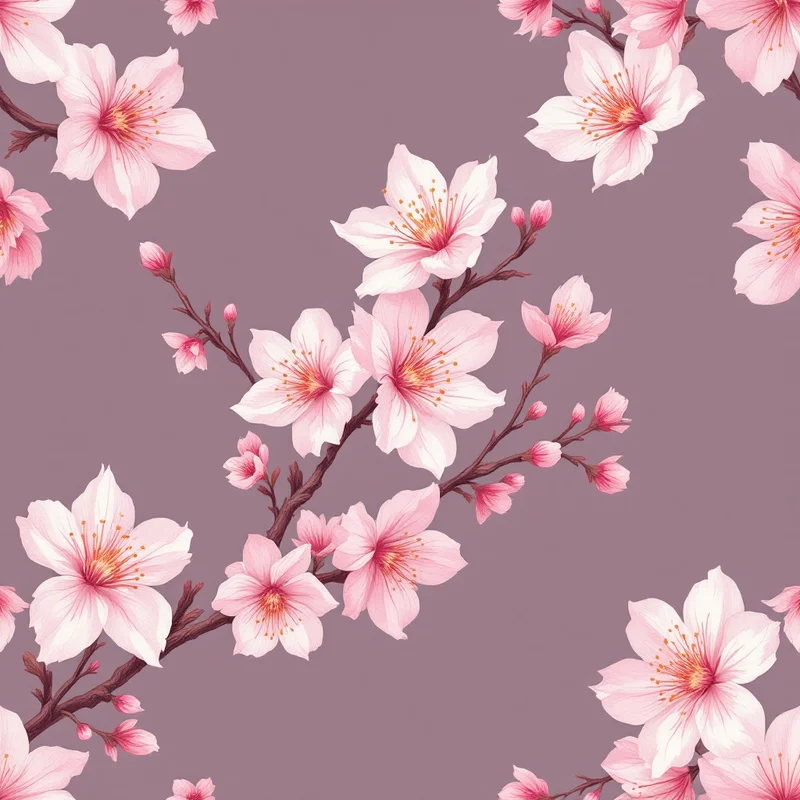
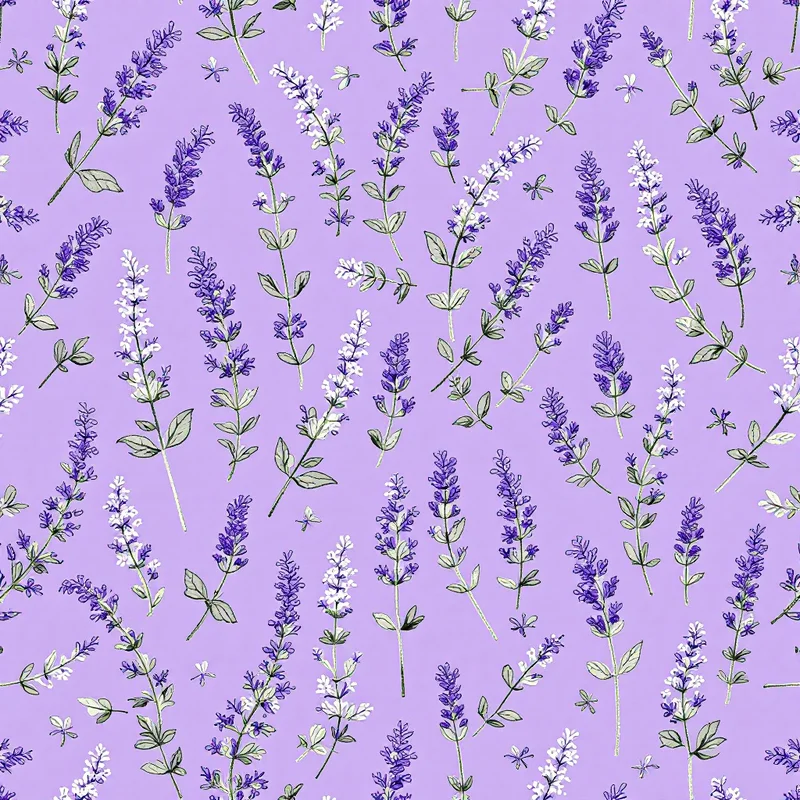
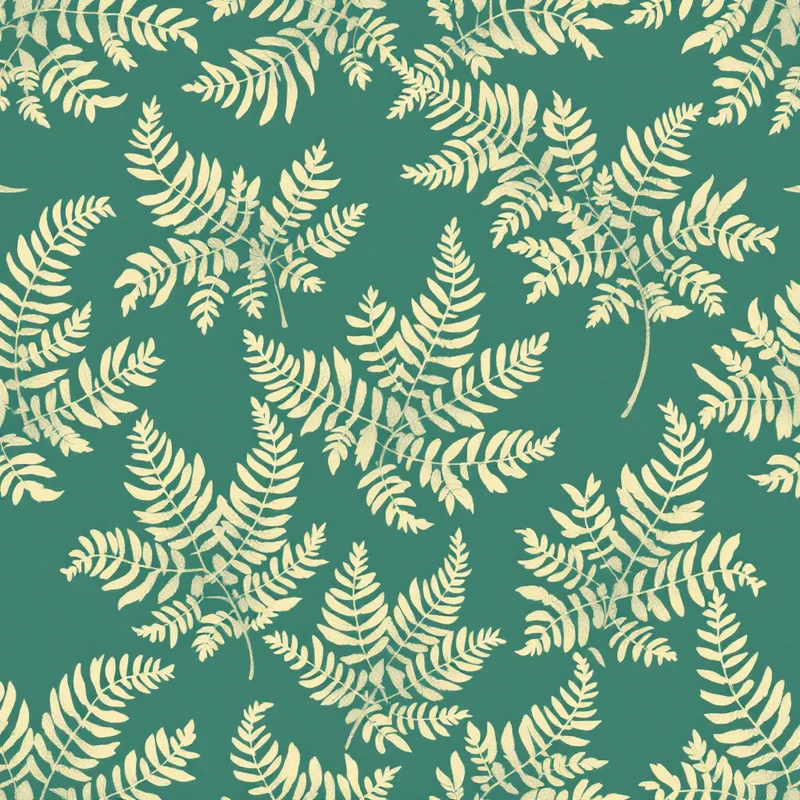
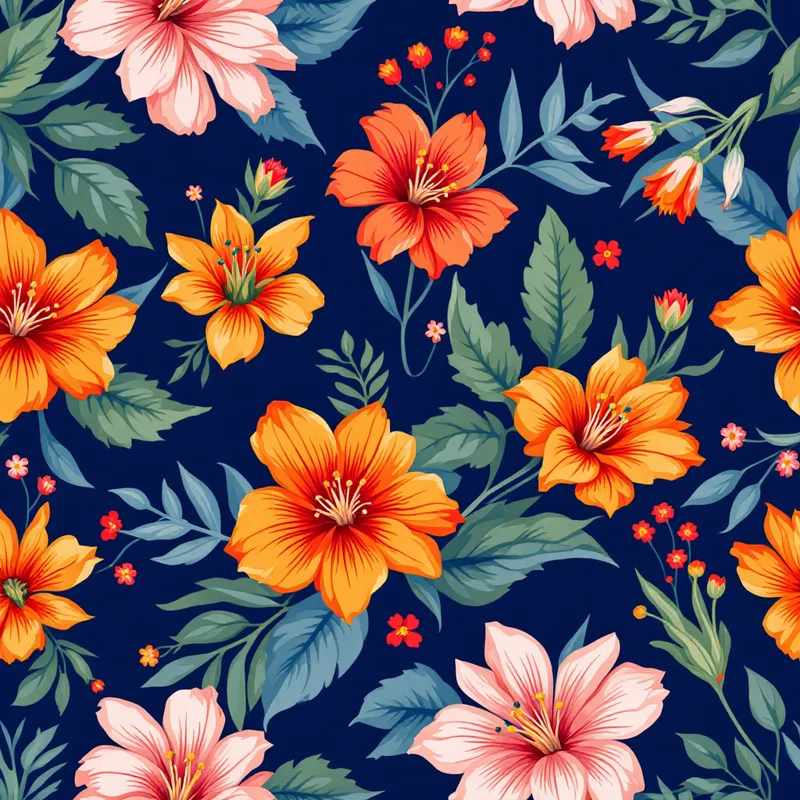
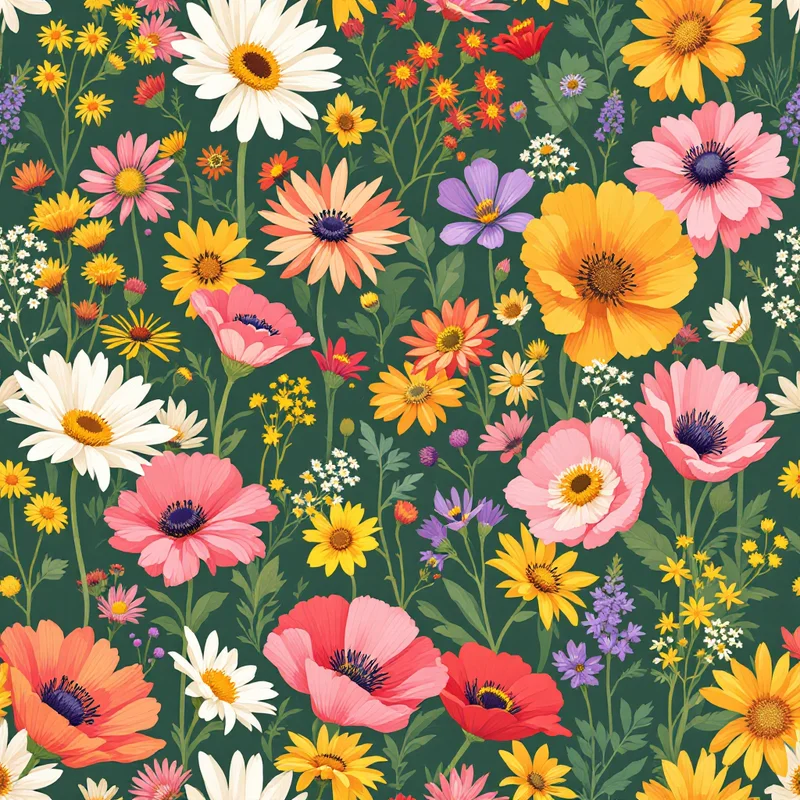
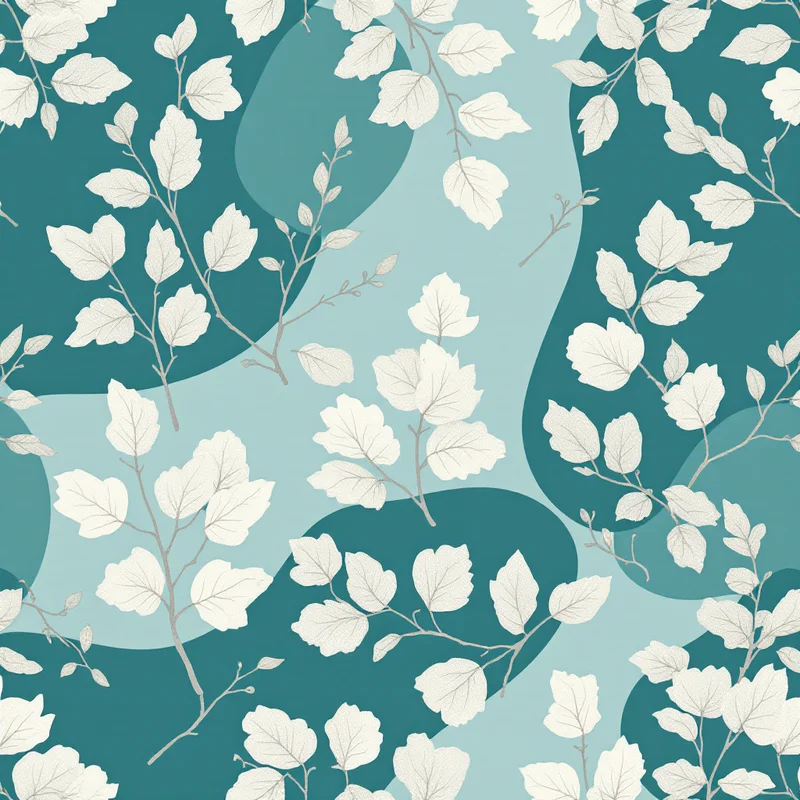
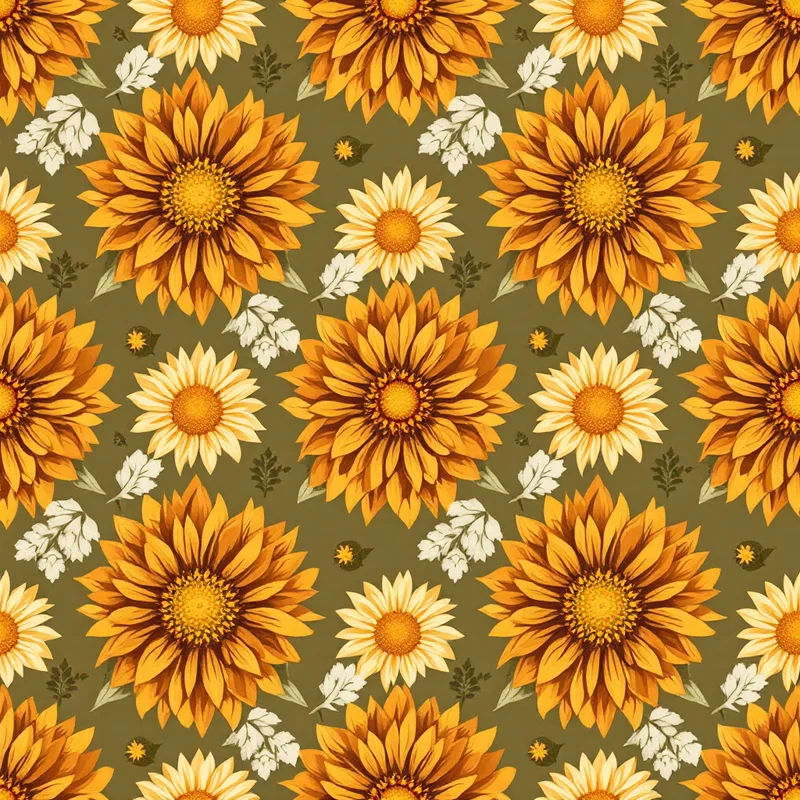
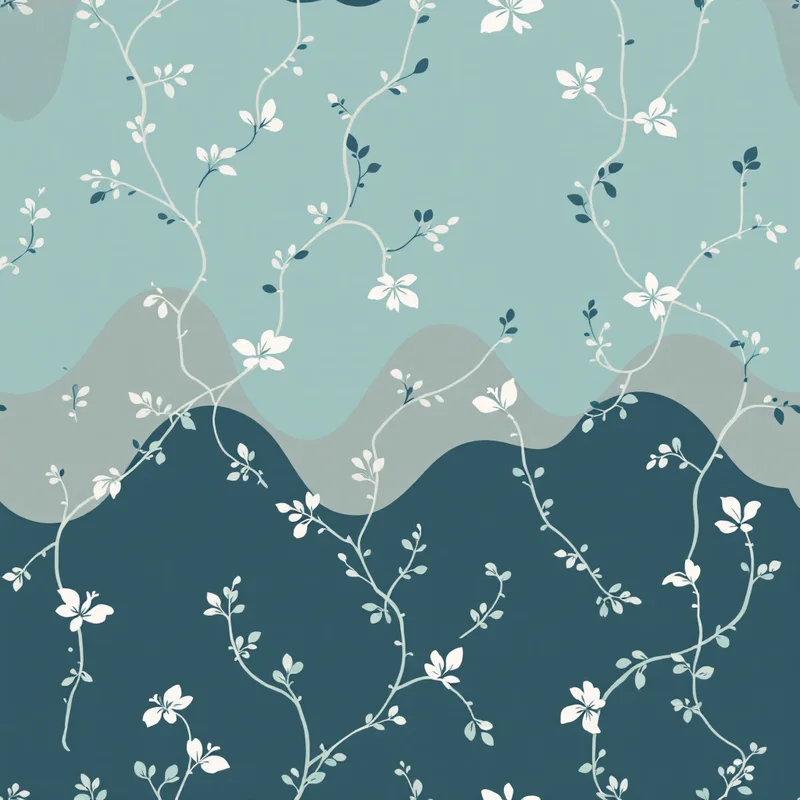
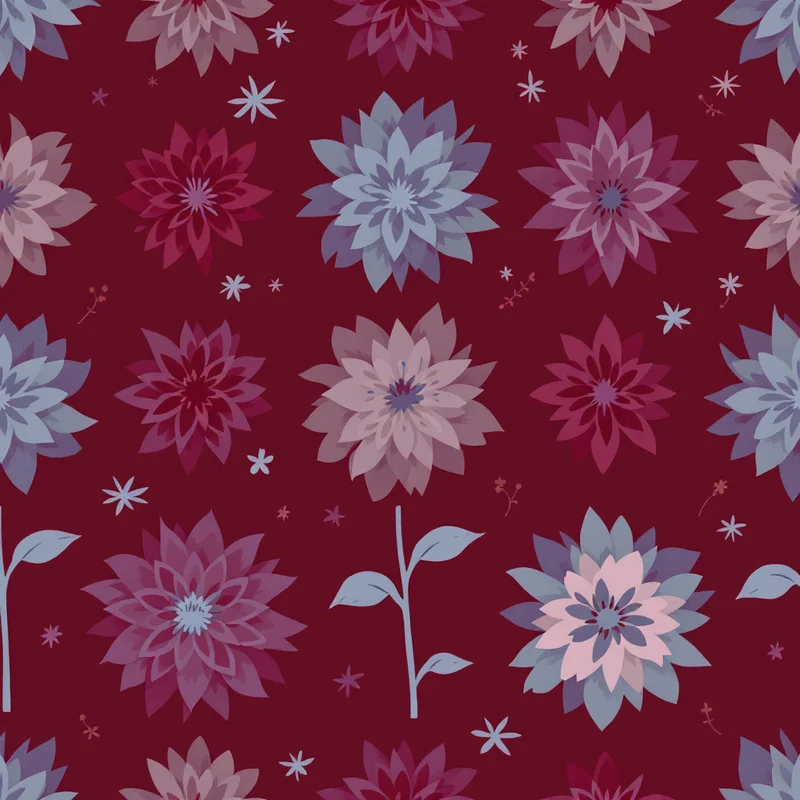
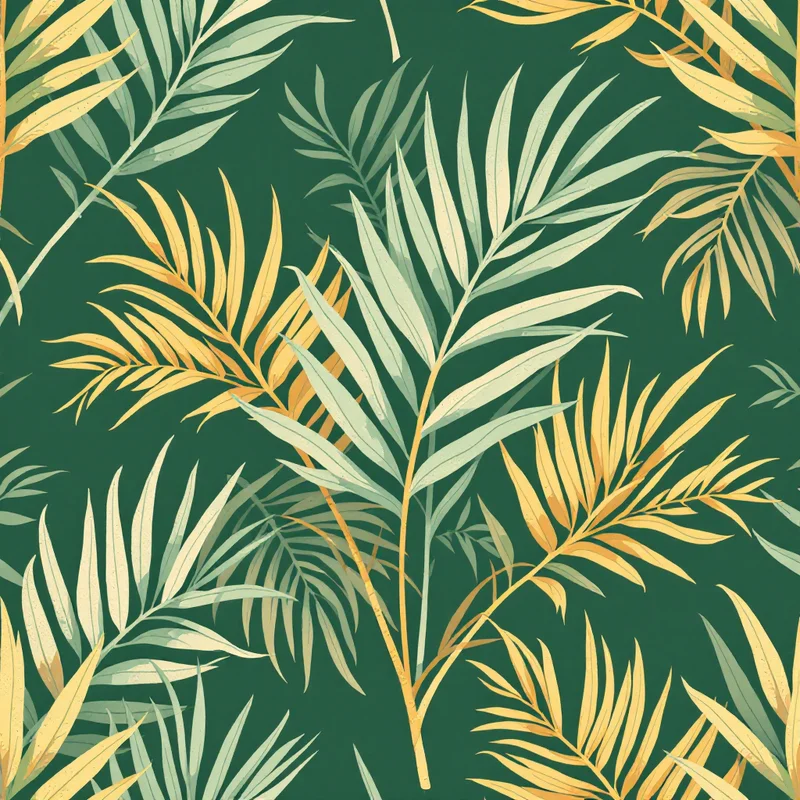
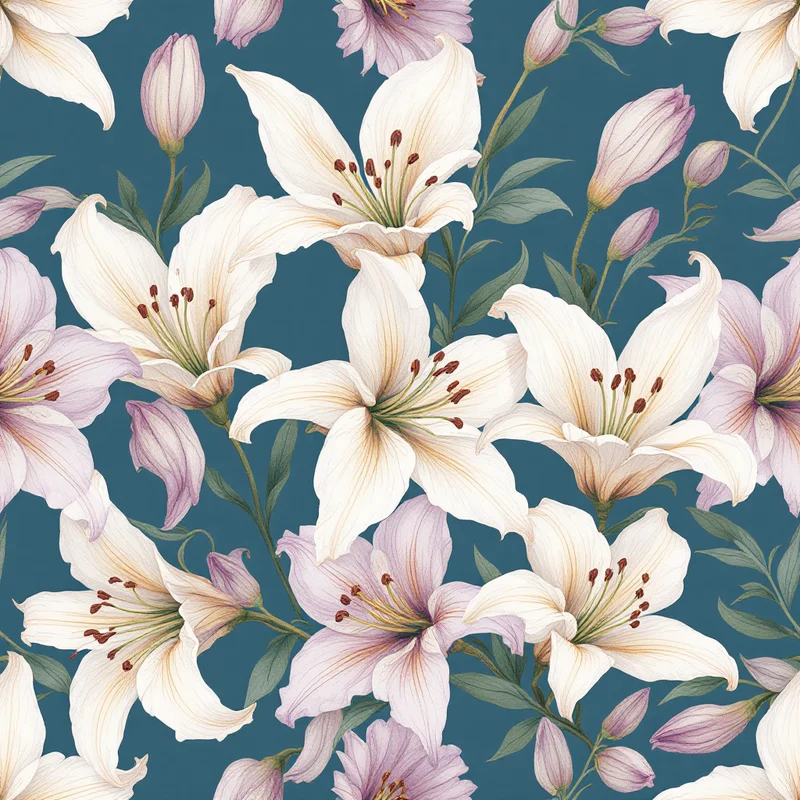
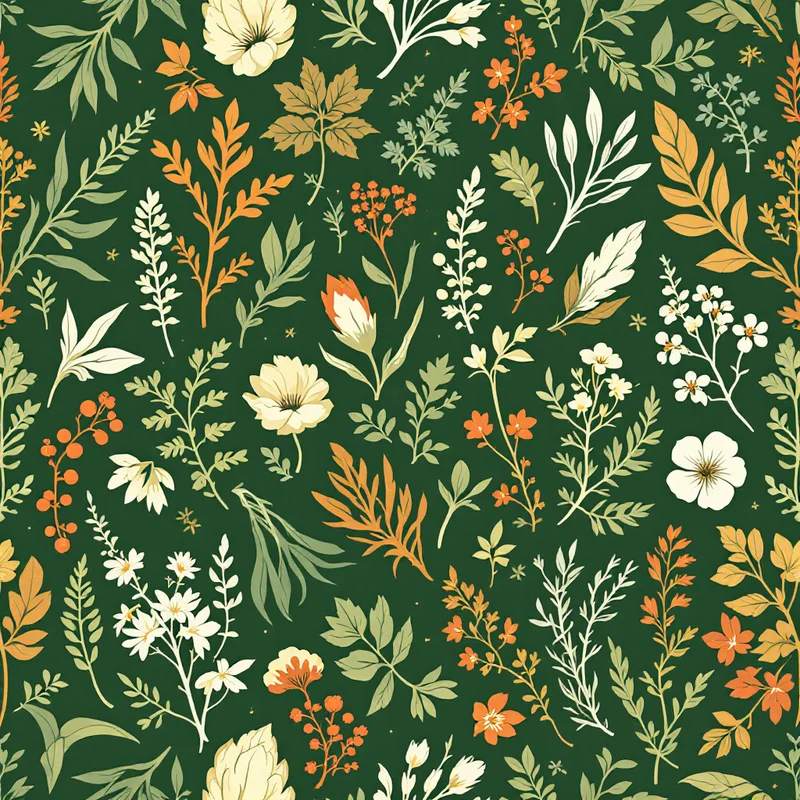
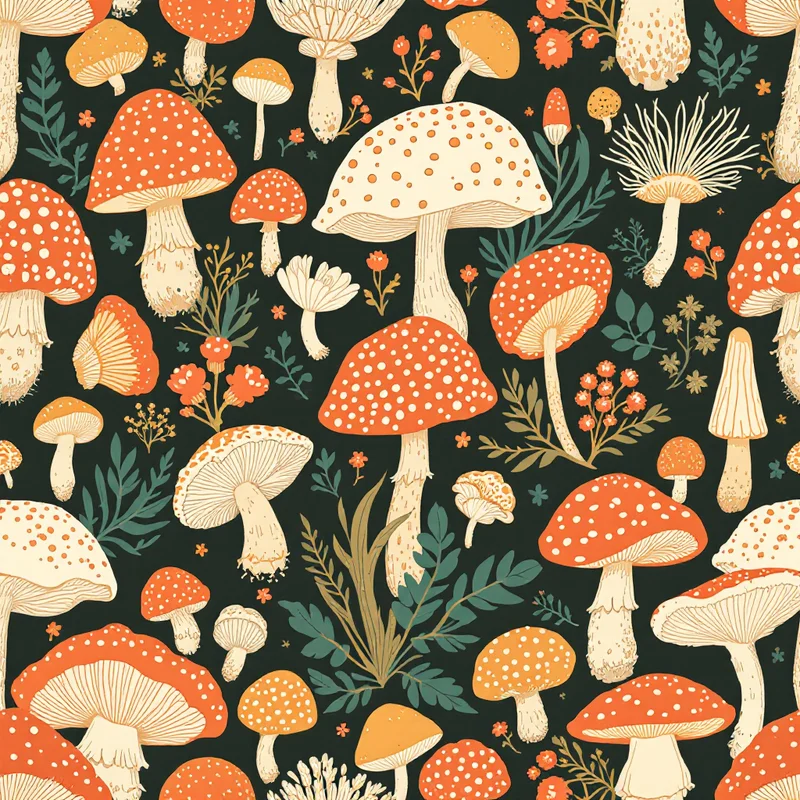
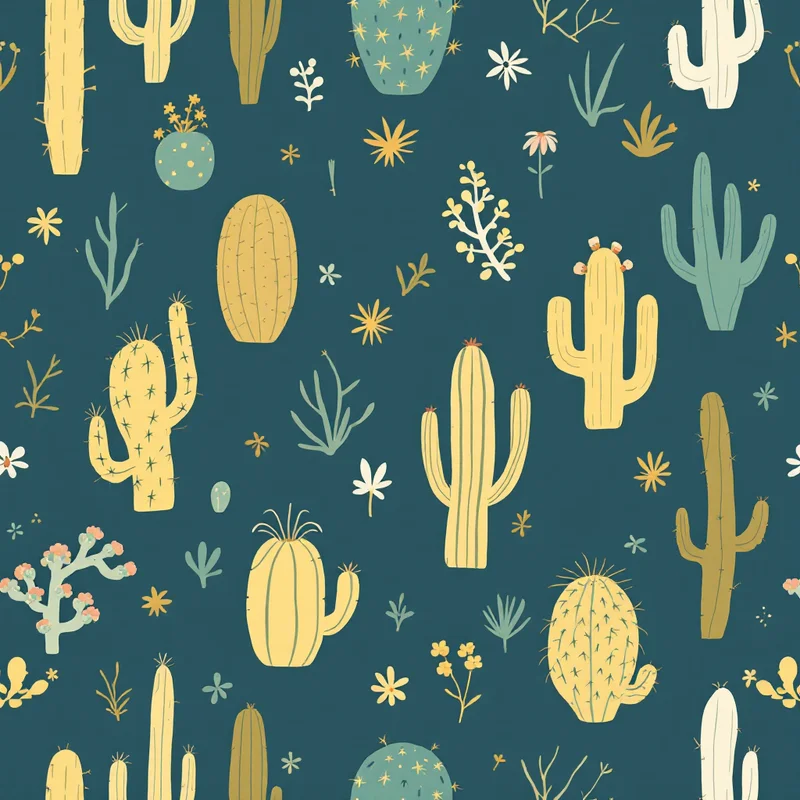
What designers and brand owners need to know about digital textile printing
Digital textile printing is the production method that put short-run printed fabric within reach of brand owners, sample makers, and POD sellers who could never afford rotary screen minimums. Instead of engraving a separate screen per color and committing to thousands of yards, a digital printer fires ink directly onto fabric from a print head, the same way a desktop inkjet lays ink on paper. That single shift collapsed minimum order quantities, opened the door to on-demand fulfillment, and changed how new collections get sampled and approved. It also pushed the technical burden upstream — onto the person preparing the file.
If you are sourcing printed yardage for a clothing line, running a POD storefront, or designing artwork that a mill will produce on Kornit, MS, Mimaki, or Epson dye-sublimation equipment, the production conversation always comes back to the file. DPI, repeat size, color space, bleed, and ICC profile are not optional details. Mismatched specs are the difference between a strike-off that ships and one that gets sent back. Pattern Weaver compiles your design choices into a structured pattern and exports files at the resolutions and color spaces that digital textile mills accept, so the back-and-forth with the printer is about creative direction, not about whether the file will open.
This page walks through how digital textile printing works, which method to choose for which fabric, the file specs your printer expects, and how to use an AI pattern generator to produce designs that pass strike-off without re-rendering. Further down, you will find a practical file-spec checklist that covers tile size, DPI at final printed size, bleed, ICC color profile, and the export format most mills request. We also map out how AI generation slots into a real production workflow — from first mood-board sketch, through seamless tile construction, to the strike-off yard a printer hangs on the wall for approval. The goal is not to oversell the technology — it is to give you a checklist a working professional would actually use.
The fundamentals of designing for digital textile printing
Repeat size matched to print bed and end use
Digital textile printers run on rolls up to 1.6m or 1.8m wide. A repeat that is too small reads as busy on a maxi dress; one that is too large wastes engineering on a small accessory. Pick a tile size that fits the garment scale and the printer width, then design the seamless repeat to that exact pixel grid.
Resolution that survives the press
Most digital textile mills ask for 150–300 DPI at final printed size. Below 150 DPI, edges visibly soften on cotton and silk. Above 300 DPI, file size balloons with no visible benefit. Pattern Weaver exports up to 8K (8192x8192 px), which covers a 27-inch tile at 300 DPI without resampling.
Color space the printer can actually hit
Screens render in RGB. Most digital textile workflows convert to CMYK or to a printer-specific ICC profile before raster. Reactive ink on cotton has a wider gamut than pigment; dye-sublimation on polyester sits between the two. Build in the color space your mill specifies and soft-proof before sign-off.
Bleed, registration, and tile alignment
Every seamless tile needs a few millimeters of bleed past the repeat edge for cut-and-sew tolerances. Edges must match pixel-perfect at all four sides of the tile, with no visible seam at the join. A clean seamless construction is non-negotiable for AOP garments and continuous yardage.
How it works
Pick the design direction
Browse 600+ substyles. Pick a palette, scale, density, and render method that matches what you are creating.
Generate the seamless tile
Pattern Weaver produces a production-ready seamless tile in seconds. Iterate until the design matches your vision.
Export production-ready
TIFF in CMYK with embedded ICC profile (GRACoL, FOGRA39, SWOP). Optional bleed for cut-and-sew. 8K resolution.
Where digital textile printing fits in production
Sampling and strike-offs
Run a single yard of a print to approve scale, color, and hand before committing to bulk. Digital printing makes strike-offs affordable enough to iterate two or three times per design without breaking the development budget.
Short-run capsule collections
Drops of 50–500 garments per print, where rotary screen MOQs of 3,000+ yards would be uneconomic. Digital lets indie labels release prints on the same cadence as graphics.
On-demand and POD fabric
Platforms like Spoonflower, Contrado, and Bags of Love print to order on the same digital equipment a mill uses. Designs upload once and produce yardage in whatever quantity the buyer wants.
All-over print apparel
AOP tees, swim, activewear, and dresses are produced almost exclusively on digital equipment — sublimation for polyester, reactive or pigment for cotton and blends. Seamless tile construction is required.
Home textiles and soft goods
Cushions, curtains, bedding, tea towels, scarves, and bags. Short runs and one-offs are routinely produced on the same digital printers that handle apparel yardage.
Trade-show and seasonal previews
Print a single garment in three colorways for buyers without setting up a full production run. Approve the winner in person, then commit to bulk only on the colorway that lands.
Related Pattern Weaver tools
Textile design
The broader textile design discipline — disciplines, history, and the print stack that digital production lives within.
Fashion print design
Print-specific design for fashion apparel across digital, screen, and rotary methods.
Print on demand clothing
How POD apparel platforms run digital printing under the hood and what file specs each one expects.
Fabric pattern generator
Generate seamless fabric patterns at digital-print resolution with color and scale controls.
Questions answered
What file format and DPI does a digital textile printer want?+
What is the difference between sublimation, reactive, and pigment digital textile printing?+
What repeat size should I design for digital textile printing?+
Do I need CMYK or sRGB files for digital textile printing?+
How does digital textile printing compare to screen and rotary on cost per yard?+
Can I sell garments commercially using designs from Pattern Weaver?+
This site uses cookies to ensure you get the best experience. Learn more