Pattern Weaver vs Spoonflower
AI pattern generator and print-on-demand marketplace, compared
5 free credits — no credit card required
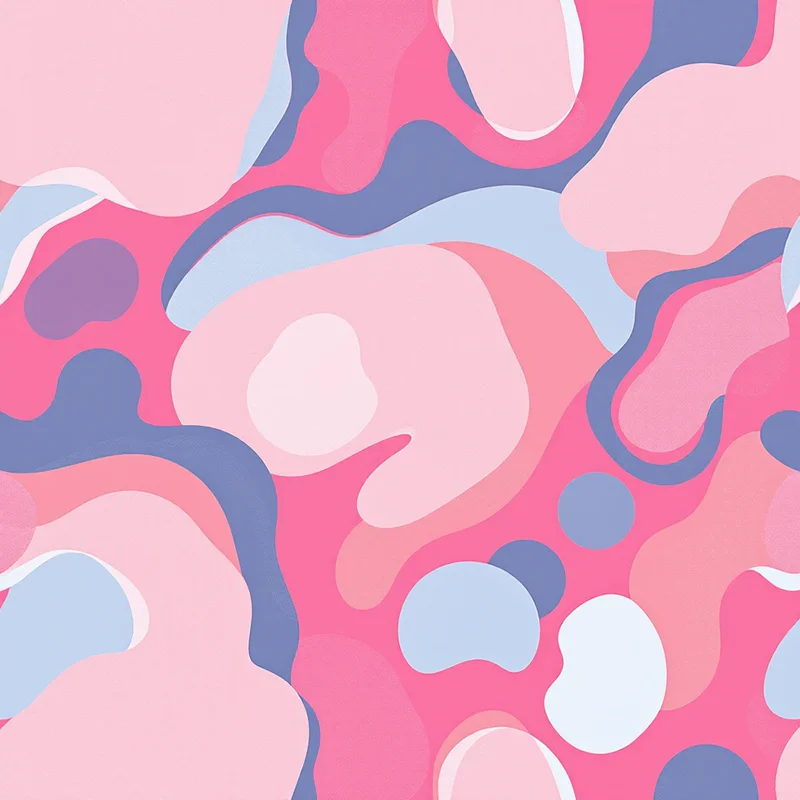
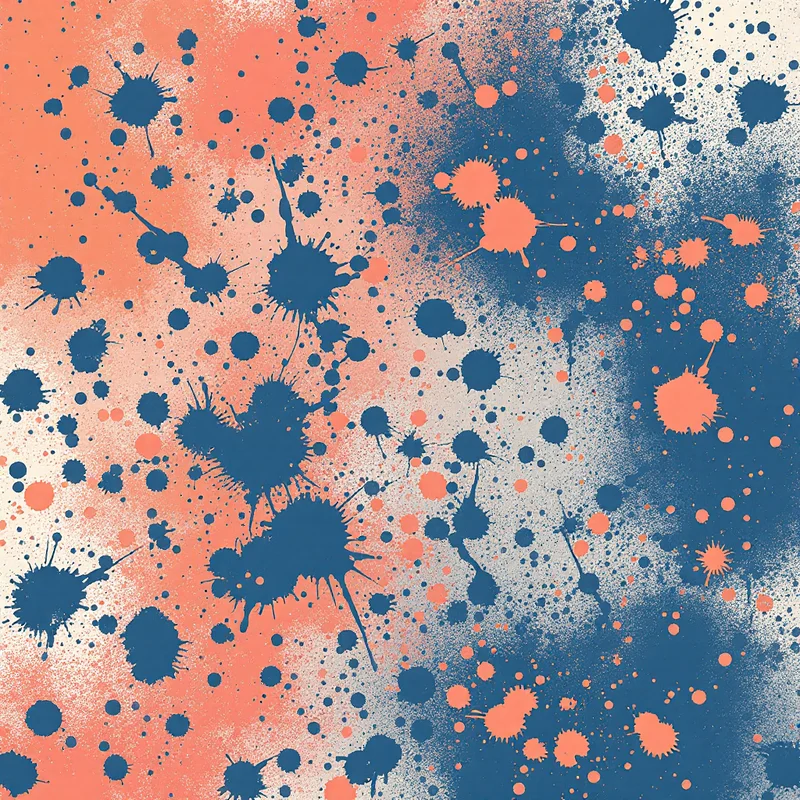
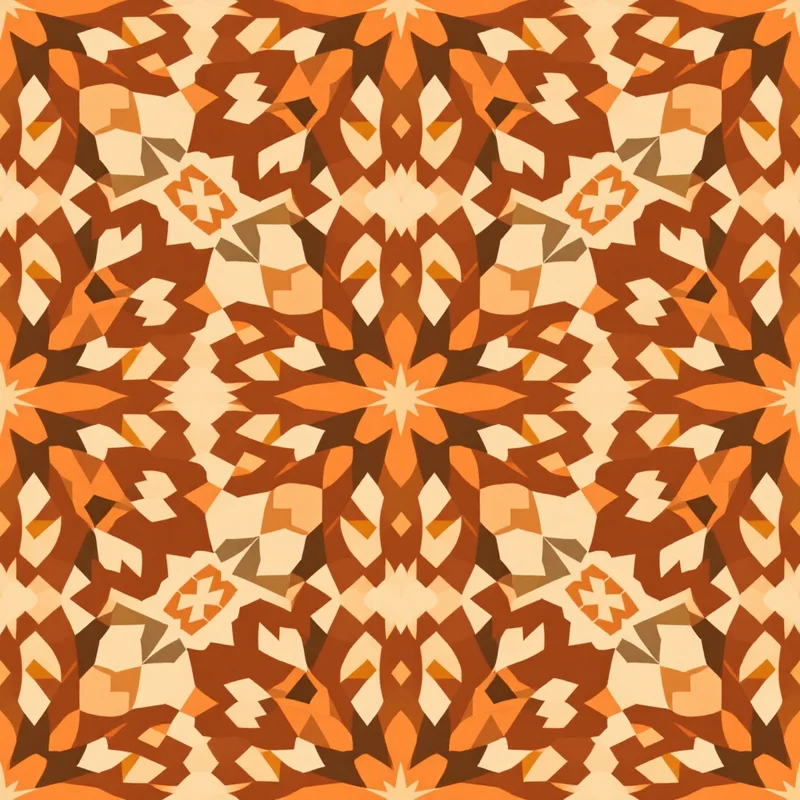
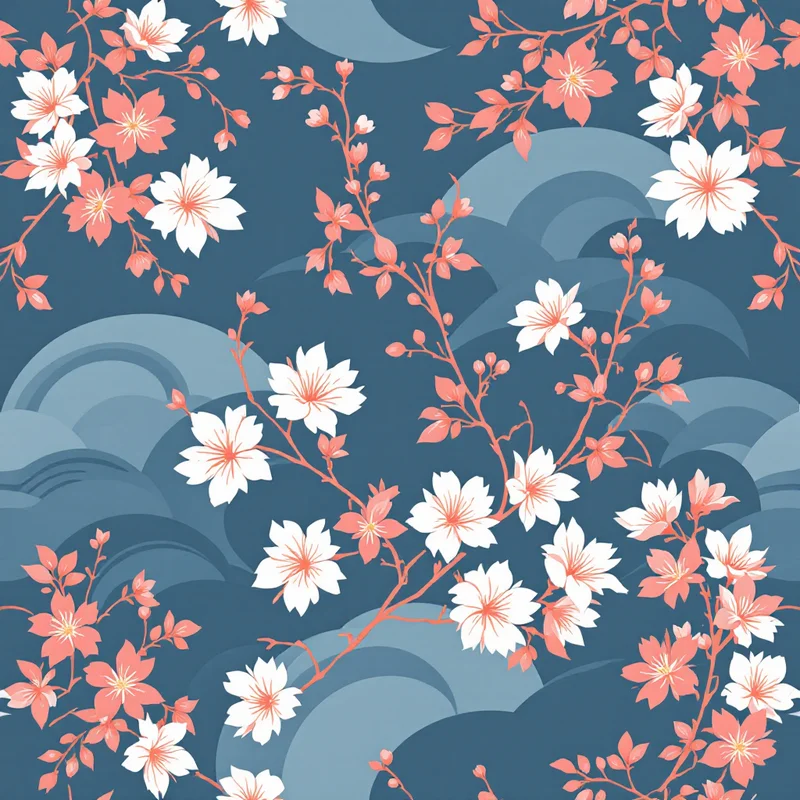

Overview
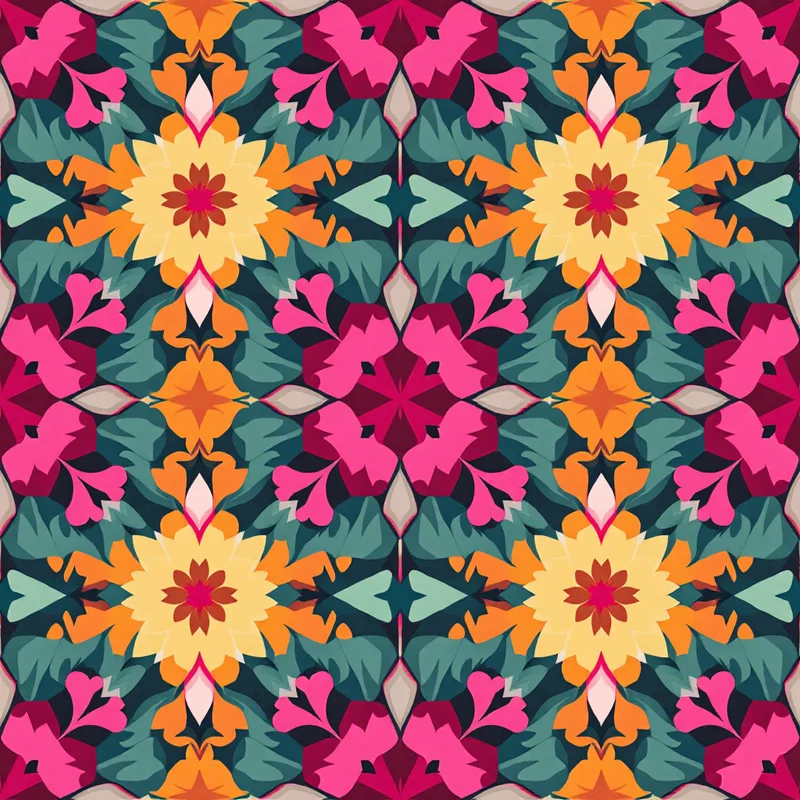
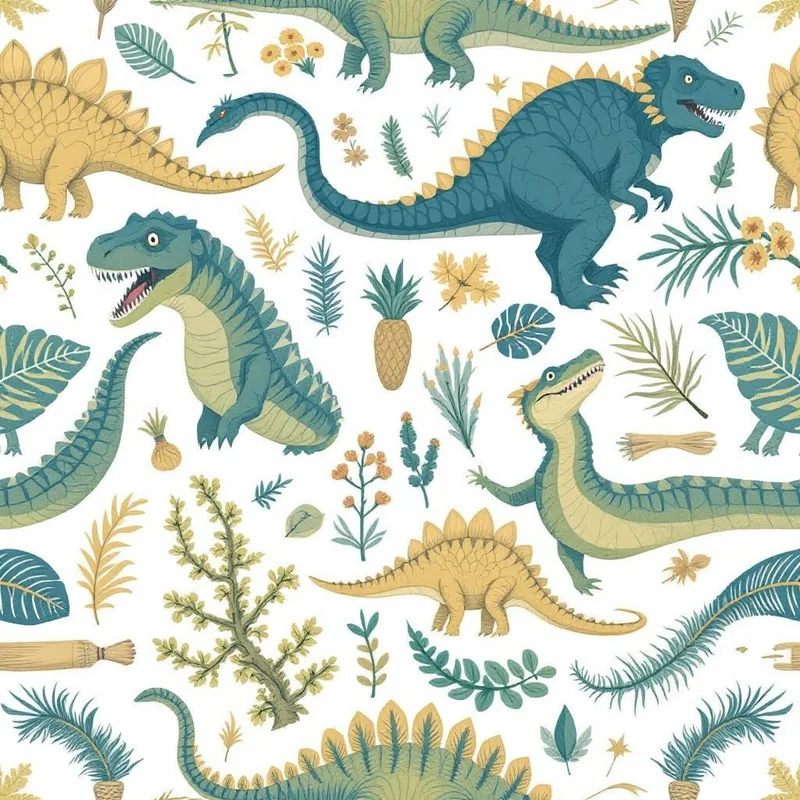
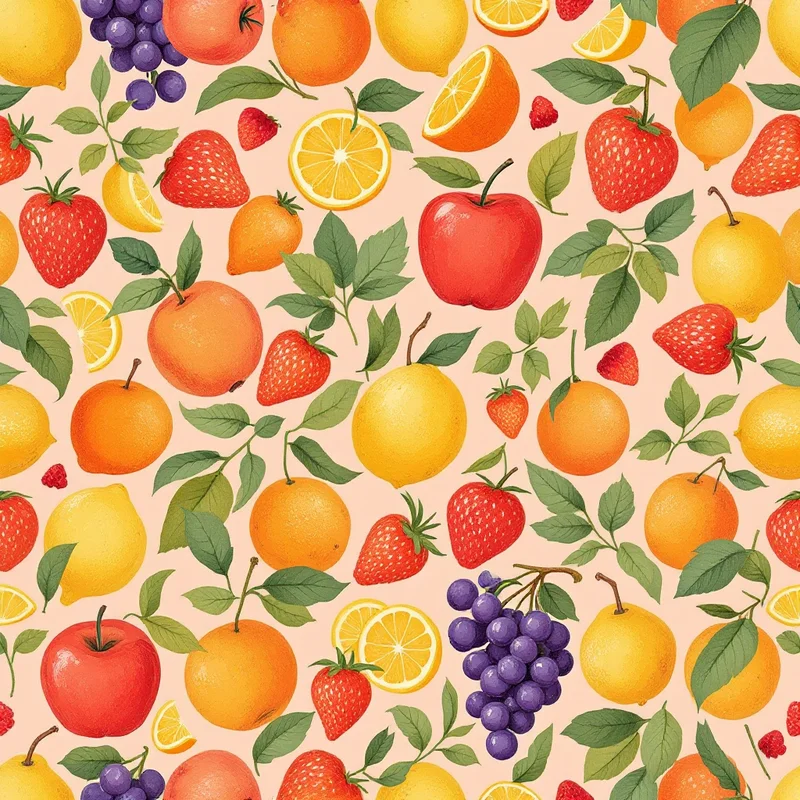
Pattern Weaver and Spoonflower solve different parts of the same workflow. Pattern Weaver is an AI seamless pattern generator with 600+ substyles, 29 render methods, and production-grade exports including CMYK TIFF at 8K. Spoonflower is a print-on-demand marketplace and printing service for fabric, wallpaper, and home goods, where you upload your own designs or sell to other creators. Many surface designers use both: Pattern Weaver to create the design, Spoonflower to print and sell it.
Feature comparison
| Feature | Pattern Weaver | Spoonflower |
|---|---|---|
| AI pattern generation | 600+ substyles with granular controls | Marketplace and print service, not a generator |
| Seamless tiling | AI seam correction built in | Upload-onlyAccepts seamless designs you upload |
| Style depth | 600+ substyles, 29 render methodsComprehensive style taxonomy | N/A — design tool not includedDesigns come from sellers, not Spoonflower |
| Max export resolution | 8K (8192×8192)300 DPI options | Up to 150 DPI for fabricSpoonflower-recommended 150 DPI |
| Export formats | PNG, JPG, WEBP, TIFF, PDFCMYK TIFF with bleed margins | Accepts JPG, PNG, TIFFUpload format requirements vary |
| Repeat layouts | Grid, half-drop, brick, mirror, scattered | Set at upload timeChoose layout when uploading |
| Physical printing | Generate digital files only | Prints on fabric, wallpaper, home goods |
| Marketplace selling | You retain commercial rights to sell elsewhere | Built-in marketplace with global buyers |
| Sample swatches | Generation only | Order test swatches before final print |
| Price | $19.99–$99.99 packs5 free credits | Pay per printSample swatch ~$5, full yards $13+ |
When to choose Pattern Weaver
- You need truly seamless, production-ready pattern tiles
- You want deep style control with 600+ substyles and 29 render methods
- You need print-ready exports (8K resolution, CMYK TIFF, PDF with bleed)
- You work in textile design, surface design, or print on demand
- You want repeat layouts like half-drop, brick, mirror, and scattered
When to choose Spoonflower
Frequently asked questions
Should I use Pattern Weaver or Spoonflower?
You probably want both. Pattern Weaver creates the seamless pattern file using AI, and Spoonflower prints that file on fabric, wallpaper, or home goods (or sells it through their marketplace). They are complements, not competitors. Designers who only need digital pattern files use Pattern Weaver alone; those who want printed products use both.
Can I sell Pattern Weaver designs on Spoonflower?
Yes. All Pattern Weaver paid plans include full commercial rights, which means you can sell your generated patterns on Spoonflower, Etsy, Redbubble, your own store, and any other commercial platform. Many surface designers run a Spoonflower shop using Pattern Weaver as their generation engine.
Why not just use Spoonflower's built-in design tools?
Spoonflower's in-browser design tools are simple and convenient for basic edits, but they're not a full pattern generator. For serious pattern design — 600+ substyles, AI seam correction, multiple repeat layouts, render styles, and 8K production exports — Pattern Weaver provides the dedicated tool that Spoonflower's upload pipeline expects you to bring.
What DPI should I export at for Spoonflower?
Spoonflower recommends 150 DPI for most fabric and wallpaper products. Pattern Weaver lets you export at any resolution up to 8K (8192×8192 px), so you can match Spoonflower's specs exactly or downsample on upload. For fine-detail patterns intended for fabric printing, the 8K export gives Spoonflower the highest-quality source file to print from.
See what you can create
Explore thousands of seamless pattern styles across every category.
This site uses cookies to ensure you get the best experience. Learn more