Pattern Weaver vs Repper
AI pattern generation and image-to-pattern conversion, compared
5 free credits — no credit card required
Overview
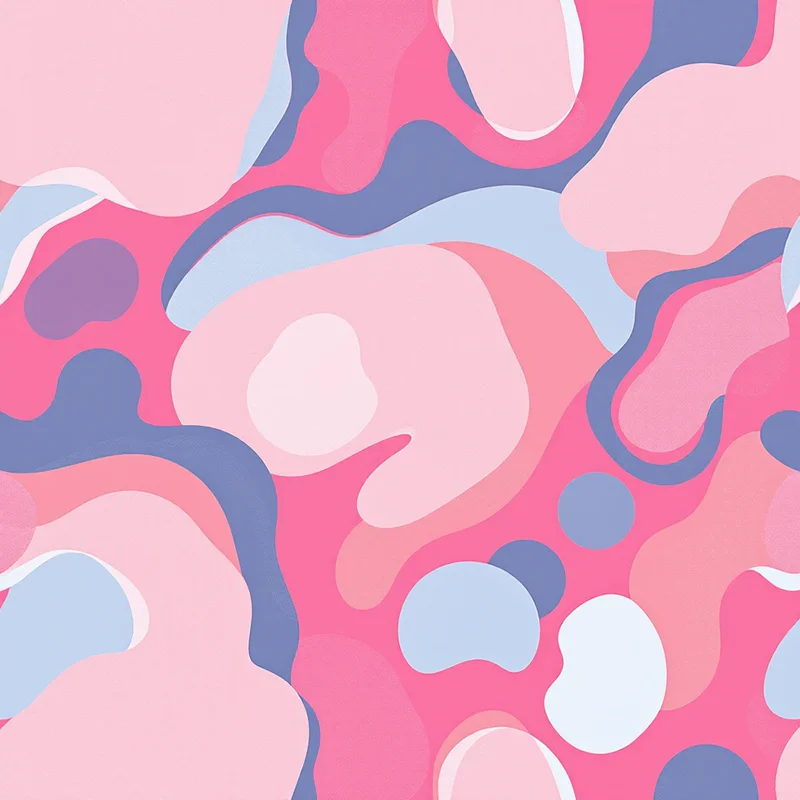
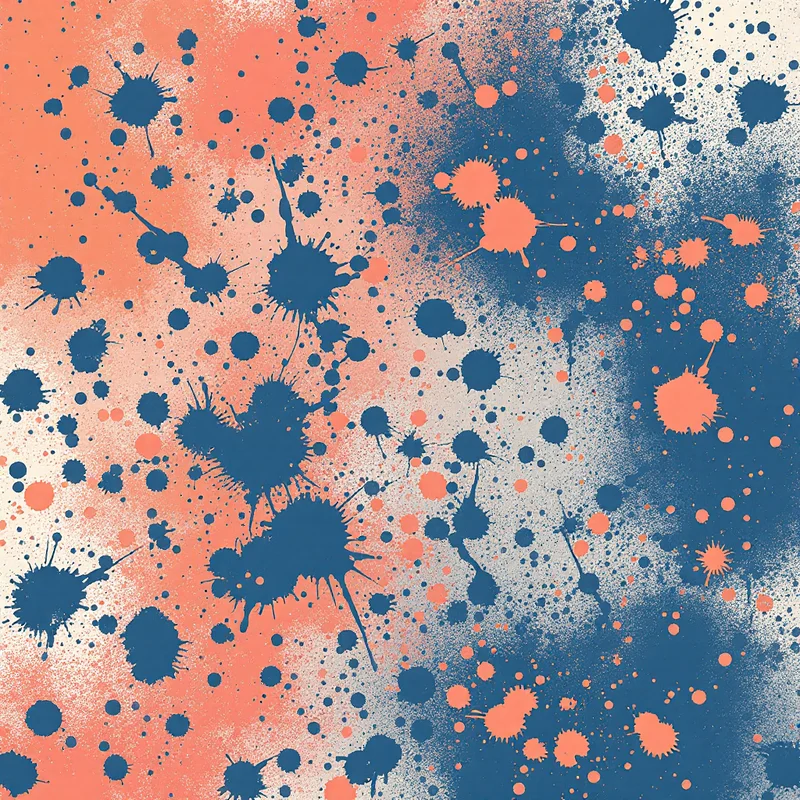
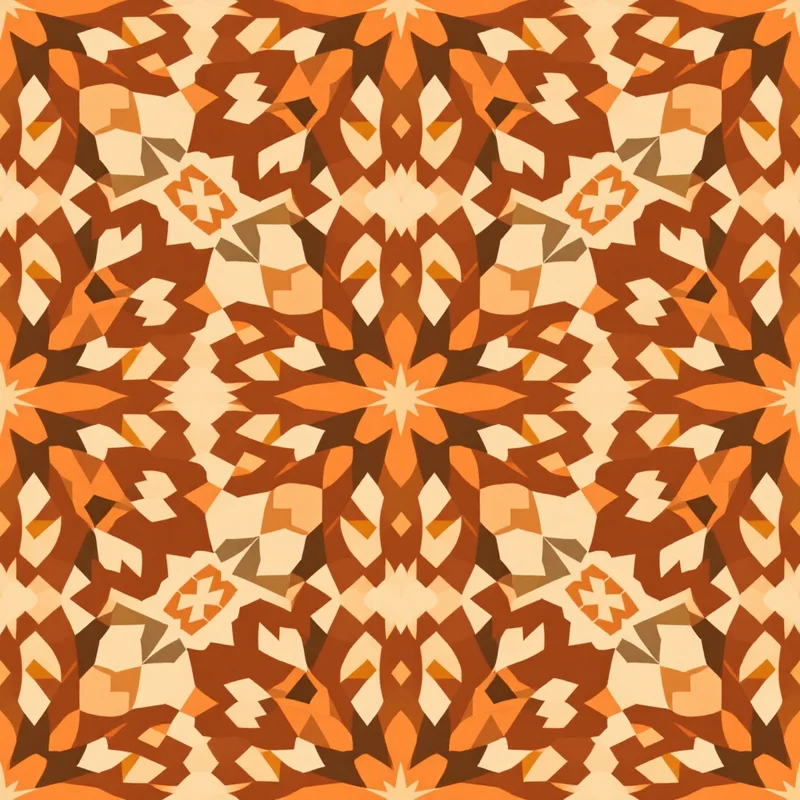
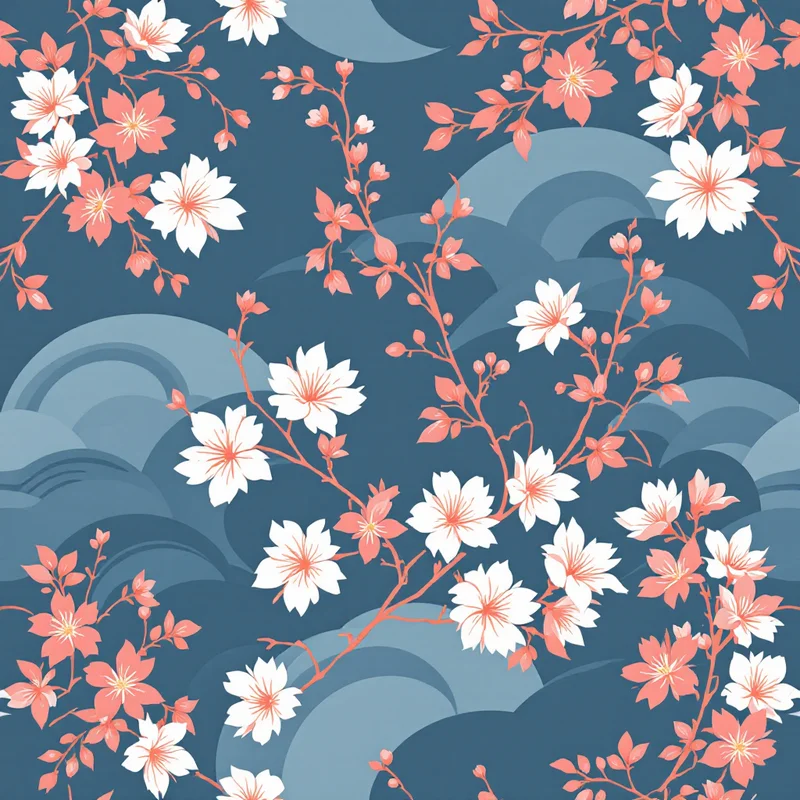
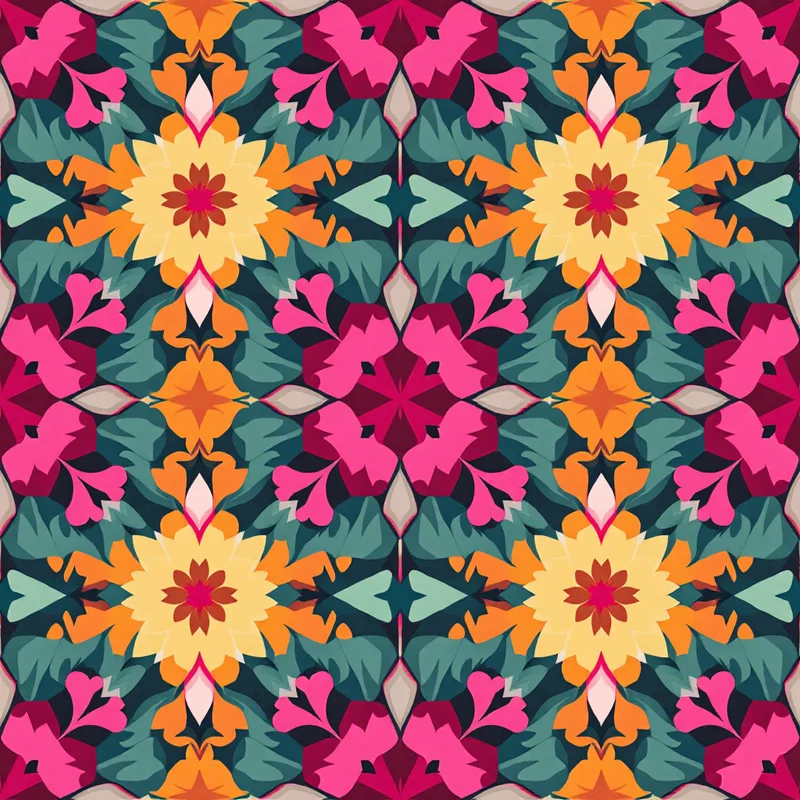
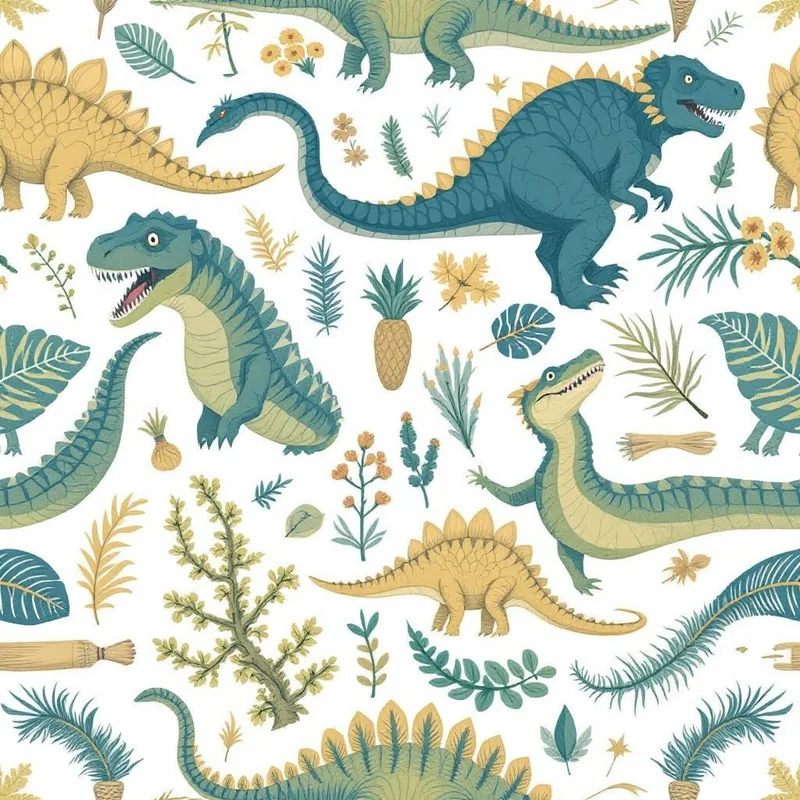
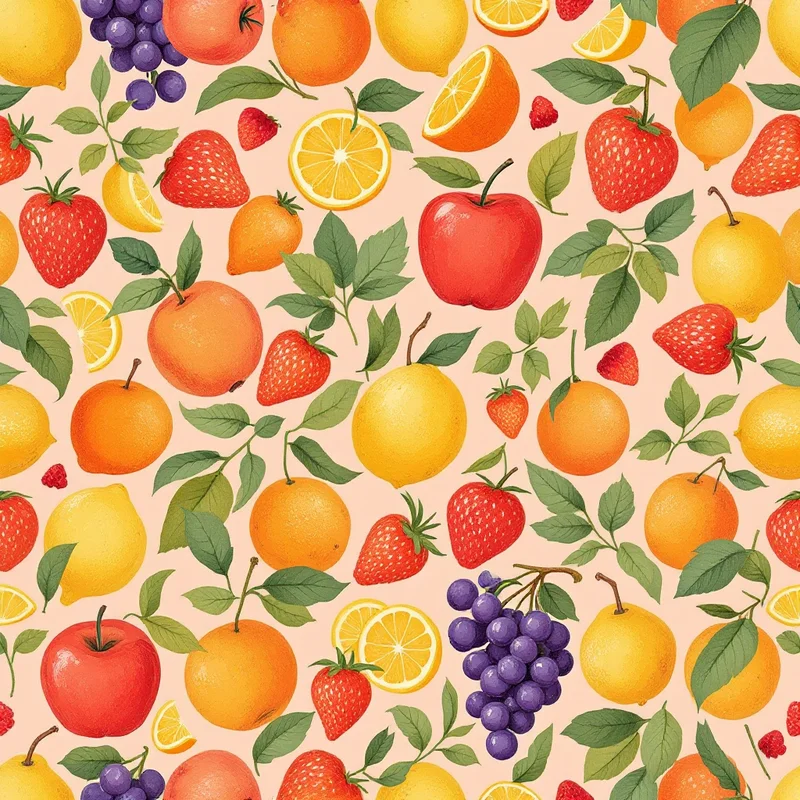
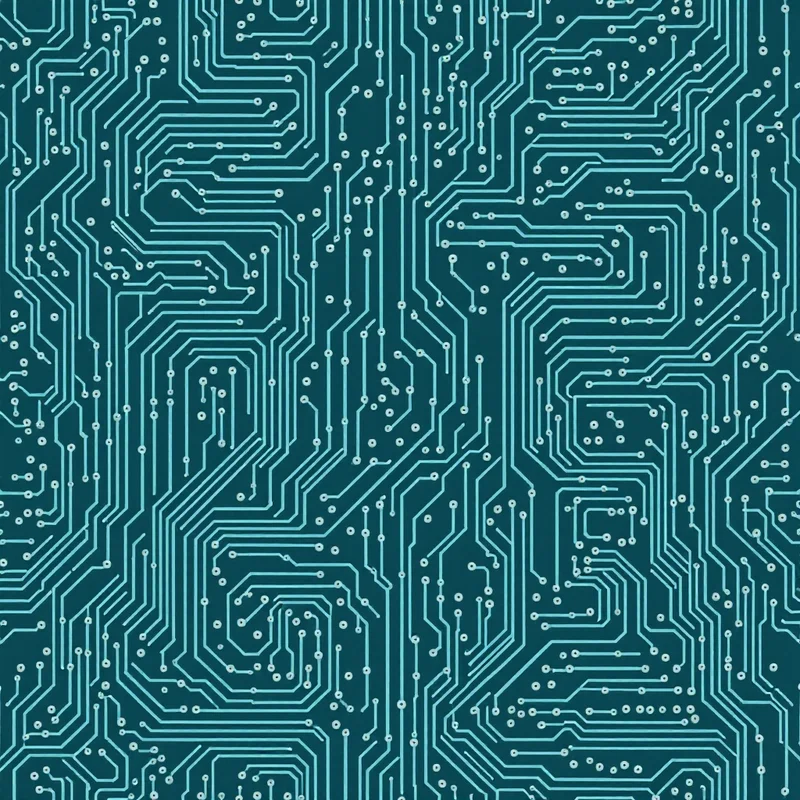
Pattern Weaver and Repper take different approaches to seamless patterns. Pattern Weaver generates patterns from scratch using AI, with 600+ substyles, 29 render methods, and production exports up to 8K including CMYK TIFF. Repper takes images you provide and tiles them into seamless patterns using kaleidoscope-style symmetries (rotational, mirror, drop). Both produce seamless tiles, but Pattern Weaver creates from prompts while Repper transforms existing artwork.
Feature comparison
| Feature | Pattern Weaver | Repper |
|---|---|---|
| AI pattern generation | Generates from style choices and prompts | Tiles existing images, no AI generation |
| Image-to-pattern | Generation tool only | Core feature: upload image, get pattern |
| Symmetry patterns | Repeat layouts: half-drop, brick, mirror, scattered | Kaleidoscope, mirror, rotational symmetries |
| Style depth | 600+ substyles, 29 render methodsChoose style, color, density, scale | Image-driven, depends on inputOutput style mirrors source artwork |
| Max export resolution | 8K (8192×8192)AI upscaling for large-format | 8K availableHigh resolution on paid plans |
| Export formats | PNG, JPG, WEBP, TIFF, PDFCMYK TIFF with bleed margins | PNG, JPG, SVGVector and raster outputs |
| Color palette control | Edit palette before generation | LimitedRecoloring tools available |
| Generate without source art | No upload required | Requires source image to tile |
| Production features | CMYK, bleed margins, 8K, repeat layouts | PartialStrong tile output, fewer print specifics |
| Price | $19.99–$99.99 packs5 free credits | Free — $19/moFree with limits, Pro for full features |
When to choose Pattern Weaver
- You need truly seamless, production-ready pattern tiles
- You want deep style control with 600+ substyles and 29 render methods
- You need print-ready exports (8K resolution, CMYK TIFF, PDF with bleed)
- You work in textile design, surface design, or print on demand
- You want repeat layouts like half-drop, brick, mirror, and scattered
When to choose Repper
Frequently asked questions
What is the difference between Pattern Weaver and Repper?
Pattern Weaver generates patterns from scratch using AI — you pick a style, colors, density, and scale, and it produces a seamless tile. Repper takes an existing image (a photograph, illustration, painting) and tiles it into a seamless pattern using kaleidoscope symmetries. Pattern Weaver is for designers who want to generate; Repper is for designers who already have artwork and want to tile it.
Which is better for surface pattern design?
It depends on your workflow. If you create your own illustrations in Procreate or Illustrator and want to turn them into seamless patterns, Repper is purpose-built for that conversion step. If you want to generate patterns from style and color inputs without needing source art, Pattern Weaver covers the full creation pipeline. Many designers use Repper for hand-drawn workflow and Pattern Weaver for AI-driven output.
Can Repper generate original patterns?
Repper requires a source image to tile — it's not a from-scratch generator. If you don't have source artwork, Repper is not the right tool. Pattern Weaver generates from prompts and style choices, so you can produce patterns without needing any starting image.
Which tool is better for production printing?
Pattern Weaver provides more production-specific features out of the box: CMYK TIFF export, bleed margins, multiple repeat layout choices (half-drop, brick, mirror, scattered), and 8K resolution. Repper produces high-quality tile output and supports 8K, but with fewer print-specific options. For fabric, wallpaper, and packaging printing, Pattern Weaver covers more of the production pipeline.
See what you can create
Explore thousands of seamless pattern styles across every category.
This site uses cookies to ensure you get the best experience. Learn more