Pattern Weaver vs Canva
Dedicated pattern generator and general design platform, compared
5 free credits — no credit card required
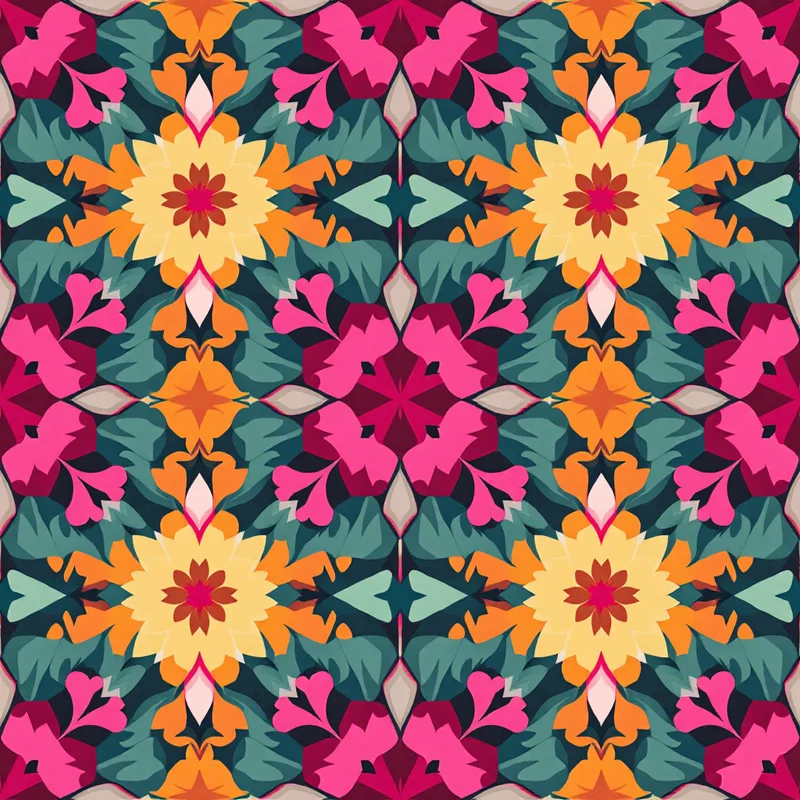
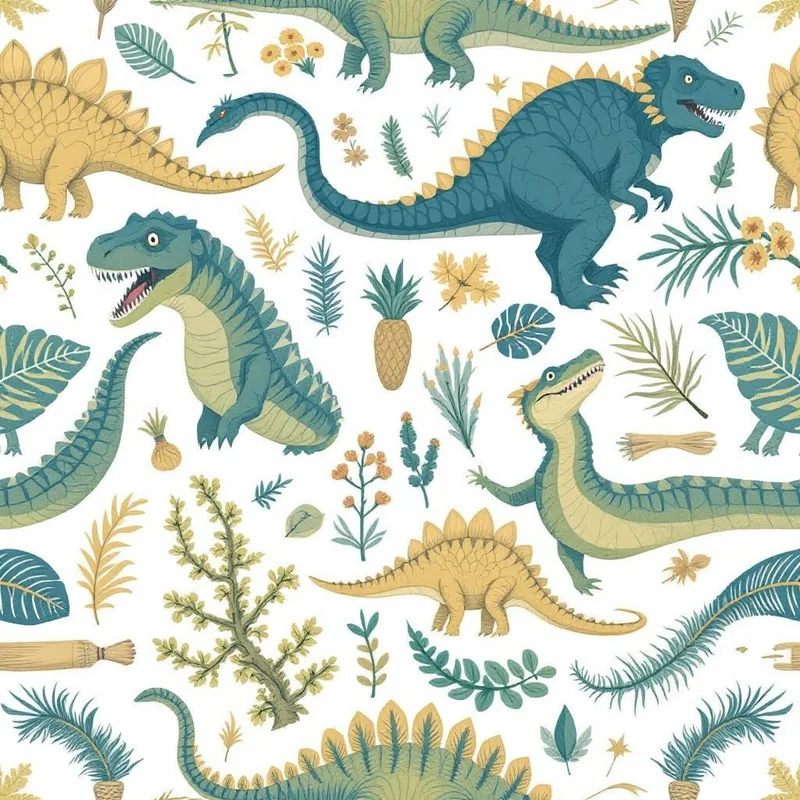
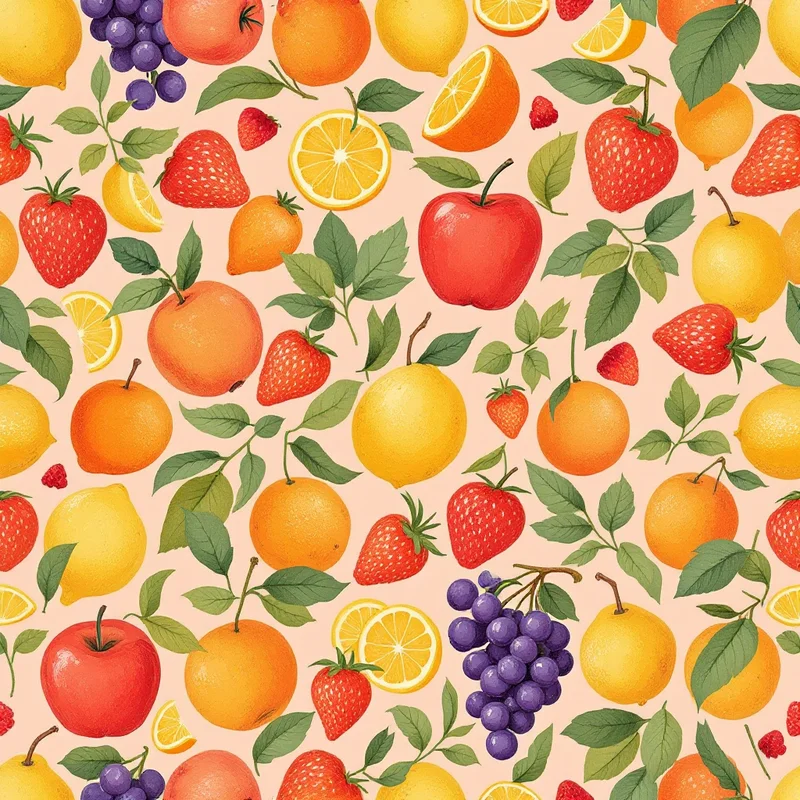
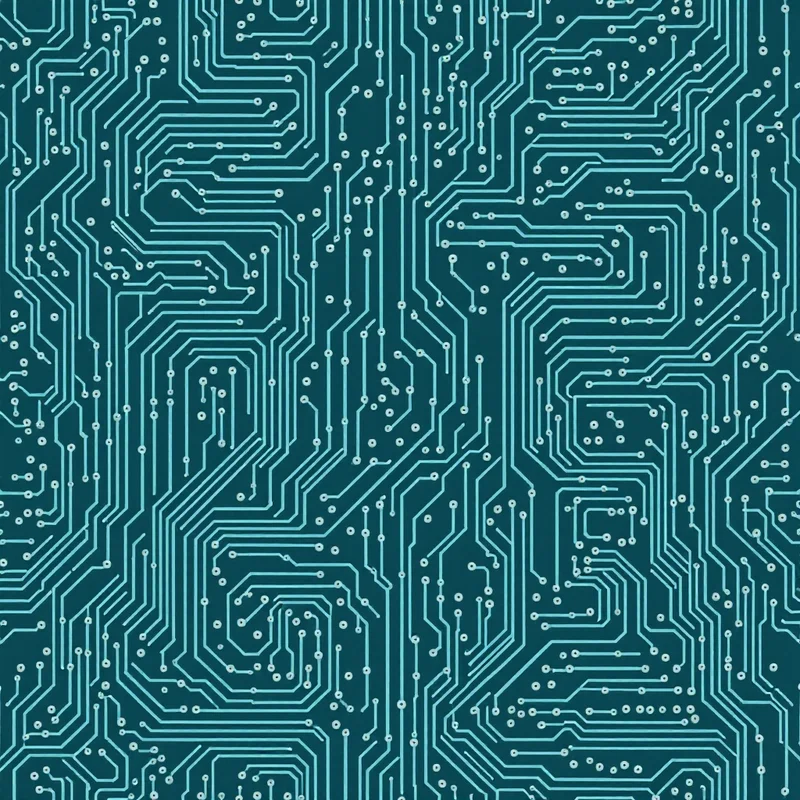
Overview
Pattern Weaver is a dedicated AI seamless pattern generator with 600+ substyles, 29 render methods, AI seam correction, and production-grade exports up to 8K including CMYK TIFF. Canva is a general design platform with a pattern generator feature alongside templates, presentations, social media graphics, and a wide range of marketing tools. For pattern-only work, Pattern Weaver provides more depth; for everything-design-related, Canva covers more ground.
Feature comparison
| Feature | Pattern Weaver | Canva |
|---|---|---|
| AI pattern generation | 600+ substyles with granular controls | Text-to-pattern with style options |
| Seamless tiling | AI seam correction built in | PartialPattern feature creates tileable images, manual seam fix may be needed |
| Style depth | 600+ substyles, 29 render methodsComprehensive style taxonomy | Style presetsGeneral style options across many tools |
| Max export resolution | 8K (8192×8192)AI upscaling for large-format | 4K (Pro tier)Higher resolutions on paid plans |
| Export formats | PNG, JPG, WEBP, TIFF, PDFCMYK TIFF with bleed margins | PNG, JPG, PDF, SVG (Pro), MP4Wide format range, RGB-focused |
| Repeat layouts | Grid, half-drop, brick, mirror, scattered | Pattern feature outputs single tile |
| Templates and graphics | Pattern-focused tool | Hundreds of thousands of templates |
| Typography tools | Pattern-only generation | Full text editing and font library |
| Brand kit and team | Personal palette saving | Brand kits, team workflows on Pro |
| Price | $19.99–$99.99 packs5 free credits | Free — $15/mo (Pro)Generous free tier, Pro for advanced features |
When to choose Pattern Weaver
- You need truly seamless, production-ready pattern tiles
- You want deep style control with 600+ substyles and 29 render methods
- You need print-ready exports (8K resolution, CMYK TIFF, PDF with bleed)
- You work in textile design, surface design, or print on demand
- You want repeat layouts like half-drop, brick, mirror, and scattered
When to choose Canva
Frequently asked questions
Is Canva good for pattern design?
Canva includes a pattern generator and works for casual seamless pattern needs, social media backgrounds, and design exploration. For dedicated pattern production with depth (600+ substyles, multiple render methods, repeat layout choices, AI seam correction, CMYK export), Pattern Weaver is the specialized tool. Canva is broader but shallower; Pattern Weaver is narrower but deeper for patterns.
Which has better seamless pattern output?
Pattern Weaver. Every Pattern Weaver tile is true seamless with AI seam correction during generation, exports at 8K with CMYK TIFF support, and gives you choice of repeat layouts (half-drop, brick, mirror, etc.). Canva's pattern feature outputs a single tile at lower resolution and may need manual seam touch-up for production use.
Can I use Canva for fabric printing or wallpaper?
Canva exports work for digital and basic print uses, but its RGB color workflow and limited resolution make it less ideal for production fabric or wallpaper printing where CMYK and 300 DPI at large sizes matter. Pattern Weaver outputs CMYK TIFF with bleed margins designed for production printing on fabric, wallpaper, and packaging.
Should I switch from Canva to Pattern Weaver?
If you only do patterns occasionally, stay with Canva — it's capable enough for casual use. If patterns are core to your work (fabric design, wallpaper, home goods, packaging, surface design), Pattern Weaver gives you the depth and production features Canva's general-purpose tool wasn't built for. Many designers keep Canva for general design and add Pattern Weaver for serious pattern work.
See what you can create
Explore thousands of seamless pattern styles across every category.
This site uses cookies to ensure you get the best experience. Learn more