Pattern Weaver vs Adobe Illustrator
AI pattern generation and professional vector design compared
5 free credits — no credit card required
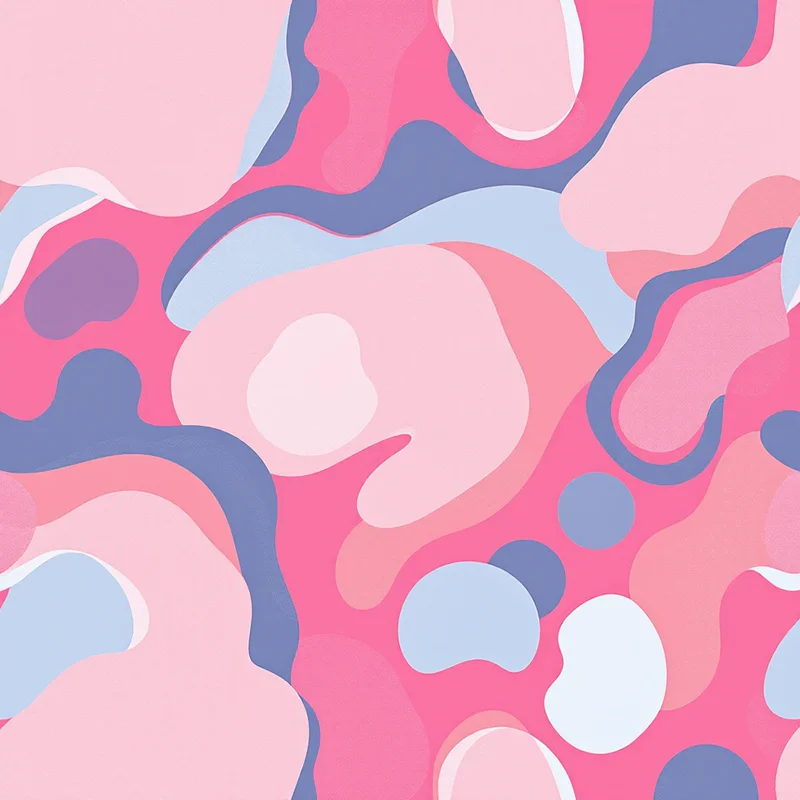
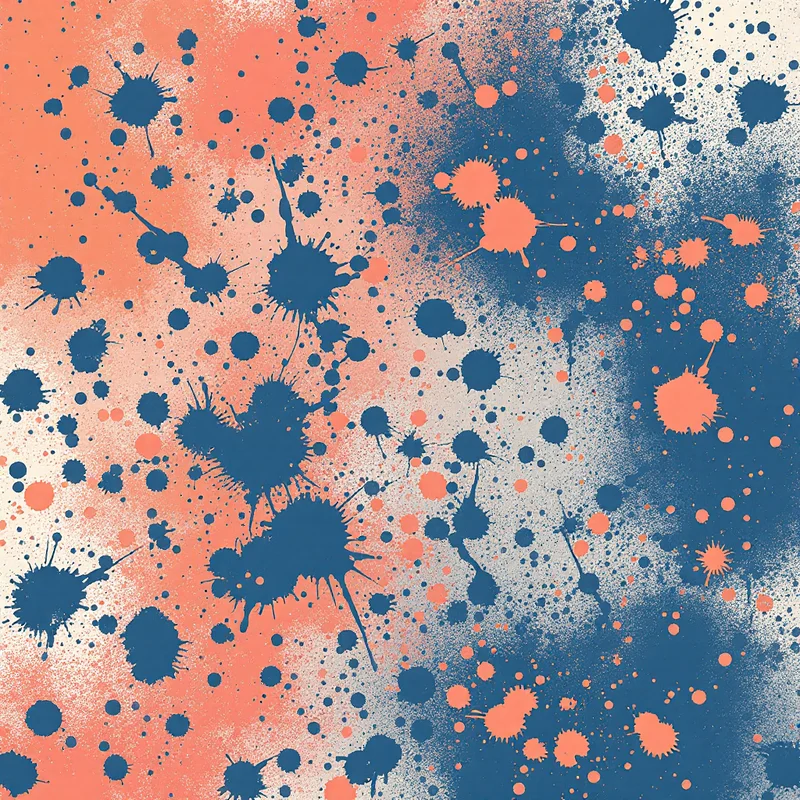
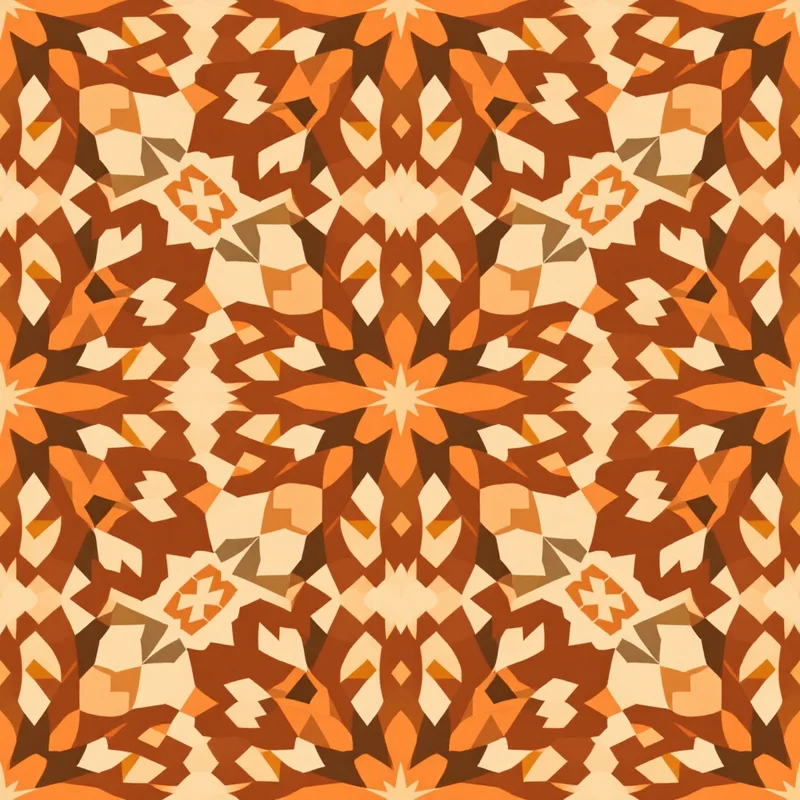
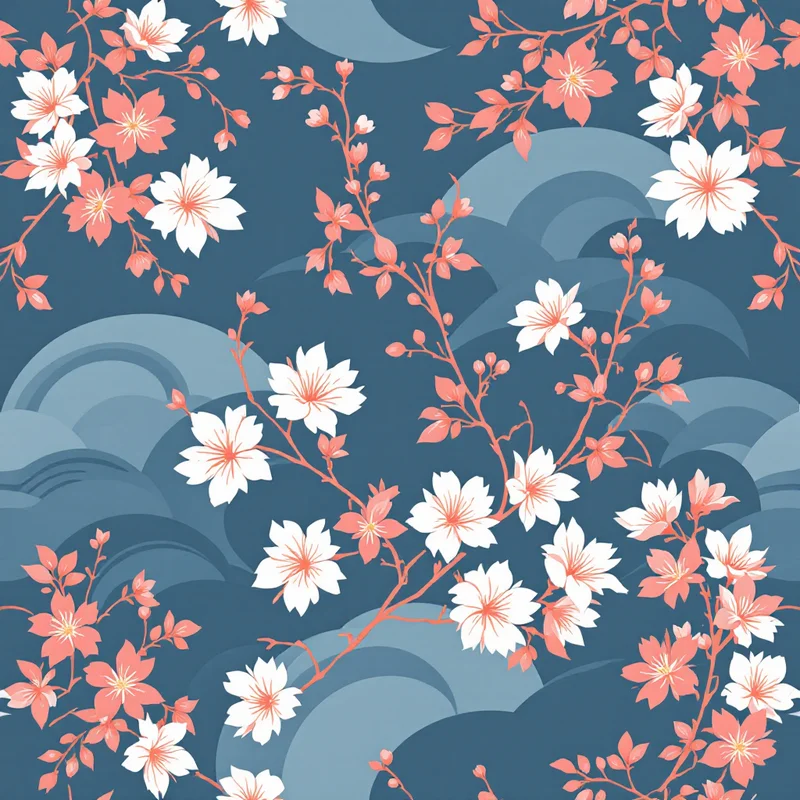

Overview
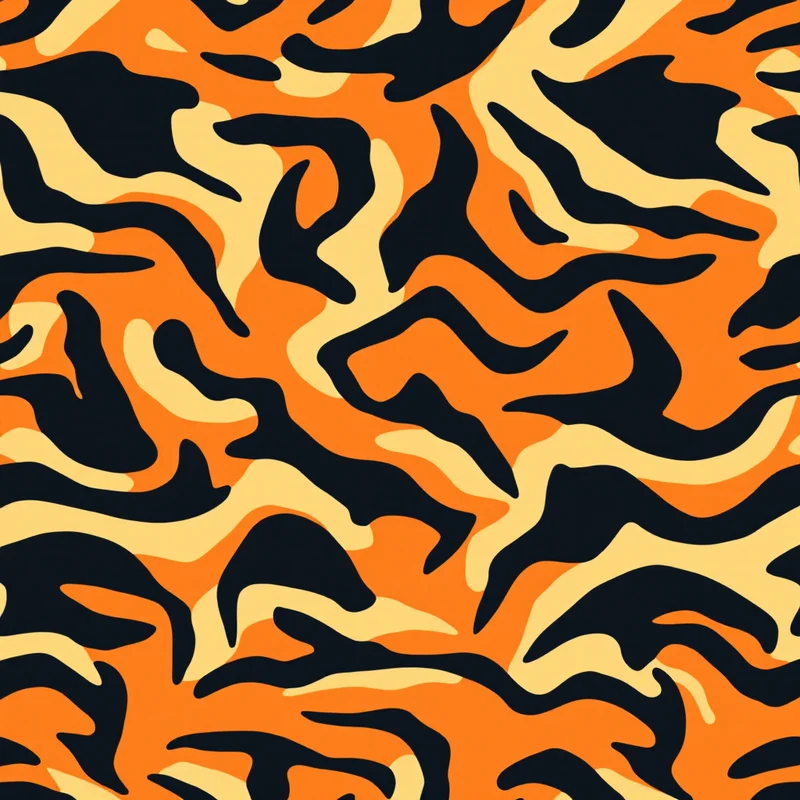
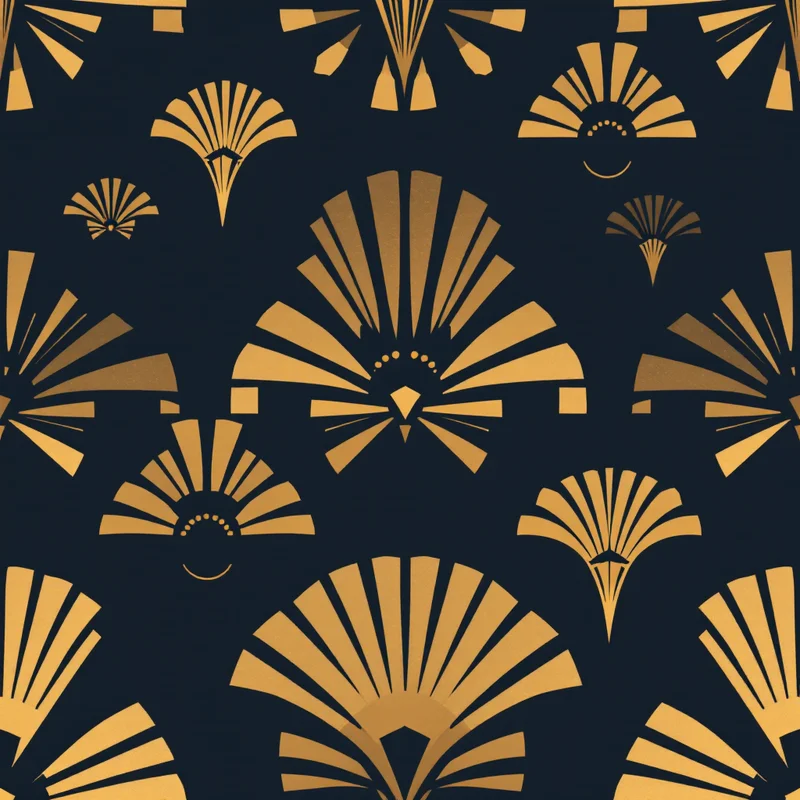
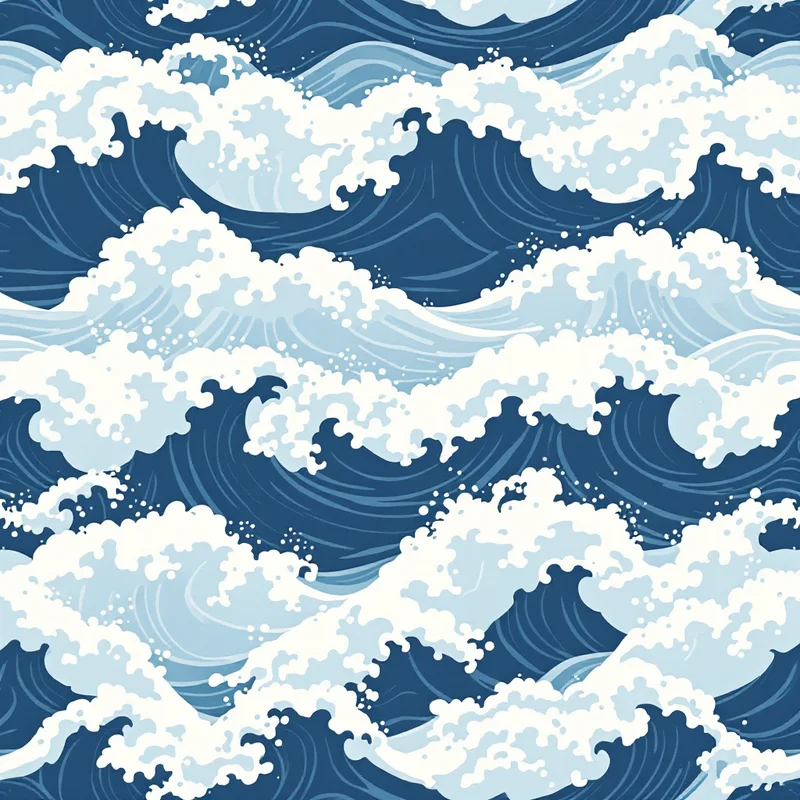
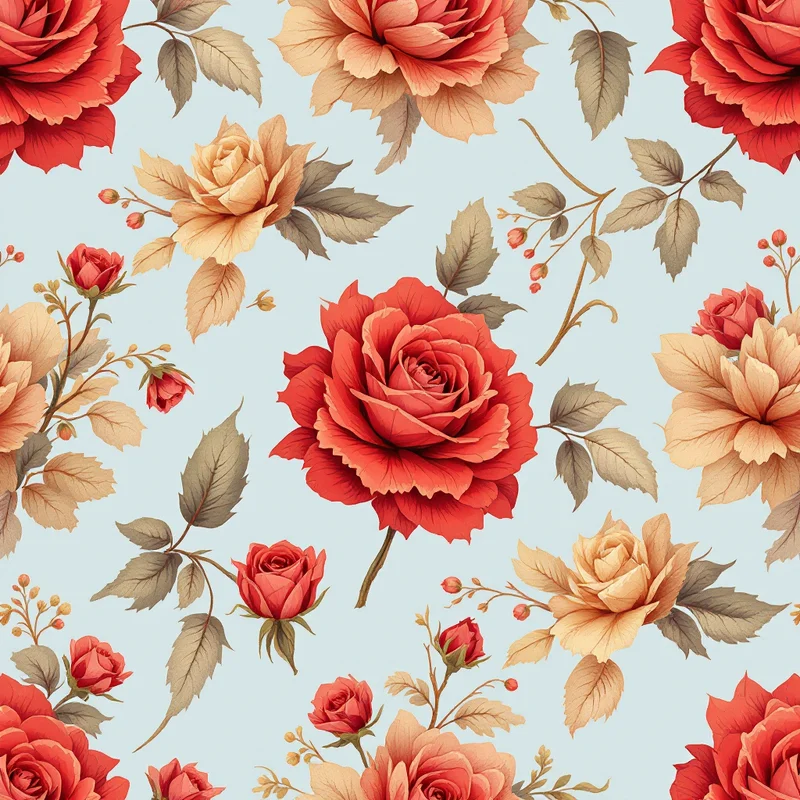
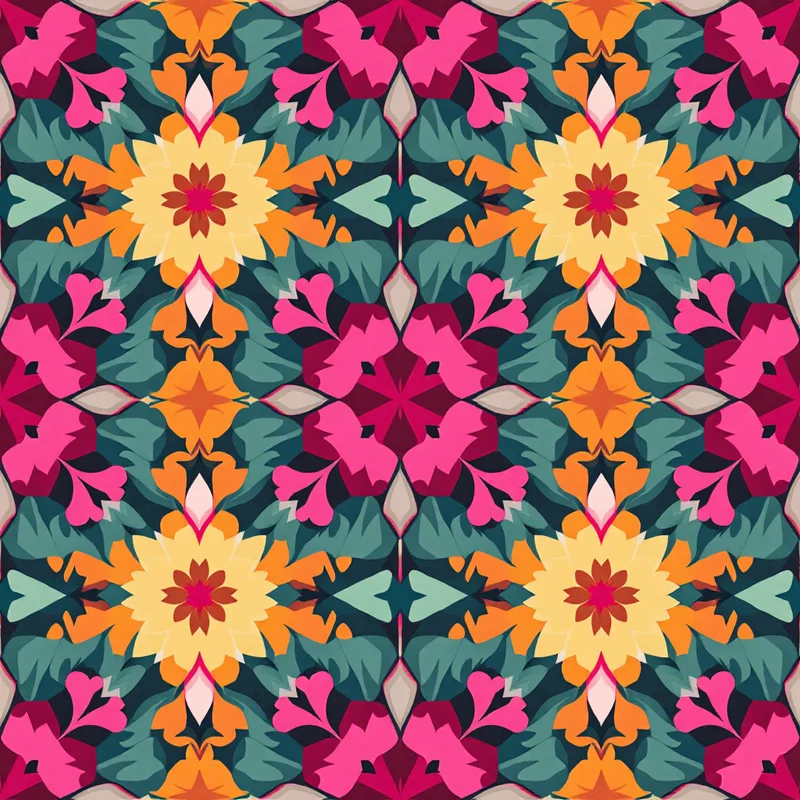
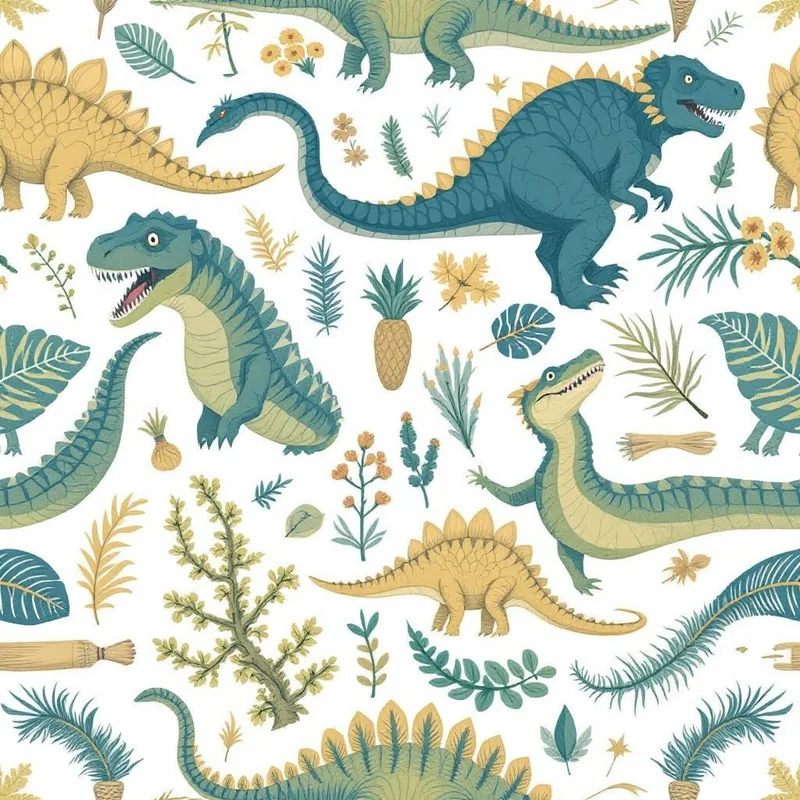
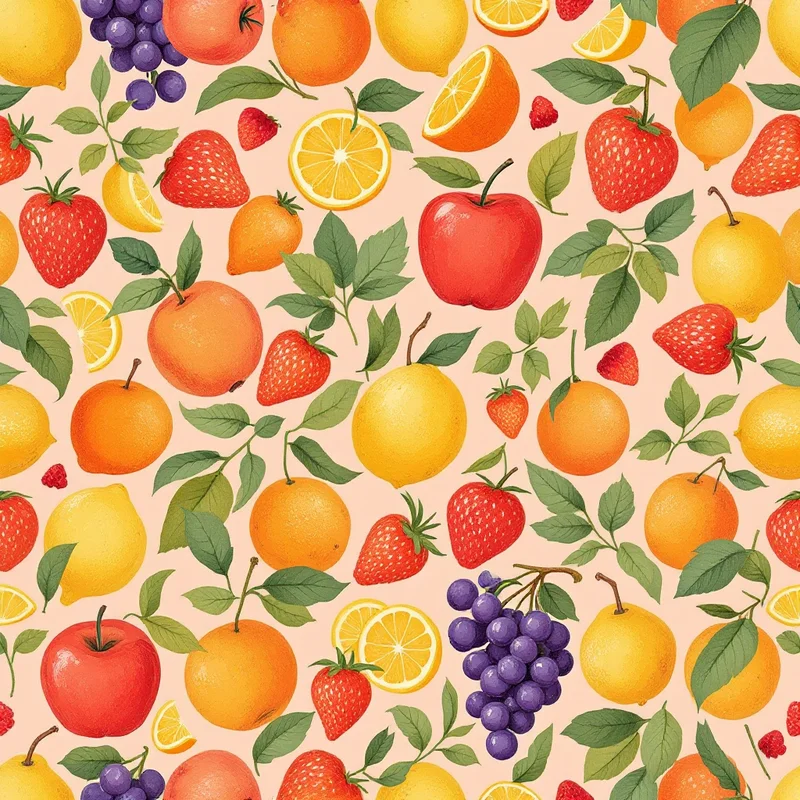
Pattern Weaver is an AI-powered pattern generator purpose-built for seamless repeating tiles with 600+ substyles and production-ready exports. Adobe Illustrator is the industry-standard vector design tool with full manual control, pattern swatch creation, and deep integration with the Creative Cloud ecosystem. Each tool serves a different part of the design workflow.
Feature comparison
| Feature | Pattern Weaver | Adobe Illustrator |
|---|---|---|
| Pattern creation method | AI generationSelect style, substyle, colors — AI generates | Manual designFull creative control with pen tool and shapes |
| Seamless tiling | Automatic with AI seam correction | Pattern Make feature, manual tile setup |
| Time to first pattern | ~30 secondsAI generates instantly | 30 min — hoursManual illustration required |
| Style variety | 600+ substyles, 29 render methodsCurated AI styles | Unlimited (manual skill)Limited only by designer skill |
| Max export resolution | 8K (8192×8192)Raster output with AI upscaling | Unlimited (vector)True vector — infinite scaling |
| Export formats | PNG, JPG, WEBP, TIFF, PDFCMYK TIFF with bleed margins | AI, SVG, EPS, PDF, PNG, JPG, TIFFFull vector and raster export |
| Repeat layouts | Grid, half-drop, brick, mirror, scattered | Tile types, brick, hex via Pattern Make |
| Product mockups | Built-in preview on products | Requires separate mockup templates |
| Learning curve | Beginner-friendlyPoint-and-click, no design skills needed | Professional toolSignificant learning investment |
| Price | $19.99–$99.99 packs5 free credits | $22.99/mo (single app)Part of Creative Cloud |
When to choose Pattern Weaver
- You need truly seamless, production-ready pattern tiles
- You want deep style control with 600+ substyles and 29 render methods
- You need print-ready exports (8K resolution, CMYK TIFF, PDF with bleed)
- You work in textile design, surface design, or print on demand
- You want repeat layouts like half-drop, brick, mirror, and scattered
When to choose Adobe Illustrator
Frequently asked questions
Should I use Pattern Weaver or Illustrator for pattern design?
They serve different needs. Pattern Weaver generates production-ready patterns in seconds using AI — ideal if you need volume, variety, or lack manual illustration skills. Illustrator gives you complete manual control for bespoke, pixel-perfect vector patterns. Many designers use both: Pattern Weaver for rapid exploration and Illustrator for fine-tuning specific hero patterns.
Can Pattern Weaver replace Adobe Illustrator?
For pattern generation specifically, Pattern Weaver handles the full pipeline from creation to production-ready export. However, Illustrator remains essential for bespoke vector illustration, logo design, and detailed manual editing. Pattern Weaver complements Illustrator by handling rapid pattern generation while Illustrator handles precision work.
Which is better for beginners?
Pattern Weaver has a much lower barrier to entry — you select a style, choose colors, and AI generates a seamless tile. No drawing skills or technical knowledge needed. Illustrator requires significant investment in learning vector tools, pathfinders, and pattern creation workflows before producing professional results.
See what you can create
Explore thousands of seamless pattern styles across every category.
This site uses cookies to ensure you get the best experience. Learn more