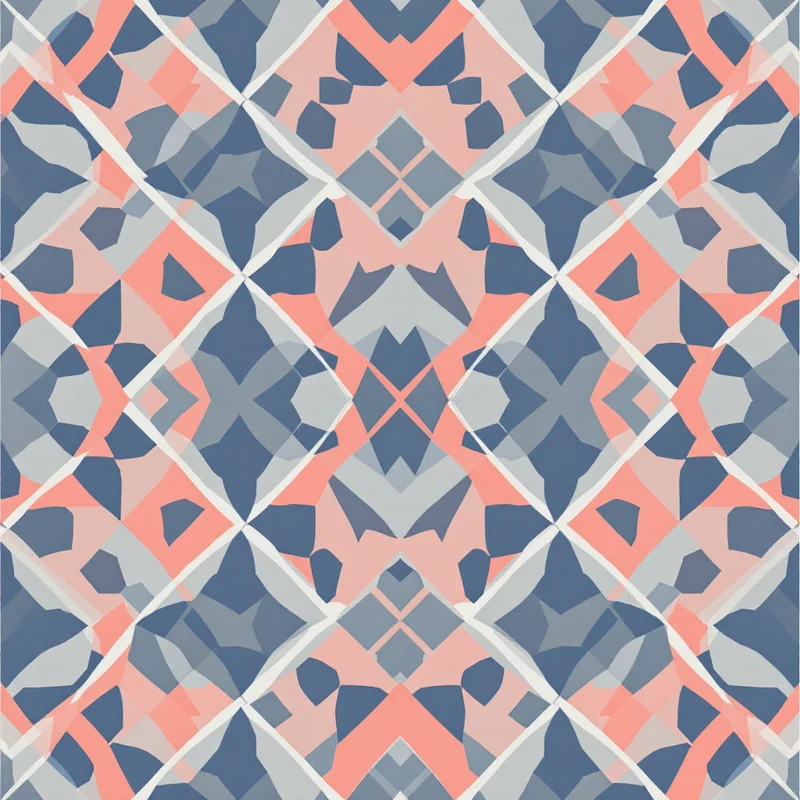
Tapestry crochet is a colorwork technique where you carry multiple yarn colors across a row, crocheting over the unused strands to create dense, two-sided fabric with bold graphic designs. It is the technique behind Wayuu mochilas, those striking geometric bags from Colombia, and it shows up in traditions from Guatemala to West Africa. The common thread — literally — is that tapestry crochet excels at geometric, grid-based imagery built from blocks of solid color.
Key takeaway: Tapestry crochet is stitch-by-stitch, row-by-row colorwork -- functionally identical to pixel art. Any AI-generated pattern in a pixel-art or mosaic style with 2-4 high-contrast colors is already a viable crochet chart.
This makes it an unusually good match for AI-generated patterns, particularly those rendered in pixel-art or mosaic styles.
Why Geometric AI Patterns Suit Tapestry Crochet
Tapestry crochet works stitch by stitch, row by row, with each stitch representing one color in a chart. This is functionally identical to pixel art — each stitch is a pixel. A 60-stitch-wide bag panel is a 60-pixel-wide image. The visual language is the same.
The technique has natural constraints that filter out designs that would not work. Curves are approximated as staircases. Color changes need to be clean — no blending, no gradients, no watercolor softness. Thin lines thinner than one stitch width do not exist. These are exactly the constraints that pixel-art render modes in AI generators enforce automatically.
When you generate a geometric pattern with a pixel-art or mosaic render style, limited to 2-6 colors, the output is already a viable tapestry crochet chart. Diamonds, zigzags, stepped pyramids, concentric squares, arrow motifs, interlocking hooks — these are the bread and butter of both pixel art and traditional tapestry crochet.
Generating Patterns That Work
A few settings make the difference between a pattern you can crochet and one that looks nice on screen but falls apart in yarn.
Keep colors low. Tapestry crochet gets unwieldy beyond 4 colors per row because you are carrying all unused colors inside the work. Two or three colors is standard for most projects. When generating patterns, restrict your palette to 2-4 high-contrast colors. Dark on light reads best. Avoid colors that are close in value — they will blur together in yarn even if they look distinct on screen.
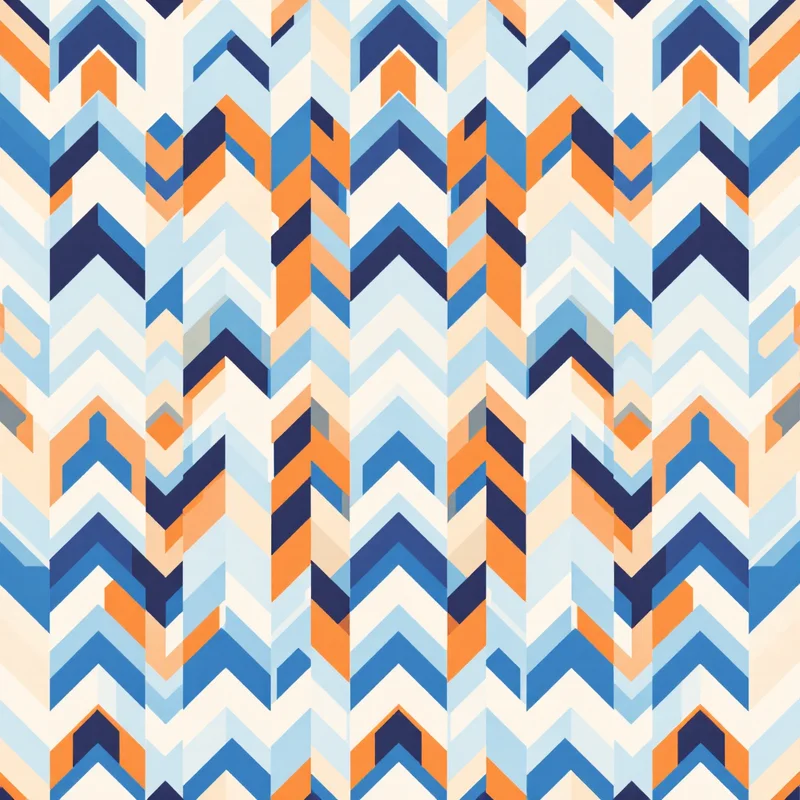
Think in rows. Tapestry crochet is worked in rows or rounds, so horizontal bands and row-based repeats are easiest to follow. Patterns with strong horizontal structure — stacked chevrons, horizontal zigzags, banded designs — translate more smoothly than designs with large diagonal sweeps or scattered isolated motifs.
Scale for your project. A mochila bag is typically 50-60 stitches in circumference. A cushion cover might be 80-100 stitches wide. A scarf could be 30-40. Generate your pattern at a resolution that roughly matches your stitch count, so each pixel maps to one stitch without resizing artifacts.
Pattern Styles Worth Exploring
Wayuu-inspired geometrics. Generate patterns using cultural or tribal substyles with geometric structure. The AI will produce stepped diamonds, nested triangles, and hooked meander motifs that echo traditional Wayuu designs while creating something original.
Nordic and Fair Isle. These knitting traditions translate beautifully to tapestry crochet. Snowflakes, reindeer silhouettes, eight-pointed stars, and allover diamond lattices — all grid-native, all gorgeous in two-color colorwork.
Art Deco geometry. Fan shapes, sunburst arcs, and stepped skyscraper motifs from the Art Deco style work surprisingly well when rendered at low resolution. The bold, angular quality of Deco design survives pixelation intact.
Simple botanical silhouettes. Leaves, tulips, and simple flower shapes have appeared in tapestry crochet for centuries. Keep the motifs large — at least 15-20 stitches tall — so they read clearly in yarn.
From Generated Image to Crochet Chart
The conversion process is straightforward. Take your AI-generated pattern image and open it in any charting tool that supports grid overlay — Stitch Fiddle, StitchFiddle, or even a spreadsheet with square cells and conditional formatting for colors.
Set your grid dimensions to match your project's stitch count. Reduce colors to your target count if the generator produced more than you want to carry. Then review the chart row by row, cleaning up any awkward single-stitch color changes (they are tedious to crochet and barely visible in the finished fabric). Smooth out staircases on diagonals so they step evenly rather than irregularly.
For bags worked in the round, remember that every other round is worked from the reverse side. Your chart needs to be read right-to-left on those rounds — most charting software handles this, but if you are working from a printed image, mirror alternate rows manually.
Granny Squares and Modular Designs
AI pattern generators are also useful for designing granny square colorwork layouts. Generate a pattern, divide it into a grid of equal squares, and use each square's dominant color as that granny square's center or border color. This gives you a planned colorwork blanket layout without the guesswork of choosing square arrangements by hand.
You can also generate small motifs — 15x15 or 20x20 pixel designs — and use each one as the center chart for an overlay crochet or corner-to-corner (C2C) granny square. Assemble the squares into a blanket where each one carries a different motif but all share the same color palette, creating a sampler effect.
The gap between seeing a pattern and crocheting it has always been the charting step. AI generation does not eliminate that step, but it compresses the design phase from hours of sketching on graph paper to minutes of generating, adjusting, and regenerating until the geometry clicks. The making is still slow, meditative, stitch-by-stitch work — exactly as it should be.
Explore related pattern styles
Patterns for